
SalesForce Integration
The SalesForce plugin for Compyl allows users to query their Salesforce data using SQL.
This plugin helps teams manage their customer relationship management (CRM) data efficiently by integrating Salesforce data into SQL queries.
Generating the Required Credentials
- Create your connected application - There are several options available here for instructions so be sure to pick the one that applies to your scenario
- Most likely you will be using the Enable OAuth Settings for API Integration article
- Configure basic connected application settings
- Reset your security token, which is required if you are connecting from an IP address outside your company's trusted IP range
Add Configuration
-
Navigate to the Integrations tab using the left-hand menu, and select SalesForce

-
Click the Add Configuration button and fill in the details below:

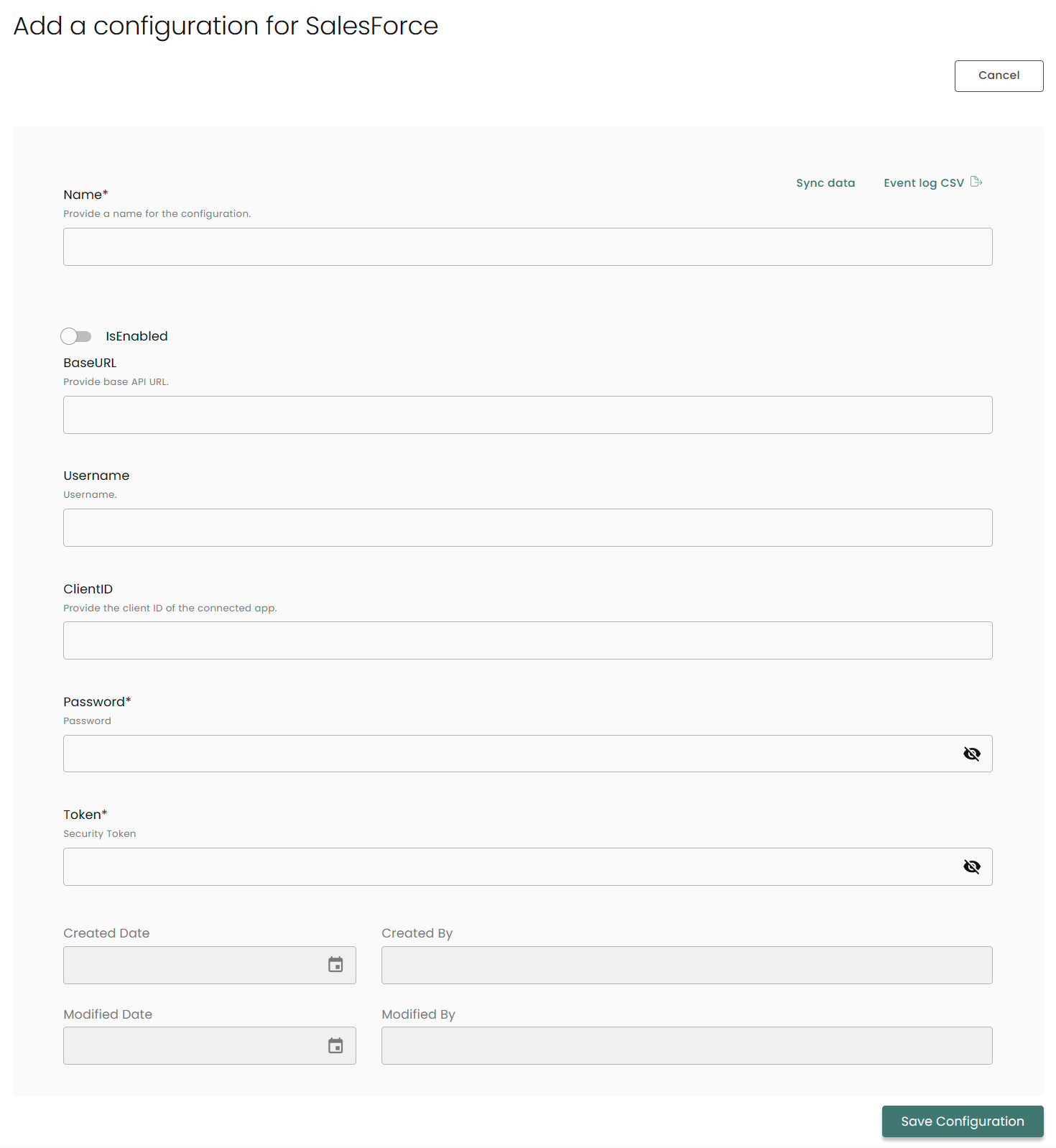
Name: Enter the name of the integration
is Enabled: Toggle button to ensure data is populated into Compyl
Base URL: This will look like https://your-name.my.salesforce.com
Username: Your Salesforce username.
ClientID: This will be the consumer key mentioned in the first paragraph of this article
Password: In the save article as above, this will be the consumer secret mentioned.
Key: The API/Security Token you generated.
Once you have completed filling out the form click Save Configuration.
NoteTo check if the integration is connected, navigate to the Integrations page in Compyl. If the Status icon shows an unbroken link in the right-hand corner, your integration is properly connected.

This integration syncs daily.
To query the data from the integration, refer to the Query Builder article.
Updated 2 months ago