
Policy Settings
You can access your Policy Settings by click on the gear icon at the top of the Policies page.

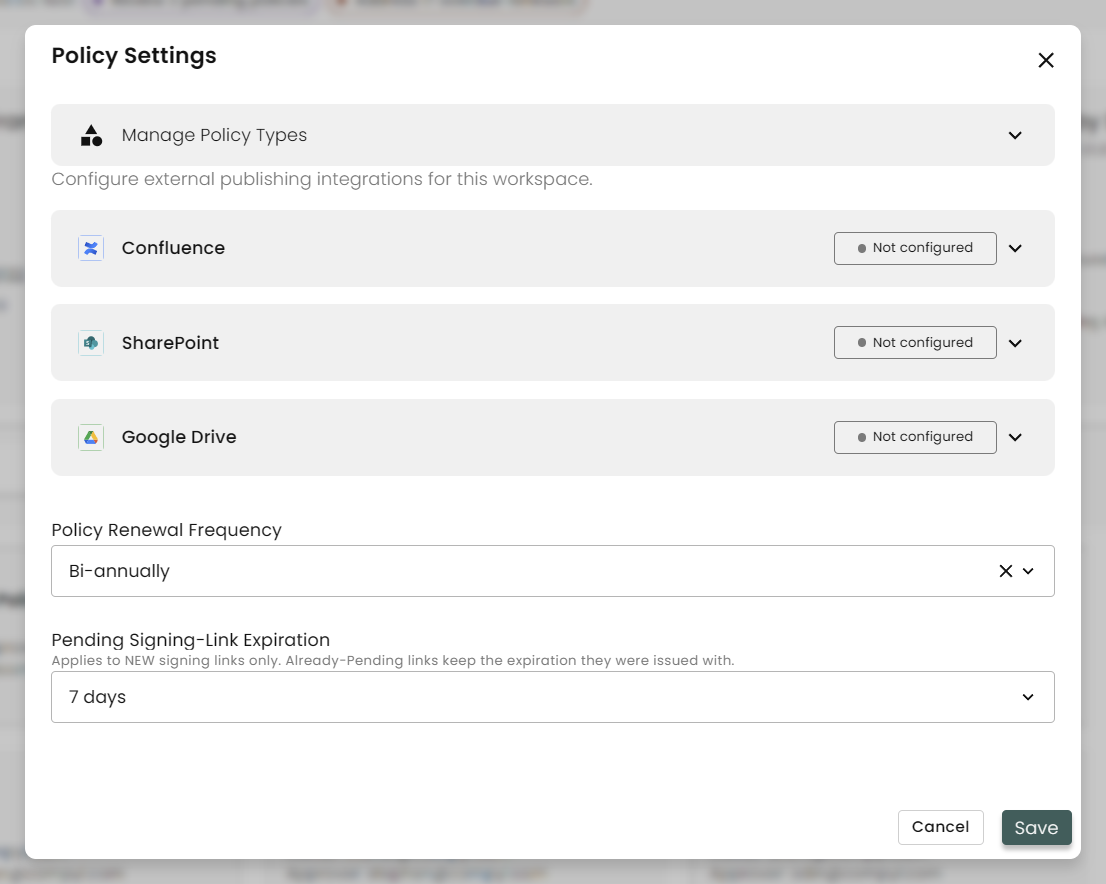
This opens the Settings page. From here you can Manage your Policy Types, configure your external publishing integrations, select your policy renewal frequency, as well as set the expiration timing on any signing links (such as with a Policy Acknowledgement).
Managing Policy Types
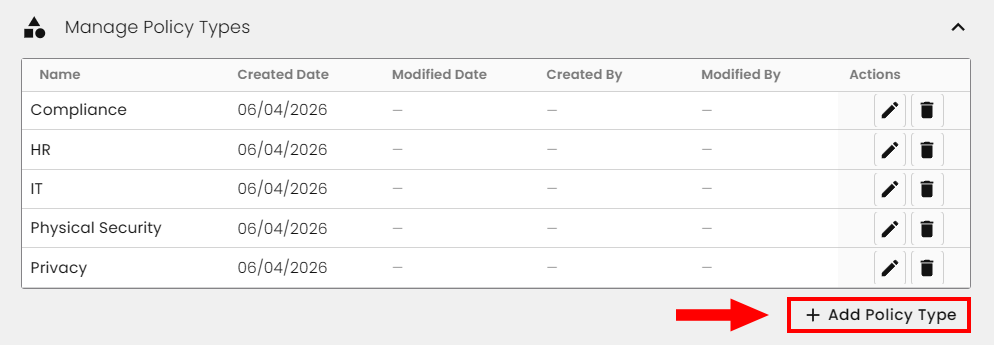
Here you can add, remove, or edit any of the Policy Types for your organization. To add one, simply click on + Add Policy Type.
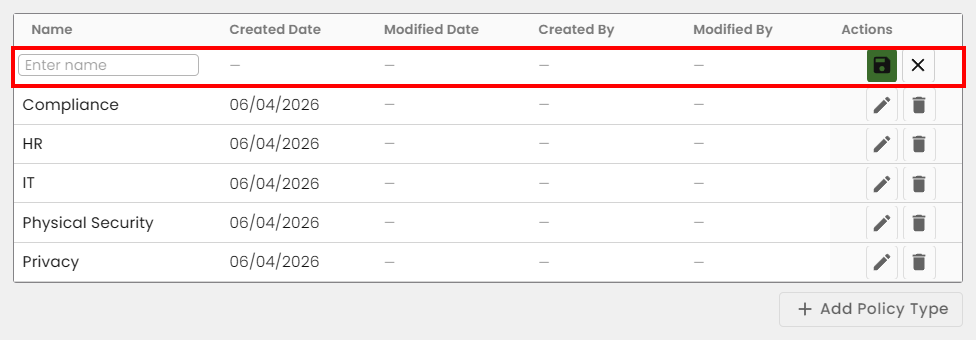
A new line will appear at the top, allowing you to enter in your additional policy type. Click the green save icon when done.
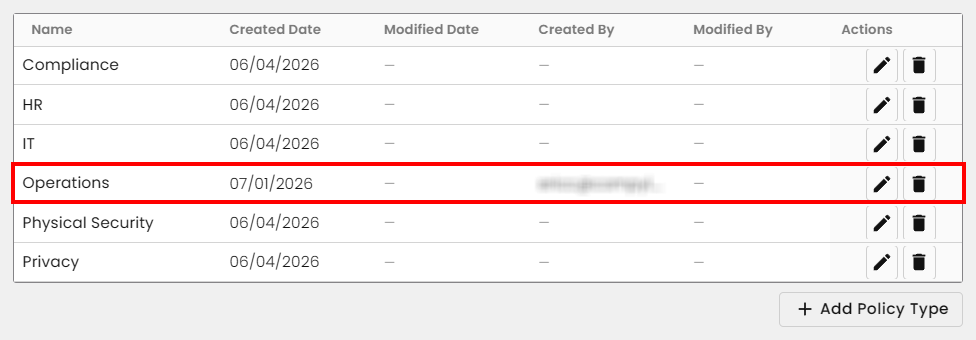
Now you can see it listed alphabetically.
Configuring External Publishing Integrations
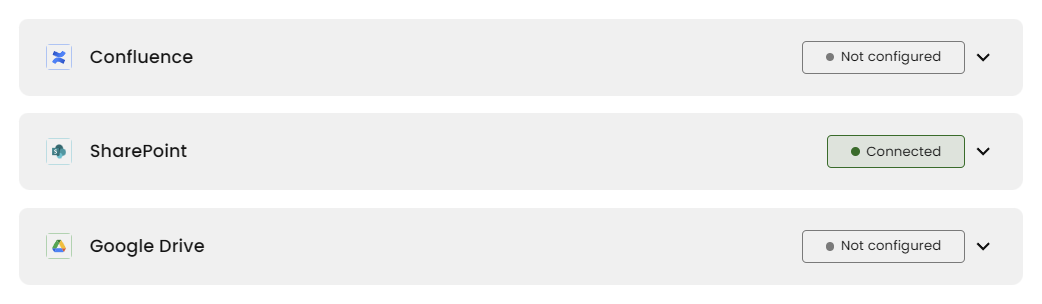
If you have a Confluence, SharePoint, or Google Drive integration already configured, then expand one of the options and select the integration that exists. Otherwise you will need to create and configure that integration first before it becomes available.
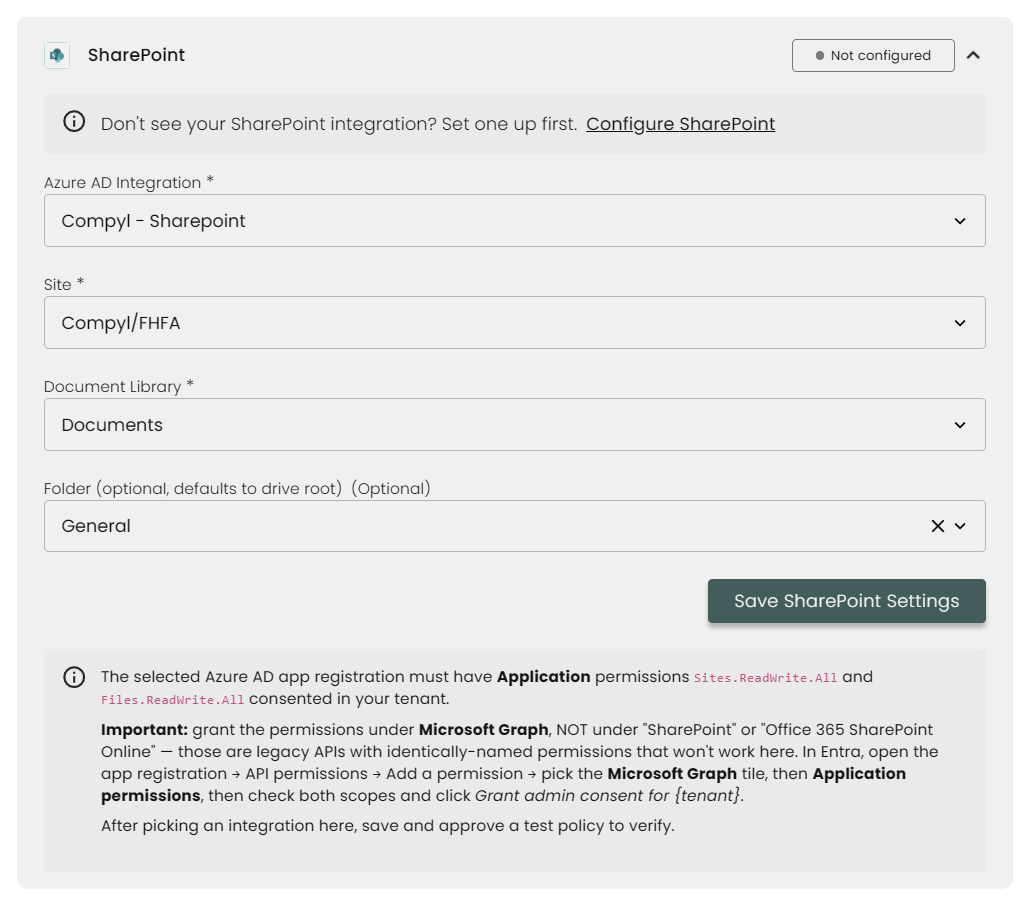
If successful, you'll see that this is now marked as Connected.
Policy Renewal Frequency & Pending Signing-Link Expiration
You can choose either Annually or Bi-annually for your Policy Renewal Frequency. For Signing-Link Expiration, you can choose from 7 days, 14 days, 30 days, or 90 days.
Updated 4 months ago