
Report Wizard - Empty Report
NOTEThe default Report Designer implementation uses the Report Wizard (Fullscreen) version. To use the popup version instead, disable the
ReportDesignerWizardSettings.UseFullscreenWizardoption.
Selecting this option on theChoose a Report Type wizard page will create a new blank report that is not bound to any data source.
| Icon | Description |
|---|---|
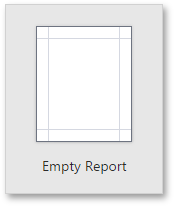 | The following image illustrates the created report layout.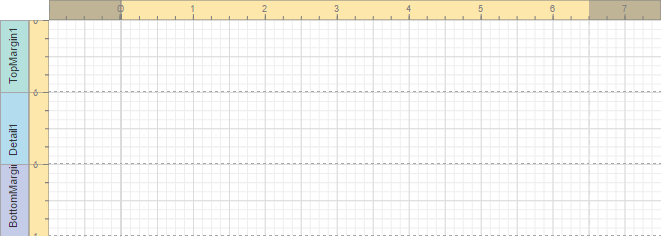 To provide data to the created report, use the SQL Data Source Wizard. |
Updated 7 months ago
Did this page help you?