
Data Source Wizard (Fullscreen)
The Data Source Wizard enables you to add data sources to a report.
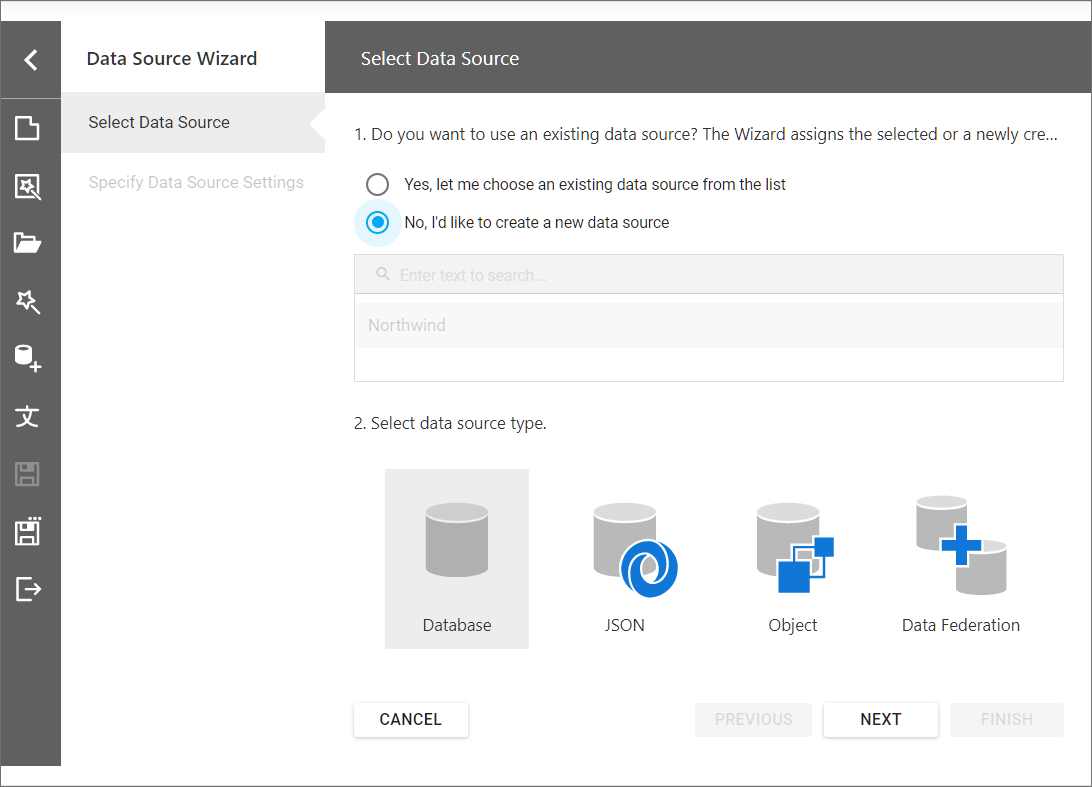
This wizard is available in the Report Designer if you registered the data connections.
Do one of the following To invoke the wizard:
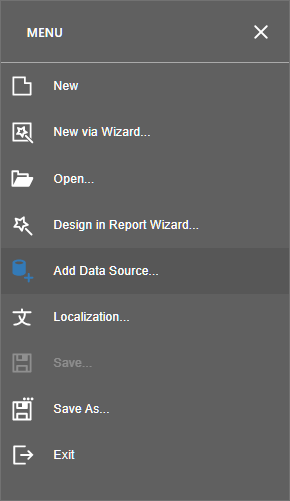
- Click the Add Data Source command in the Main Menu:
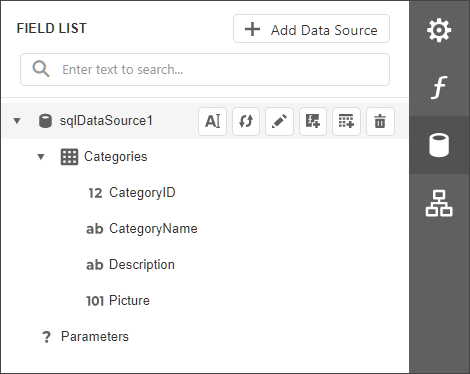
- Click the Add Data Source button in the Field List Panel:
On the start page, choose the data source type and click Next to proceed:
- Specify Data Source Settings (Database) if you selected Database;
- Specify Data Source Settings (JSON) if you selected JSON;
- Specify Data Source Settings (Object) if you selected Object.
Updated 7 months ago
Did this page help you?