
Discussions and Comments
The Discussion feature provides a way for users to maintain a conversation inside a form, which can be used to keep track of changes or questions users might have about the entry
NoteIn order for uses to view and contribute to discussions, they must have permissions to do so. Each module has permissions for Read and Update Discussion. This can be managed from the Provision Users page by admin users.
-
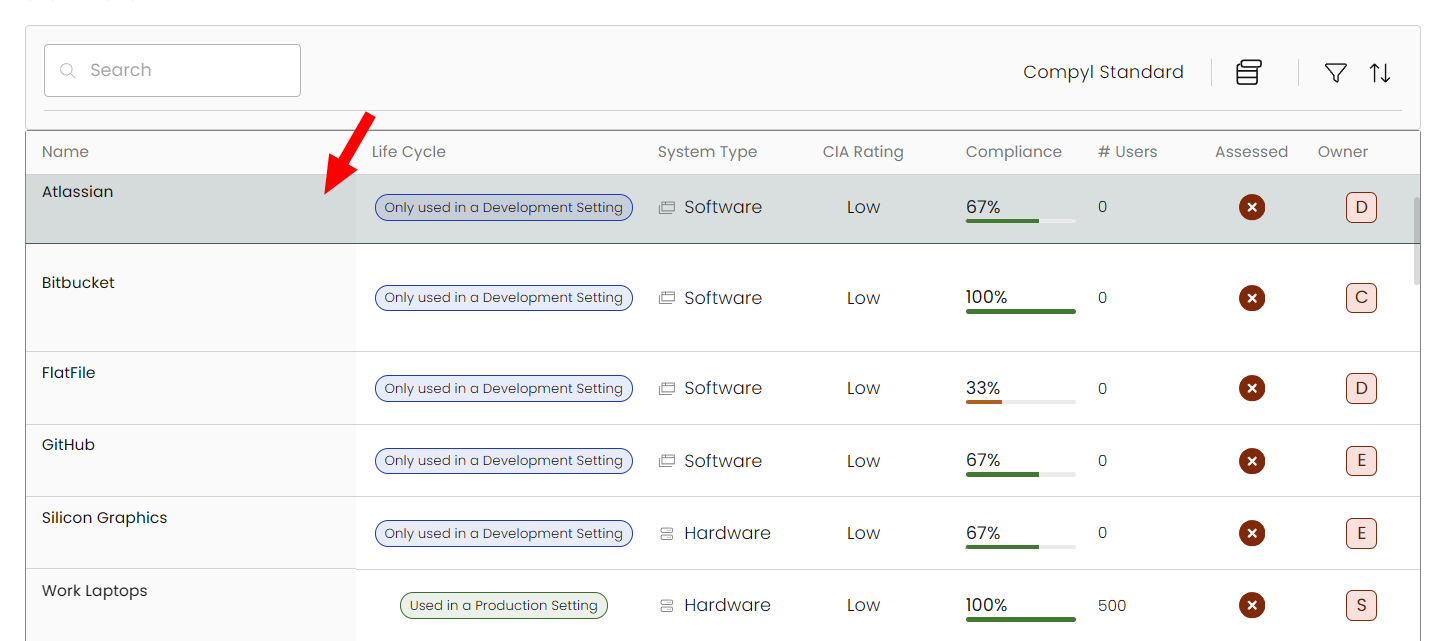
Select the item within the grid.
-
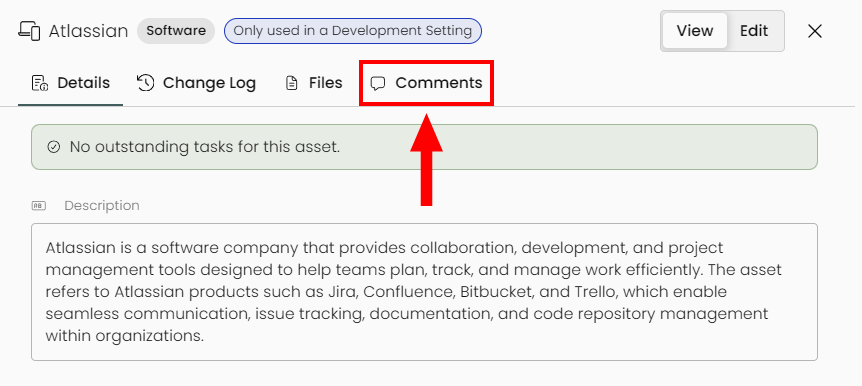
When the details panel slides out, click on the Comments tab at the top. This is universal across the platform for any item/asset that allows comments.
-
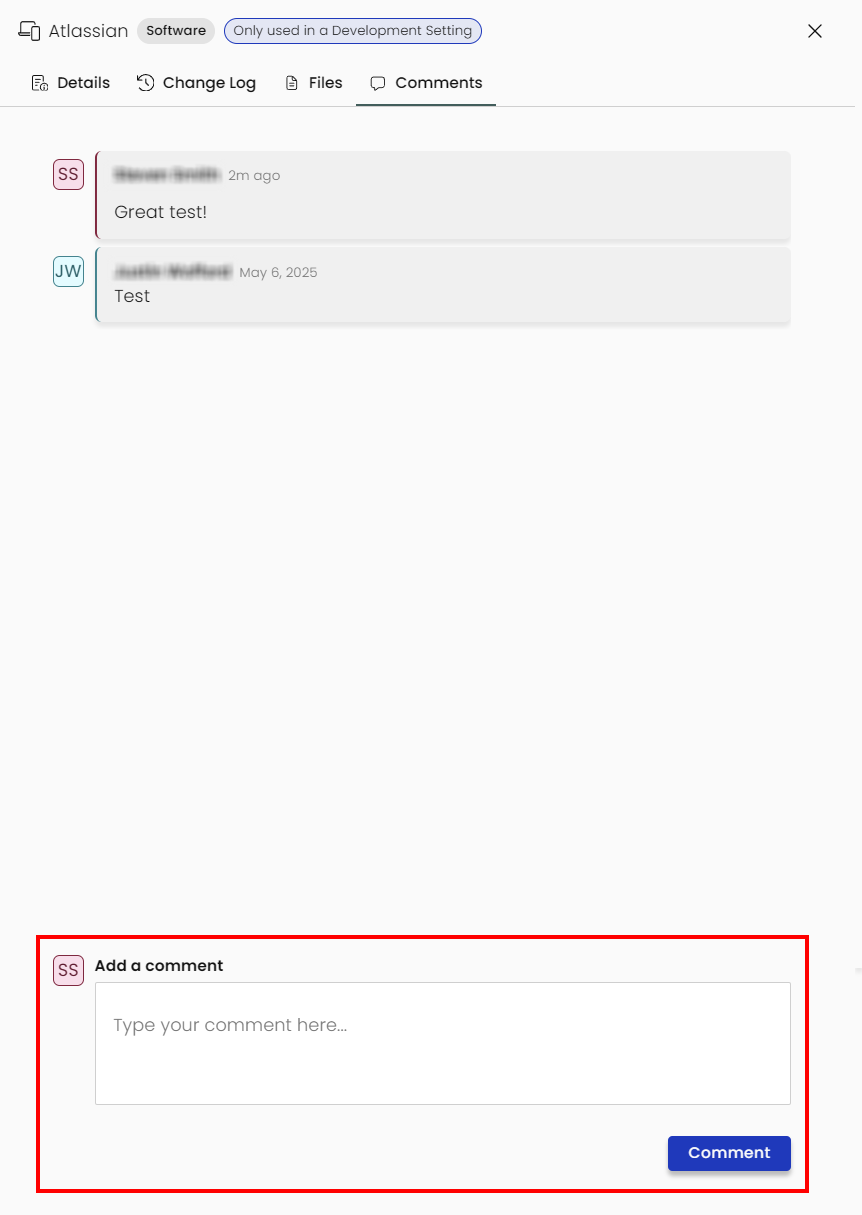
You'll see the entire discussion for this asset/item as well as a form at the bottom. Type in your comment, and click Comment, and it'll be saved to that entry's discussion.
-
Hovering over your own comment will show both a pencil and trash can icon. This will allow you to edit or delete your comment.

An edited comment will show as such:
Deleted comments are removed from the conversation but all changes can be seen in the Change Log tab: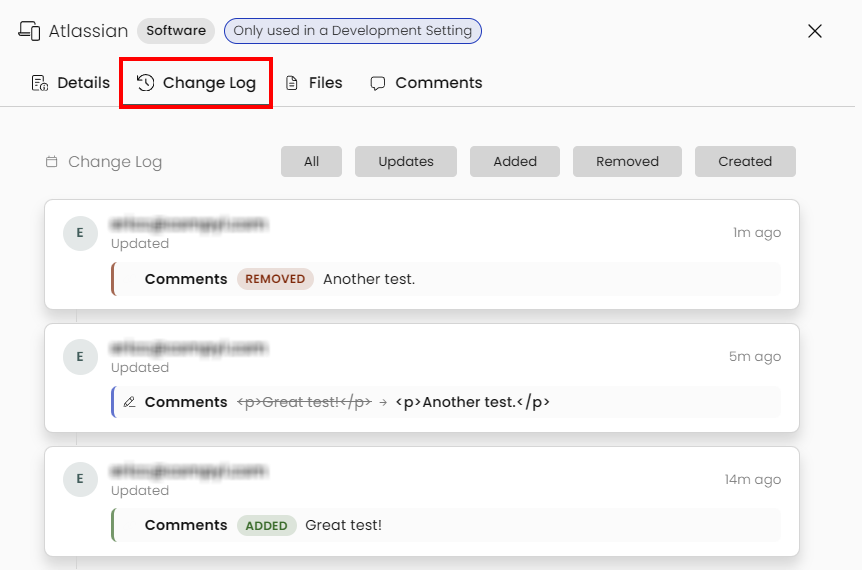
Updated 8 days ago