
Freshservice Integration
Obtaining your API Key
-
Login to your Support Portal.
-
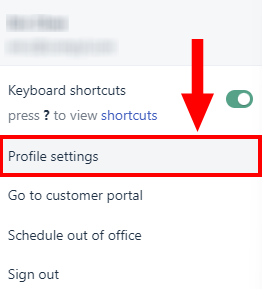
Click on your profile picture on the top right corner of your portal and go to Profile Settings.
-
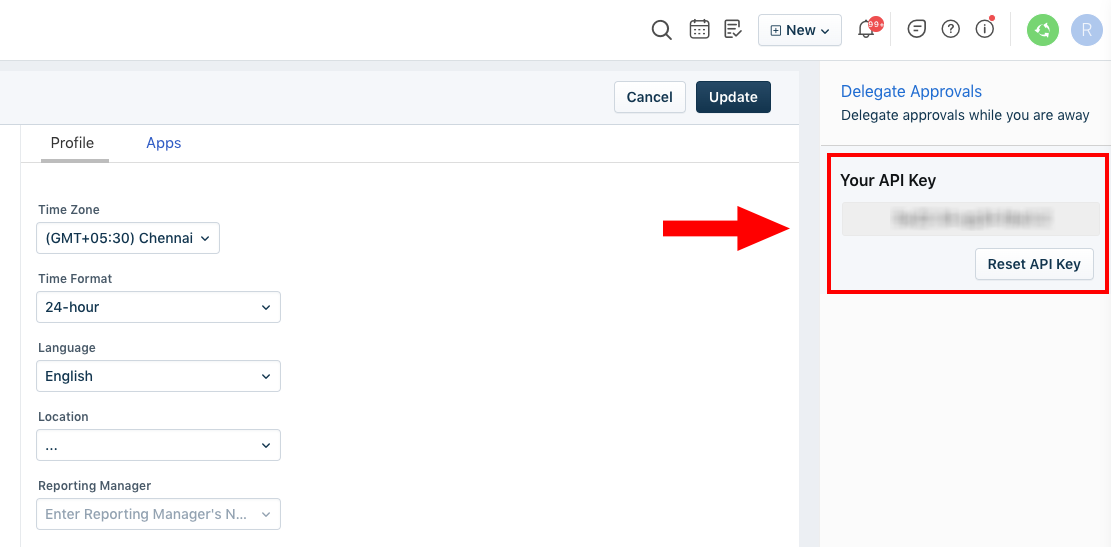
Your API key will be available below the Delegate Approvals section to your right.
Add Configuration
-
Navigate to the Integrations tab using the left-hand menu, and select Freshservice.

-
Click the Add Configuration button and fill in the details below:

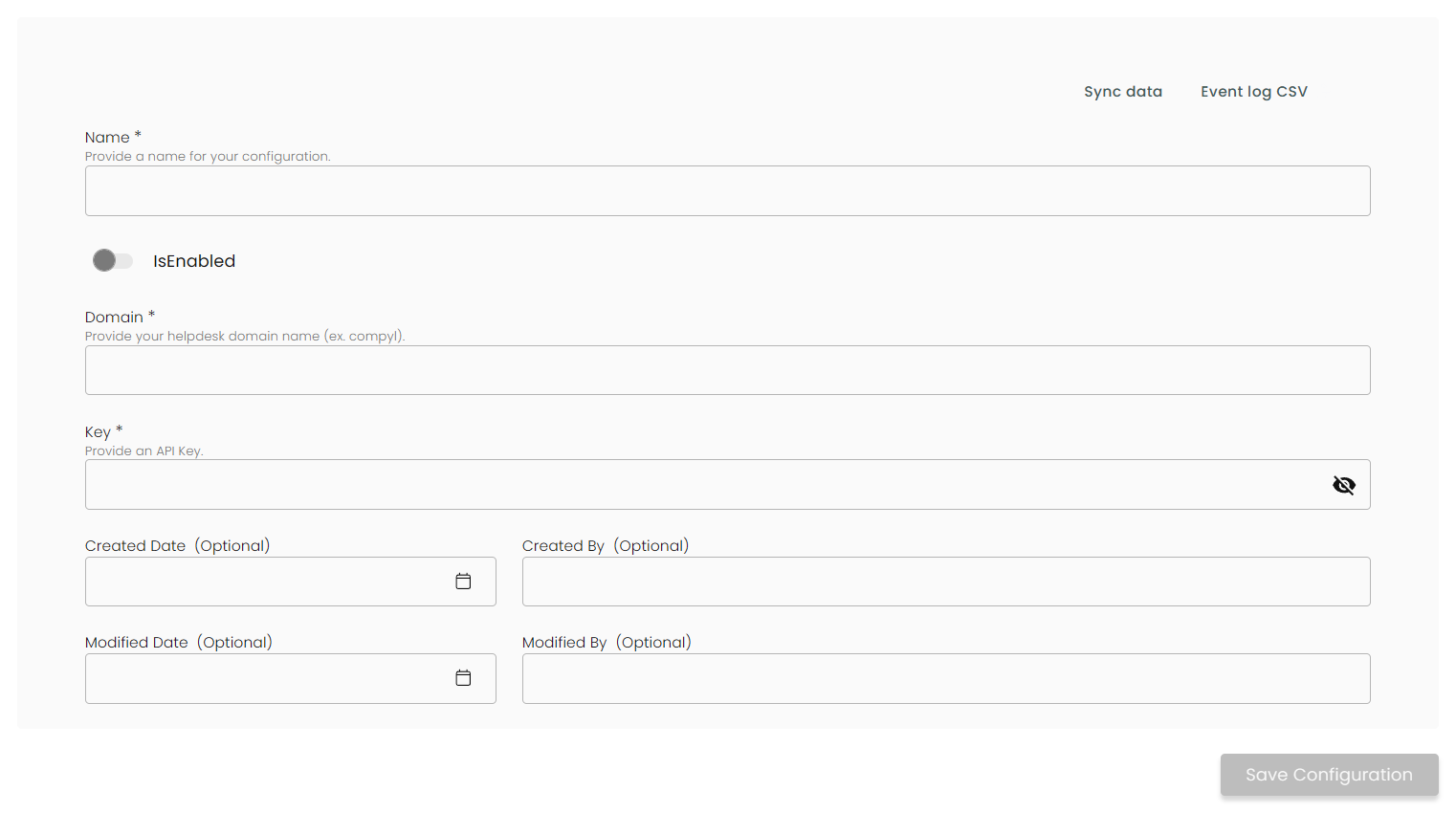
Name: Enter the name of the integration
is Enabled: Toggle button to ensure data is populated into Compyl
Domain: Provide your helpdesk domain name. It’s URL that you use to log in to your Freshservice account. For example, if you log in at compyl.freshservice.com, then you should enter compyl.
Key: The API Token you generated above .
Once you have completed filling out the form click Save Configuration.
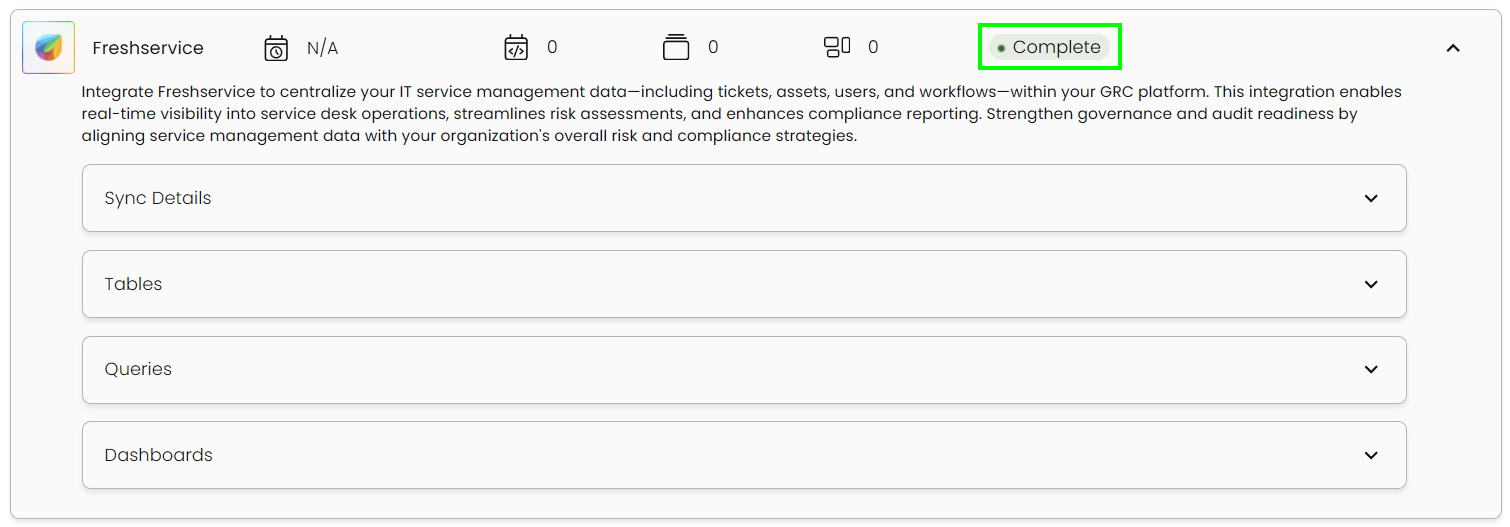
This integration syncs daily.
To query the data from the integration, refer to the Query Builder article.
Updated 2 months ago