
Build Blueprints with AI
A quicker, easier way to build blueprints in Compyl.
Instead of manually building queries step by step, you can type a plain-language request into Compyl AI — such as "show me all overdue risk assessments from this quarter" — and the system build it out or direct you to an existing one that'll provide the same answers.
Building the Blueprint
-
Start by navigating to Blueprints and clicking on Build with AI.

-
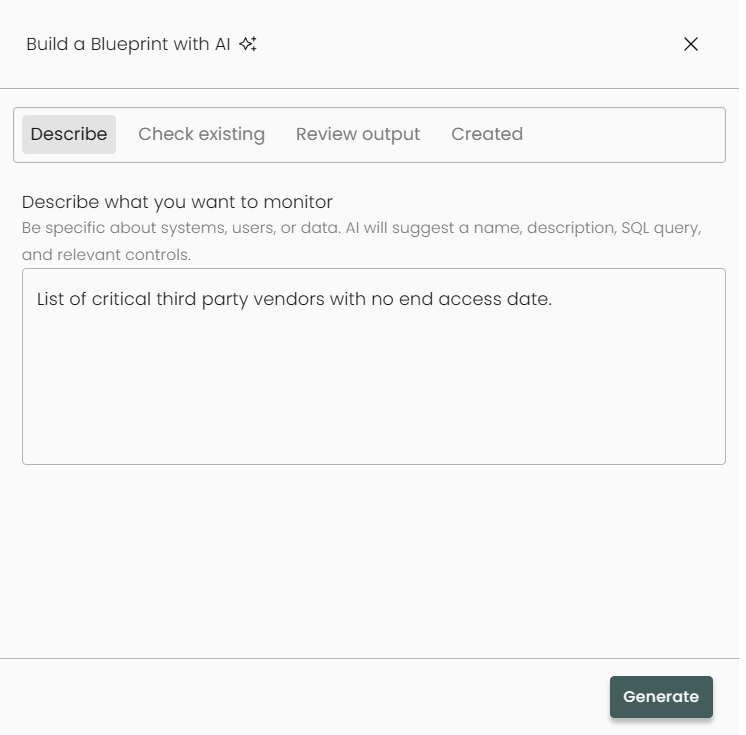
In the dialog box, prompt our system with the blueprint you are looking to build. Be specific about which systems, data, and controls you wish to utilize/pull data from and hit Generate.
-
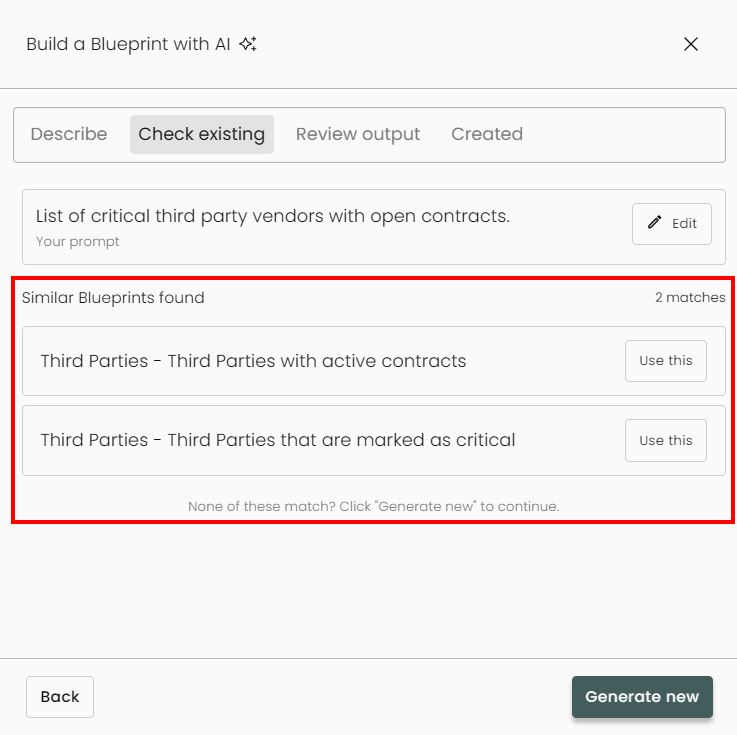
Our system will check this query against any existing blueprints and suggest any that are similar to your prompt.
If no similar blueprints exist, it'll indicate this. Click Generate new.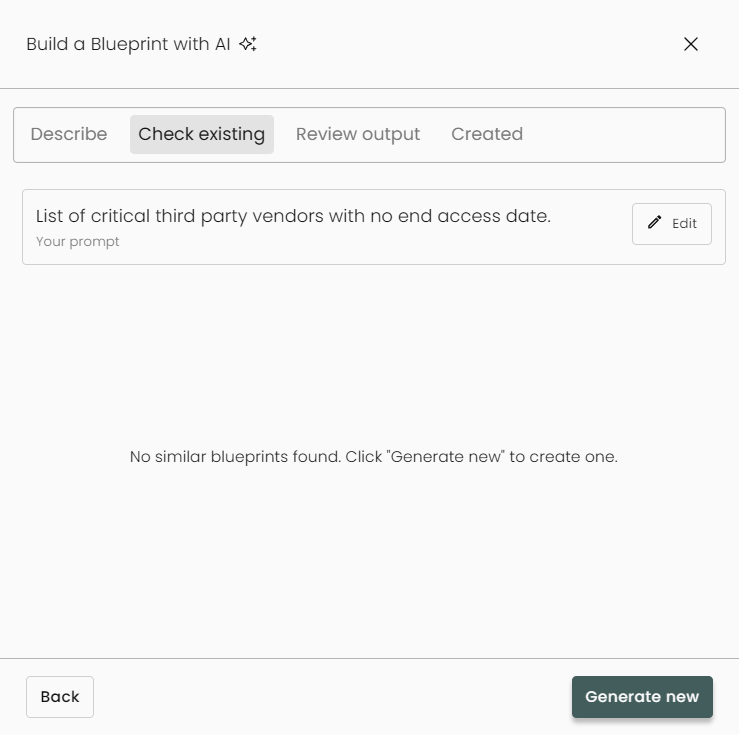
-
Our system will begin to build the query as described.
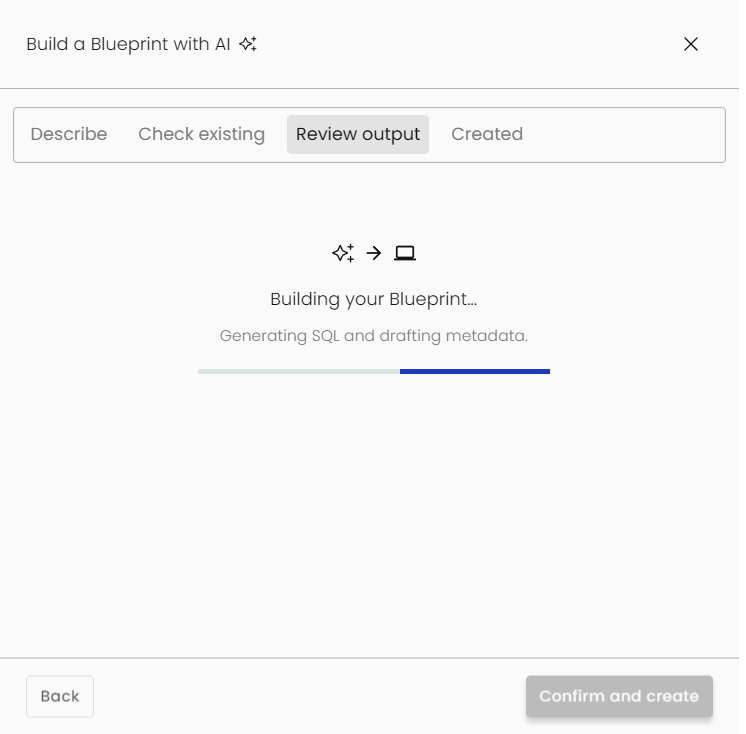
If the request isn't clear enough for our AI system, the build will fail and allow you to rewrite your prompt.

-
You'll now get a chance to review your output, selecting a pass/fail condition, and making sure all of the required information is correct. Click Confirm and Create when you're ready.
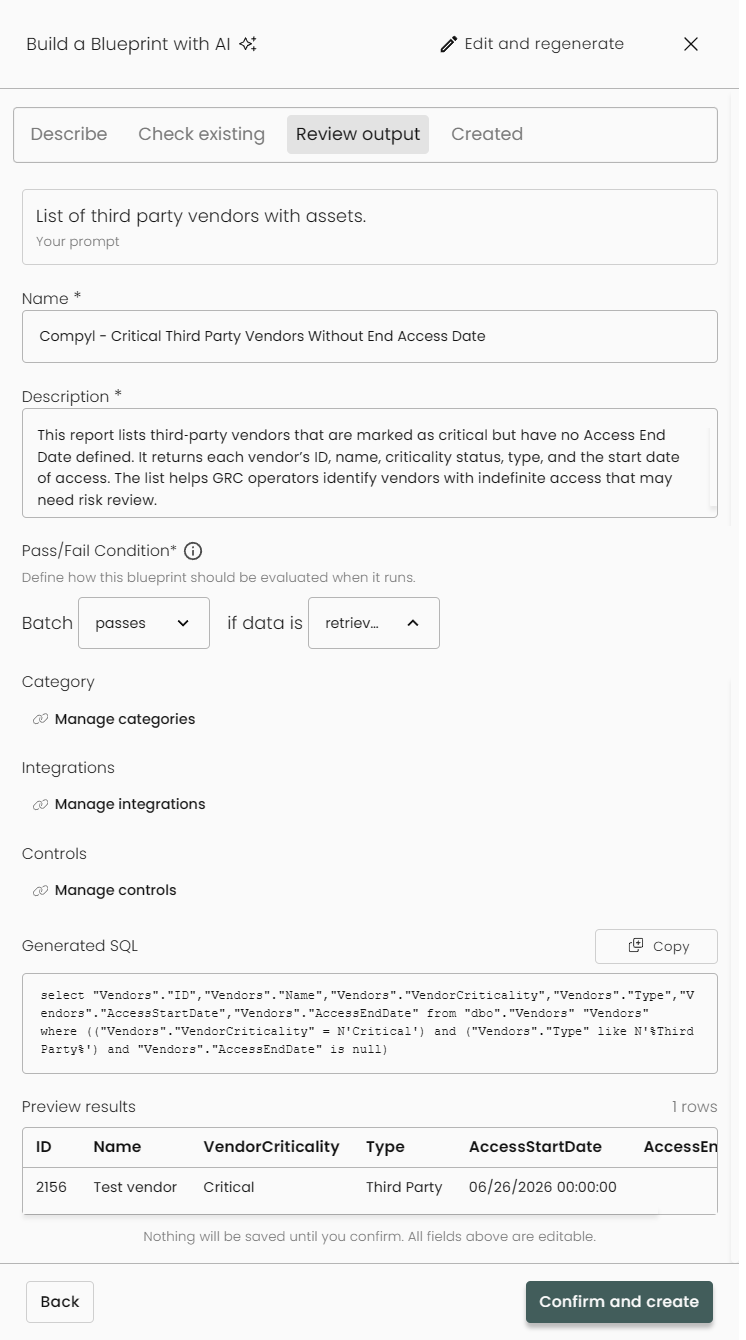
There will be a summary screen which lets you see a high-level overview as well as a confirmation. Click Create Blueprint.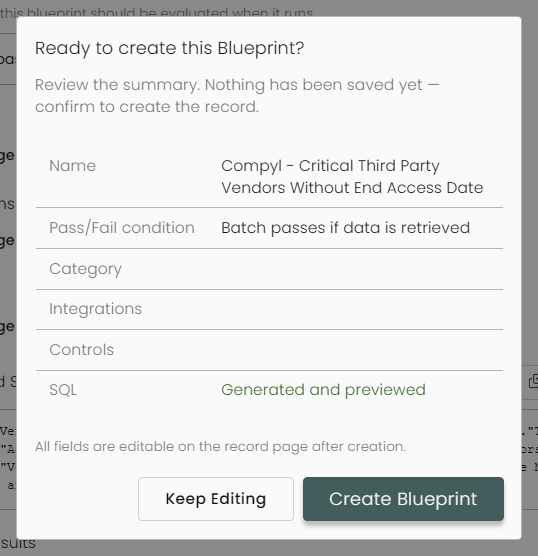
-
Once the blueprint has been properly created, it will drop you into the blueprint edit screen where you can change any of the details shown such as Name, Description, and more.
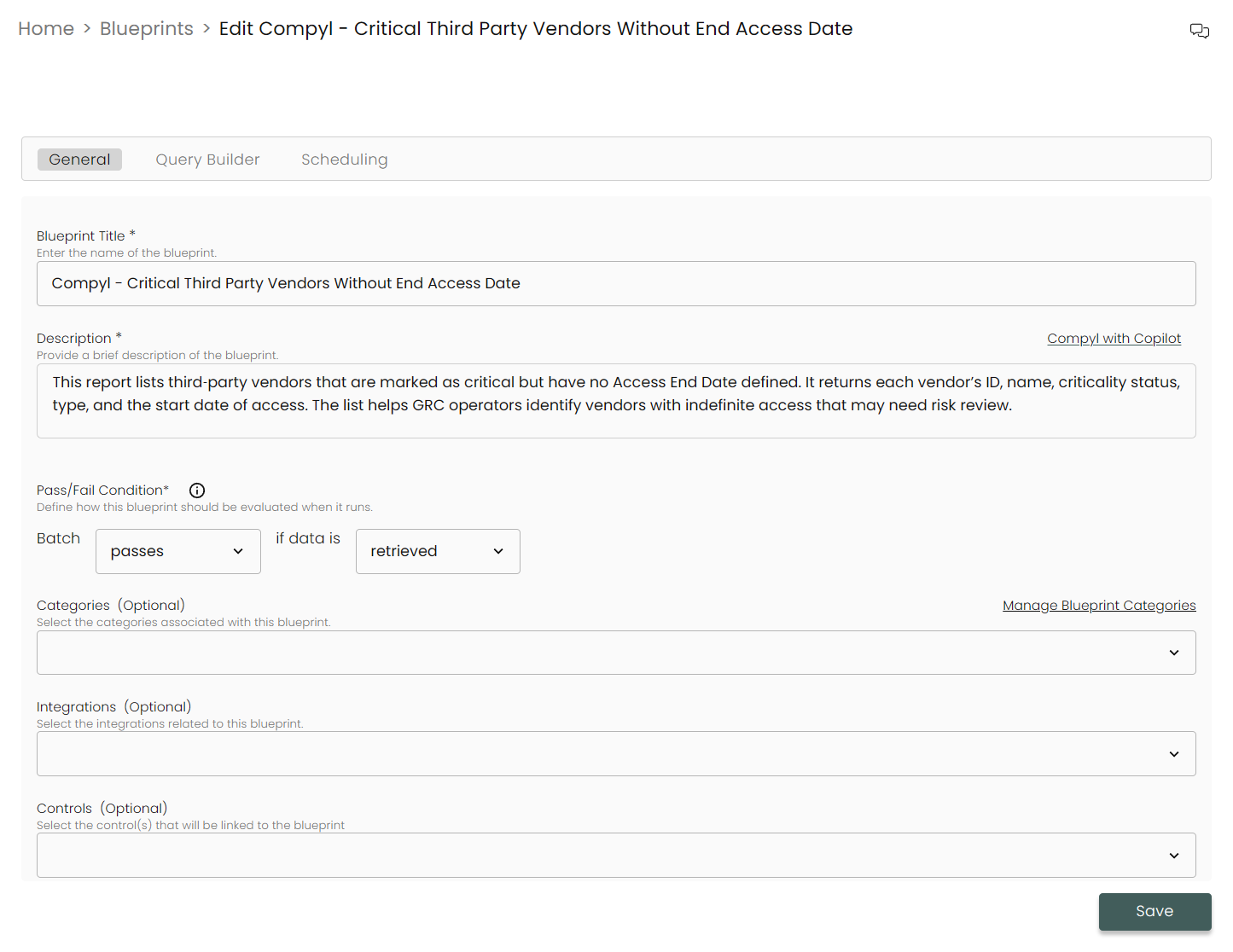
-
You can also go into the Query Builder to edit or see how it was built.
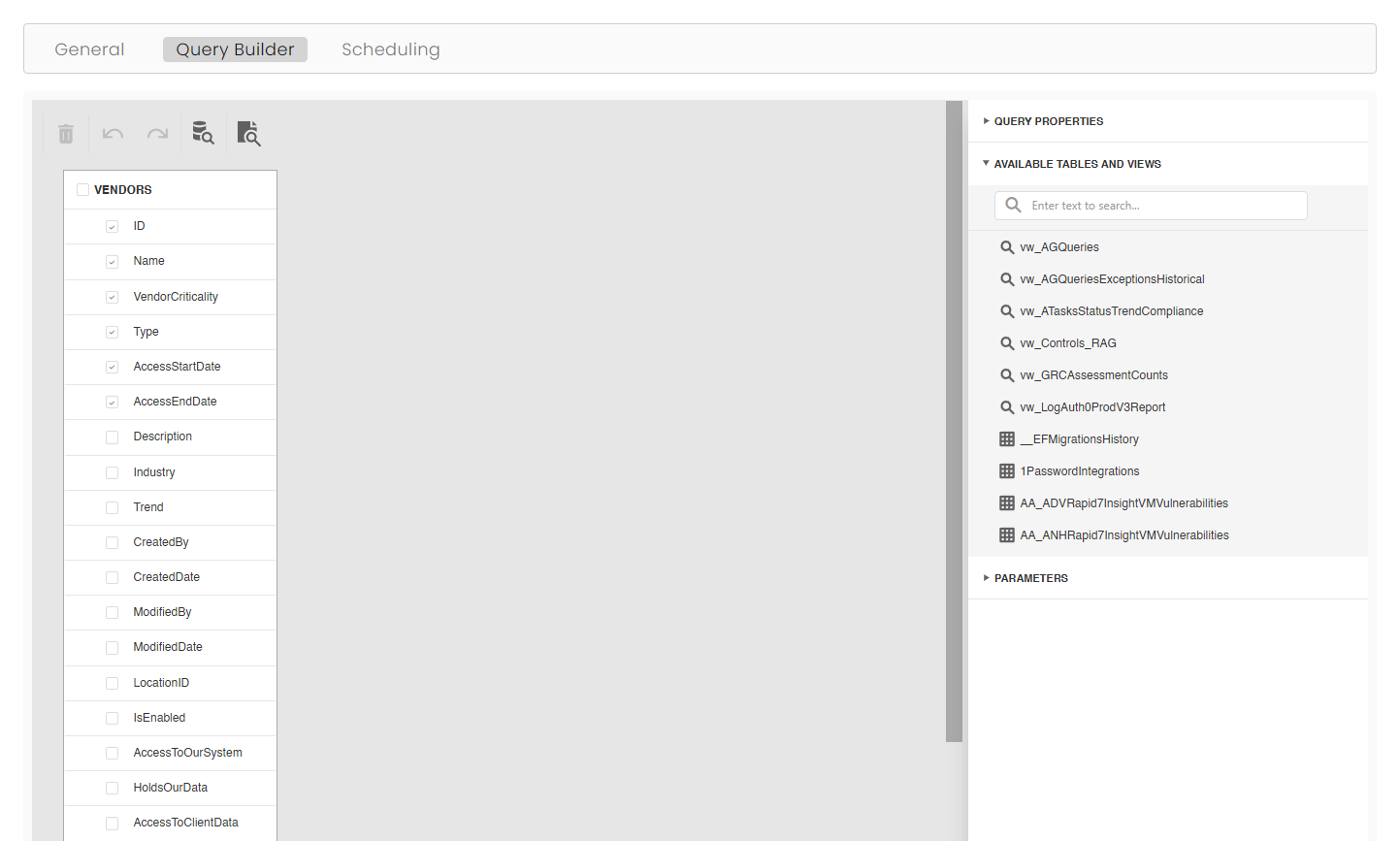
And set up a recurring schedule for this report.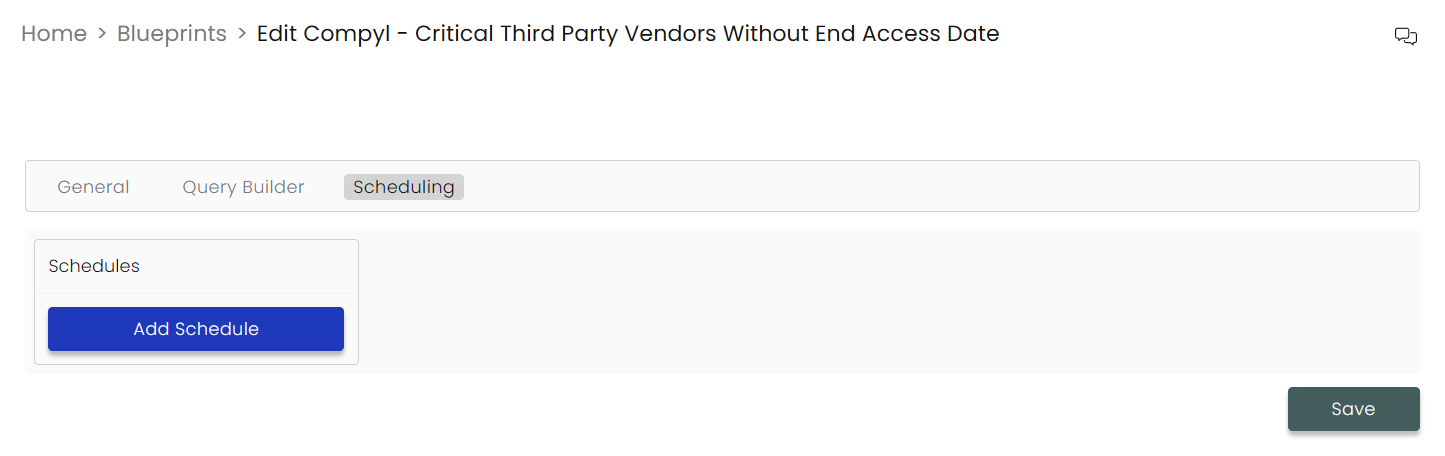
Click Save and you're done!
For more details on this, please refer to the Blueprints article.
Updated 10 days ago