
Baleen Integration
Obtaining your Personal Access Token
According to Baleen documentation, APIs are only accessible to users authenticated by a Personal Access Token (PAT). This is issued directly by the Baleen support team.
FYIFor any new requests, they ask that you open a ticket with their support team.
You can find more information within their documentation here.
Add Configuration
-
Navigate to the Integrations tab using the left-hand menu, and select Baleen

-
Click the Add Configuration button and fill in the details below:

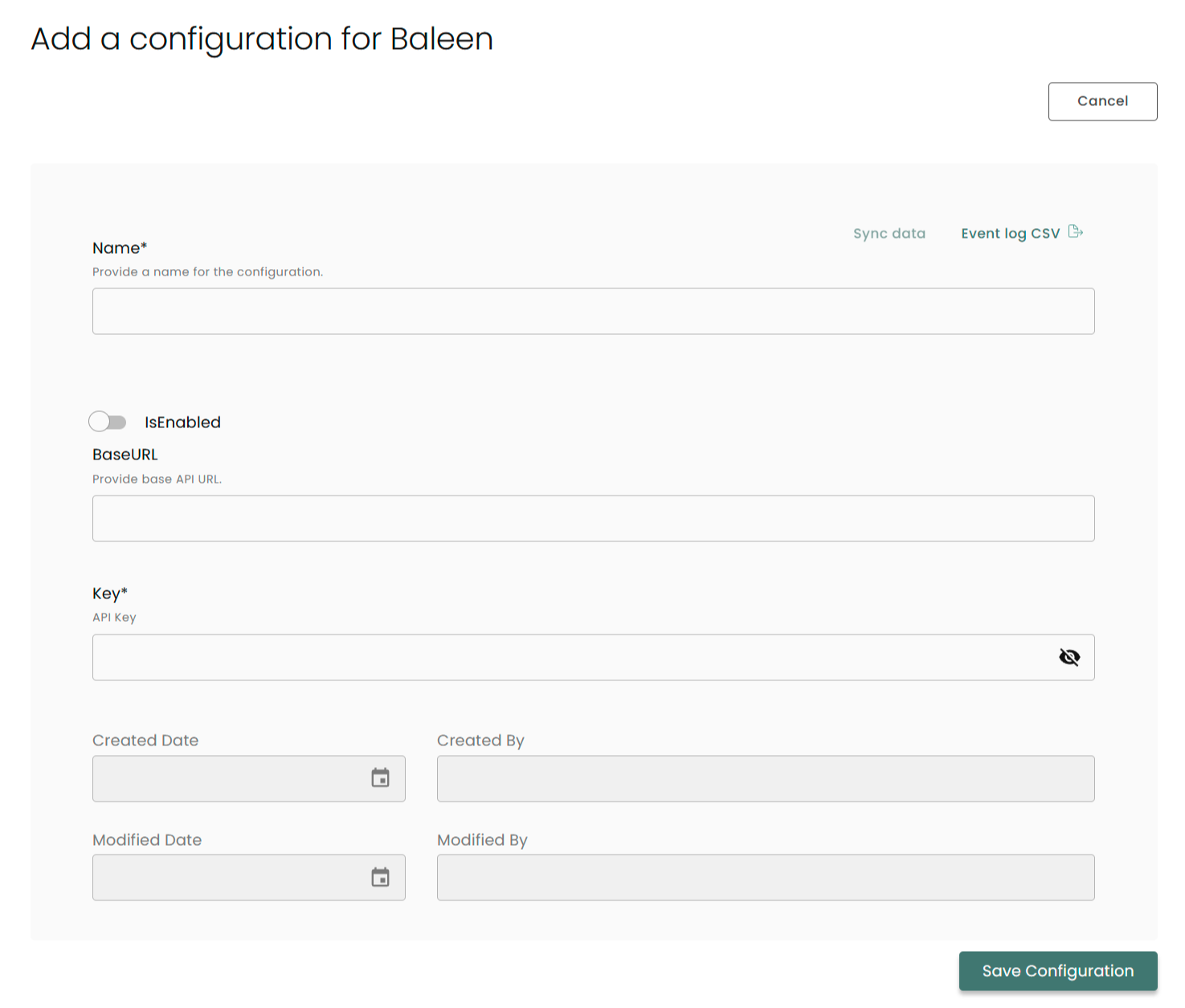
Name: Enter the name of the integration
is Enabled: Toggle button to ensure data is populated into Compyl
Base URL: This should be set to https://console.baleen.cloud
Key: The API token found and generated via the Baleen Documentation.
Once you have completed filling out the form click Save Configuration.
NoteTo check if the integration is connected, navigate to the Integrations page in Compyl. If the Status icon shows an unbroken link in the right-hand corner, your integration is properly connected.

This integration syncs daily.
To query the data from the integration, refer to the Query Builder article.
Updated 2 months ago