
Auditor Portal
When you are assigned an audit, the Auditor Portal is where you will find them to complete them.
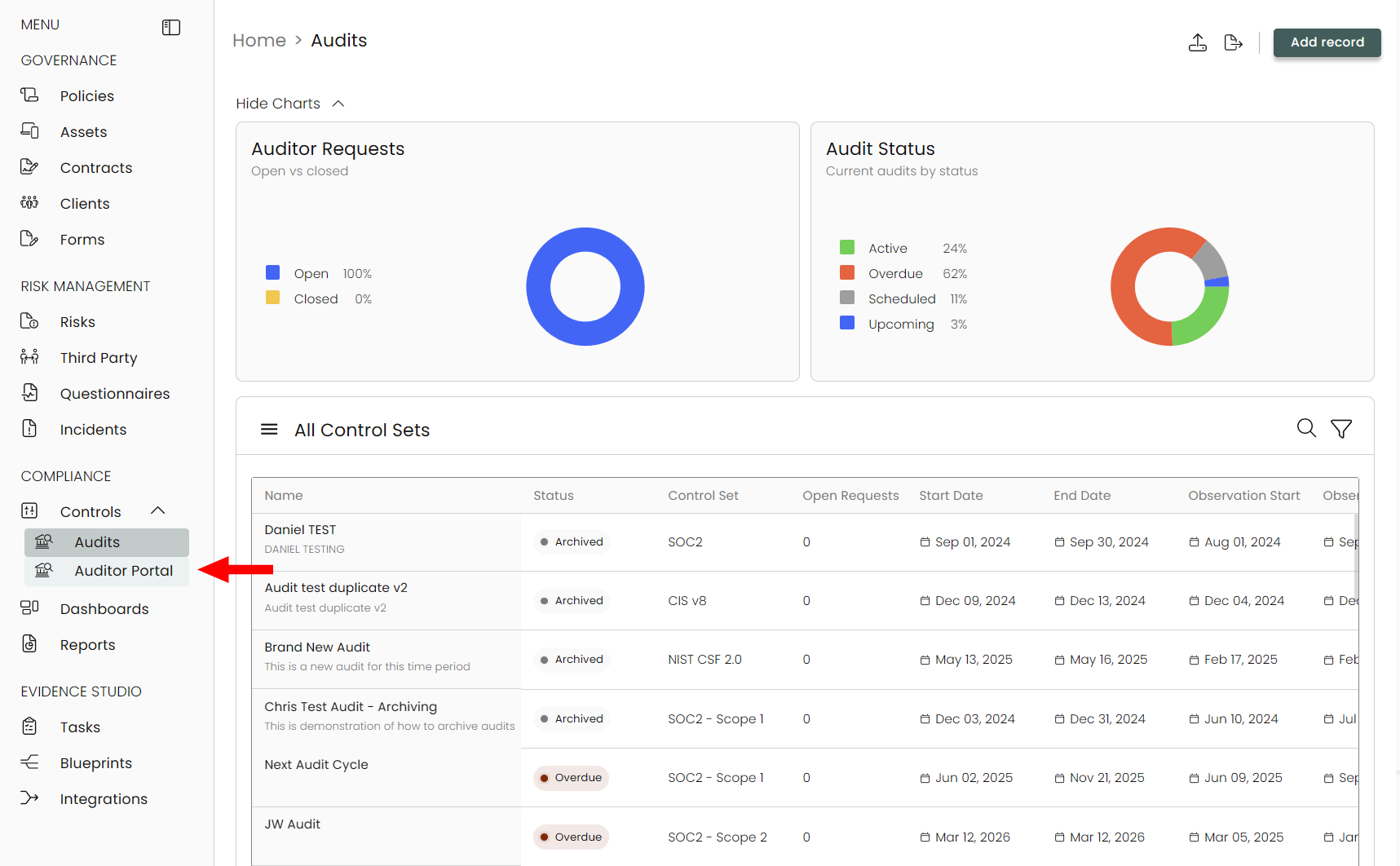
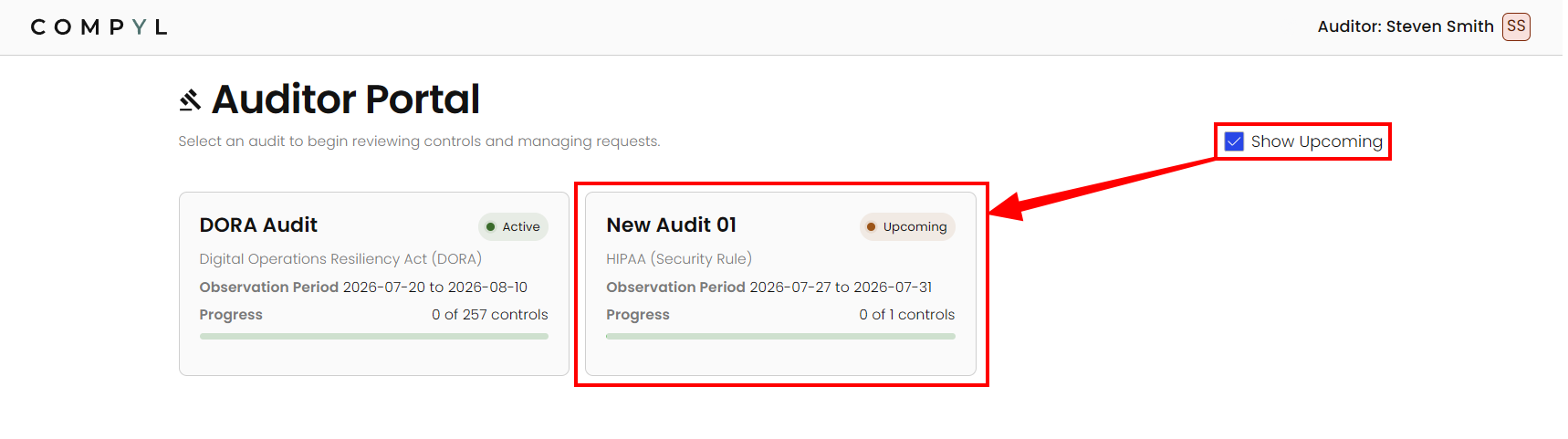
It defaults to only showing your current, active audits but clicking on Show Upcoming will display any future ones you may have.
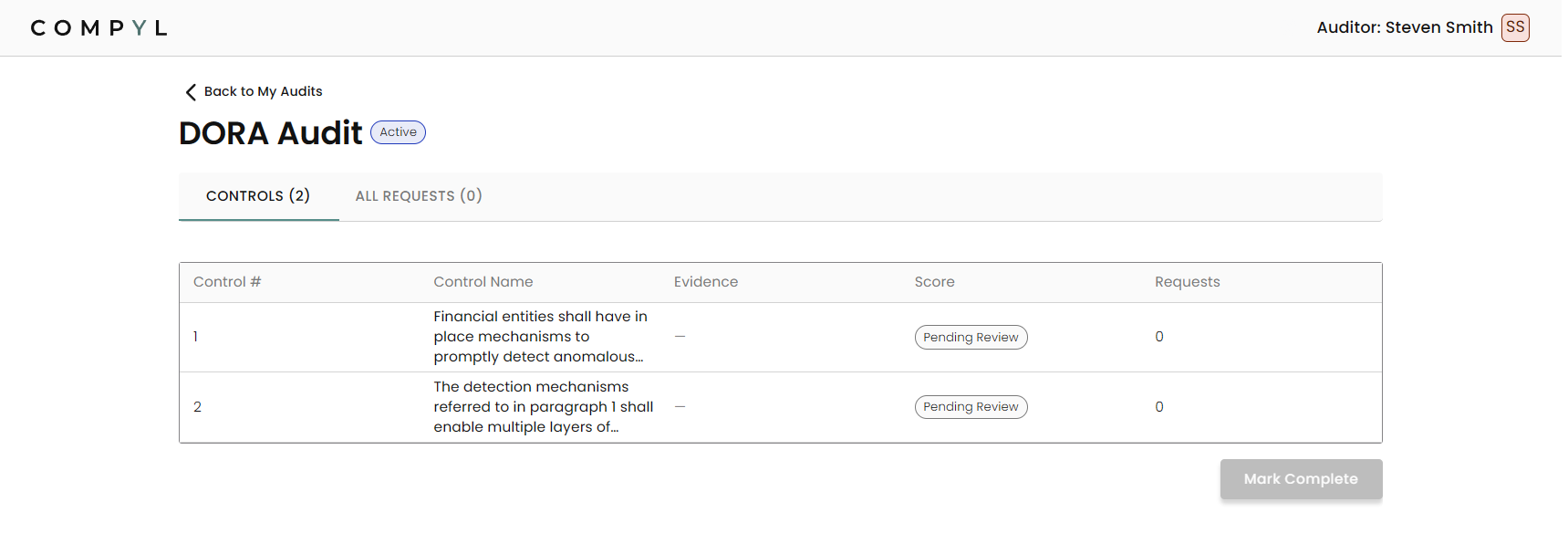
Working on an Audit
Click on an audit to open it. This will show you the list of controls you'll need to look through in order to complete the audit.
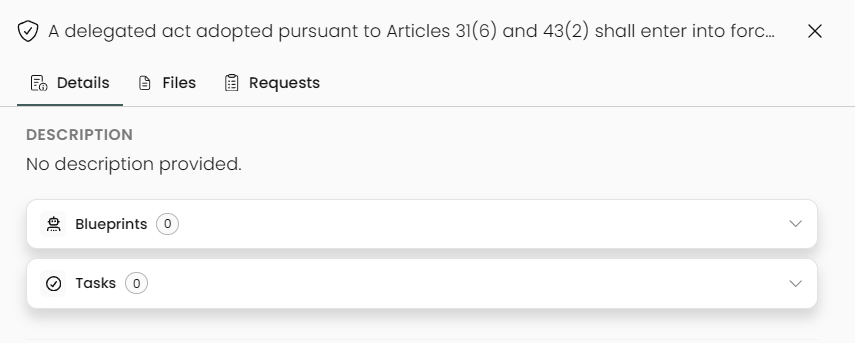
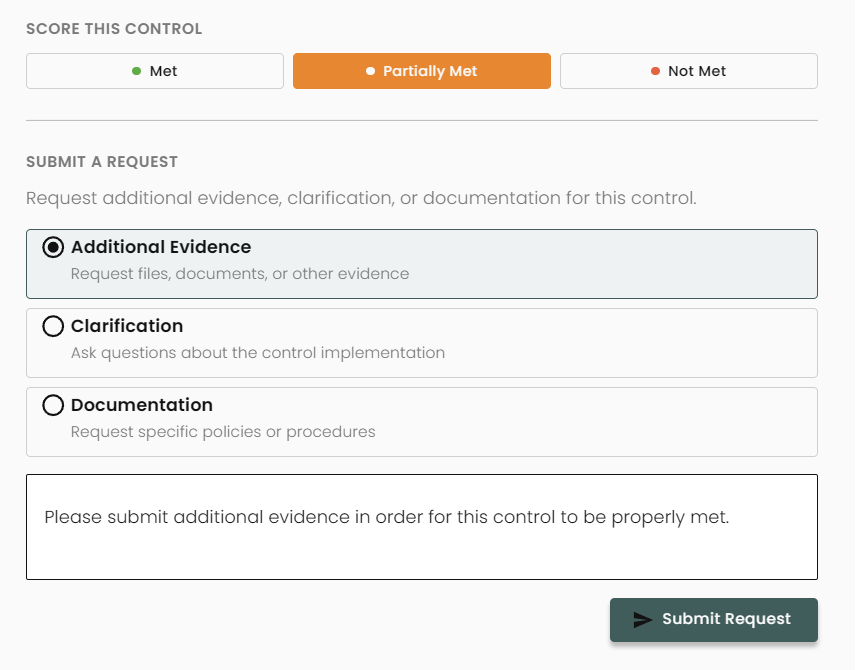
Once a control has been opened, you will see any blueprints or tasks linked to the control as well as the ability to mark it as Met, Partially Met, or Not Met.
You can also submit a request for Additional Evidence, Clarification, or Documentation.
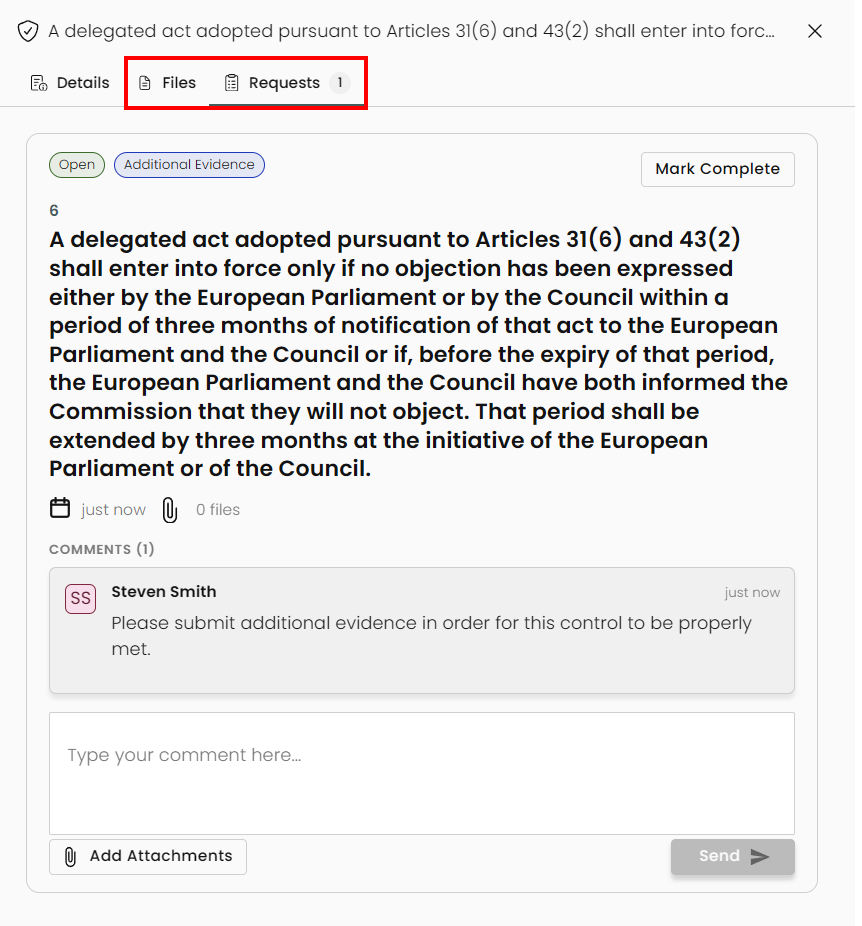
Any uploaded files will be located in the Files tab at the top. Your request will be located in the Requests tab. This allows the person in charge of the control to attach files and add comments. Mark this as Complete if the request has been answered to your satisfaction.
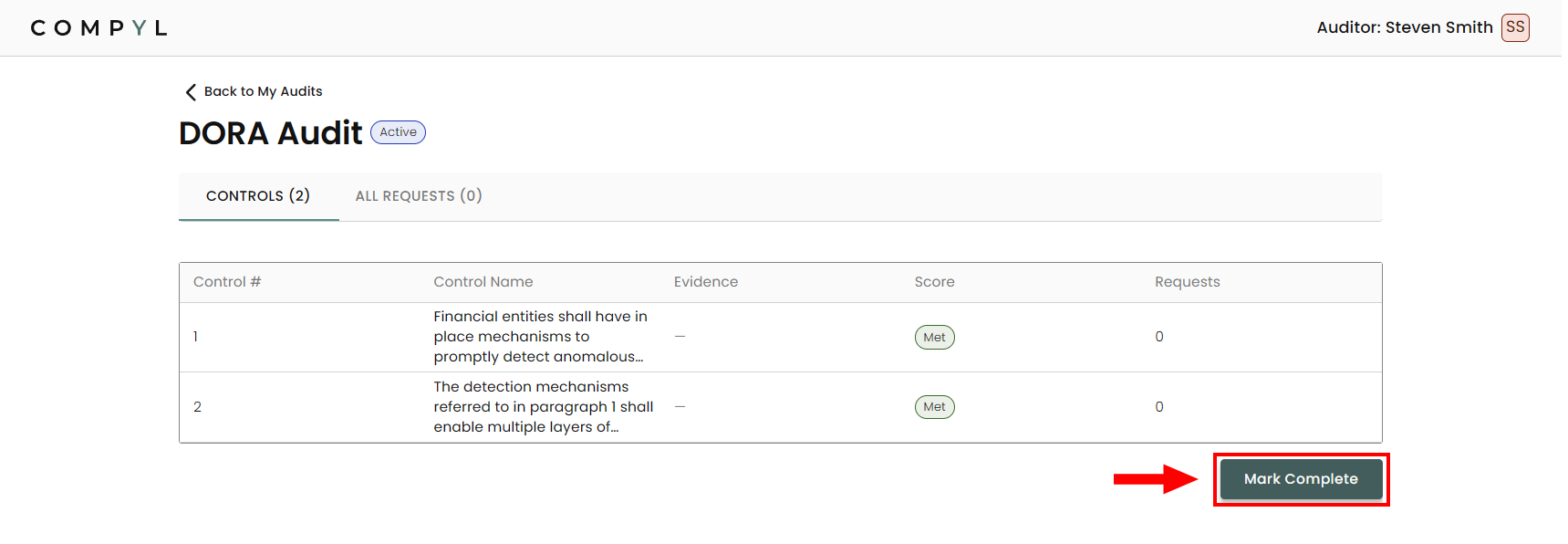
Once all the controls are marked as Met, you can mark the audit Complete on the main screen.
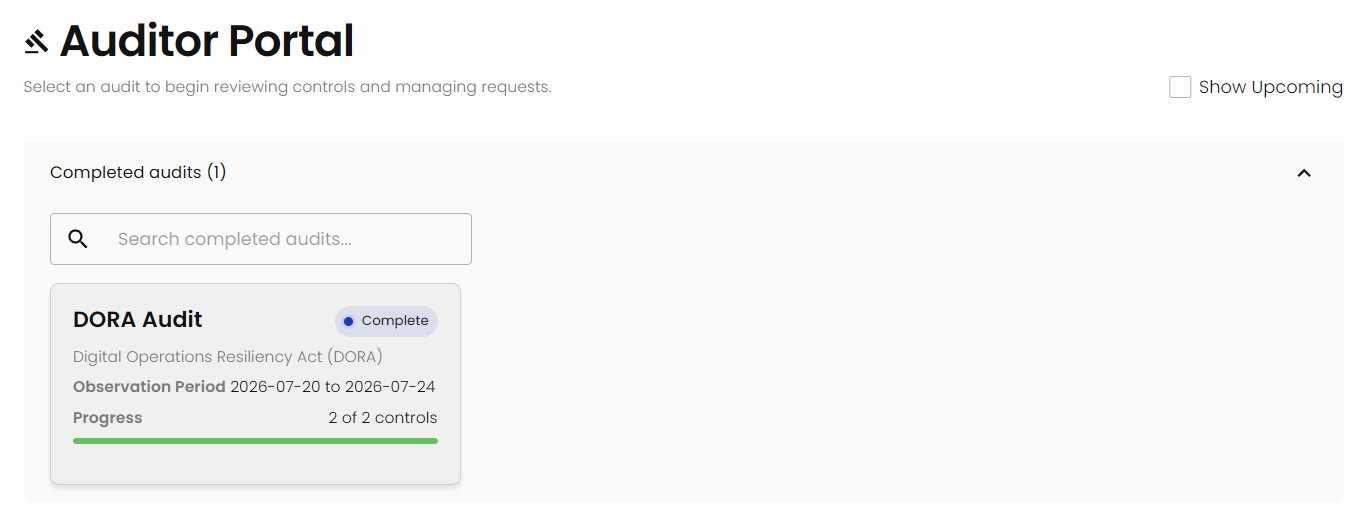
Your Auditor Portal will now list this audit under Completed audits.
Updated 3 months ago