
Report Wizard - Cross-Tab Report
Select Cross-Tabon the start page to create a report that allows you to summarize data and examine the relationships between data sets.
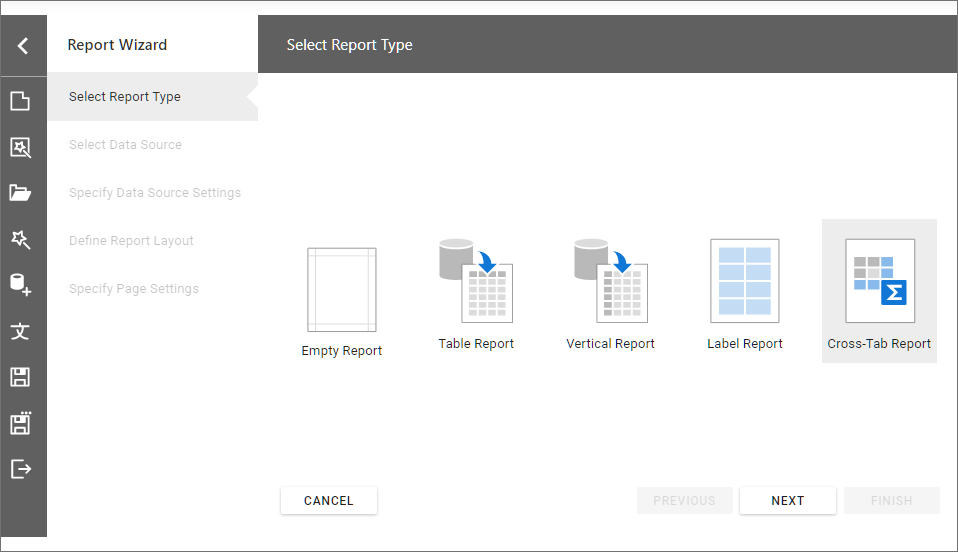
The wizard includes the following steps:
- Select Data Source
- Specify Data Source Settings (Database) / Specify Data Source Settings (JSON) / Specify Data Source Settings (Object)
- Define Report Layout (Cross-Tab Report)
- Specify Page Settings
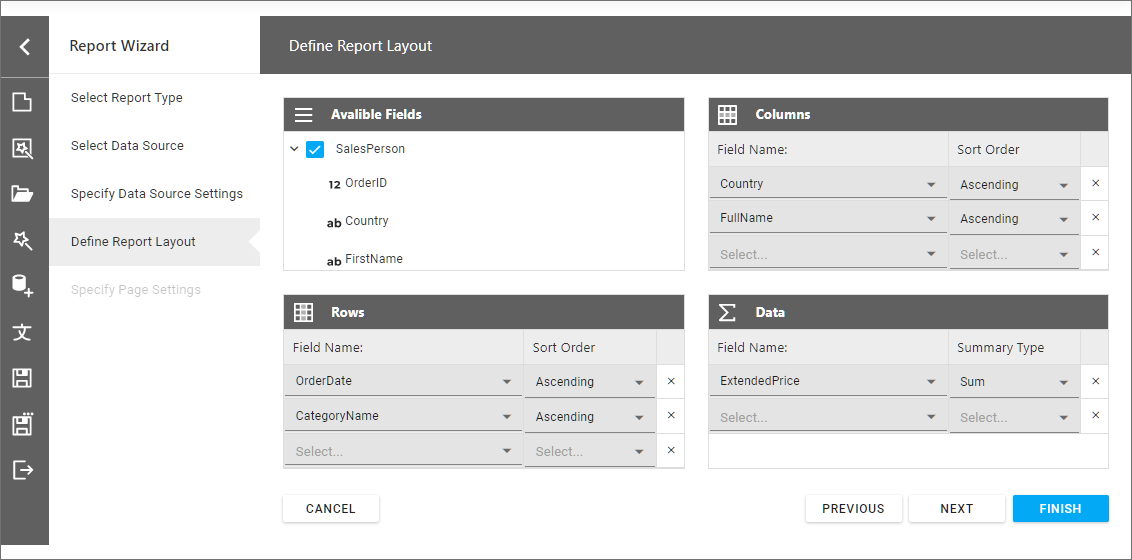
Define Report Layout (Cross-Tab Report)
On this page, you can specify data fields for the Rows, Columns, and Data areas to generate the report layout.
Updated 7 months ago
Did this page help you?