
AirLock Integration
Integrate with AirLock to define what files are trusted and block everything else in Compyl
PrerequisiteCompyl must be set up as a Tech-Client within the Airlock IAM Adminapp. You can read more details on how this is done in their documentation here .
Generate your Airlock API Key
-
Log in to your Airlock IAM Adminapp.
-
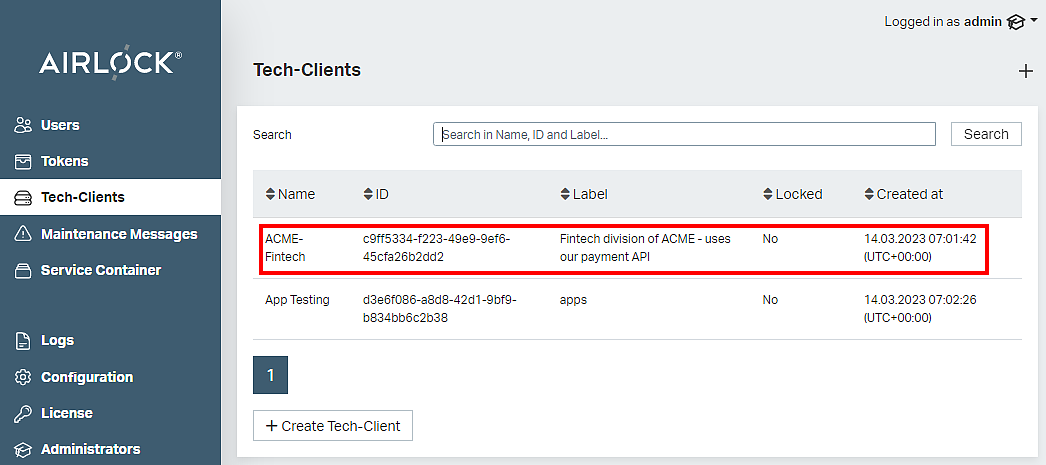
Choose the appropriate client.
-
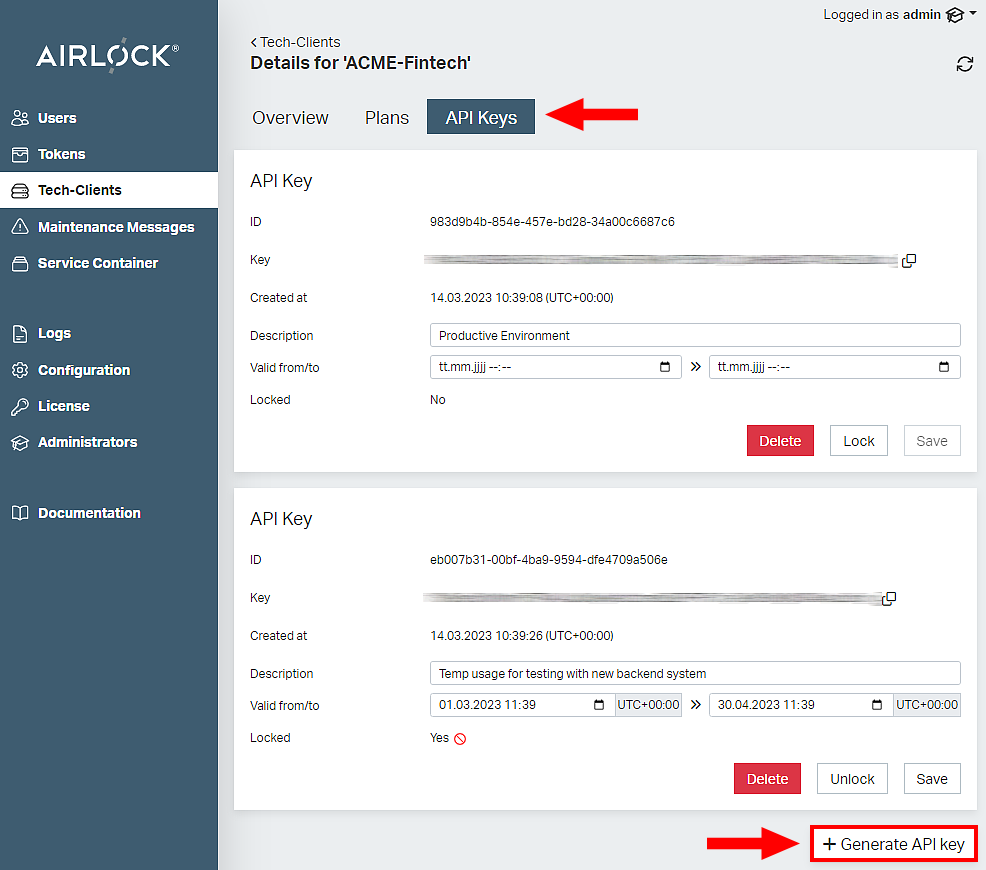
Choose the API Key tab and then click Generate API Key.
-
Copy this key for use in the Compyl configuration.
Add Configuration
-
Navigate to the Integrations tab using the left-hand menu, find Airlock, and select +Add Configuration.

-
Next, fill in the details below and select Continue.
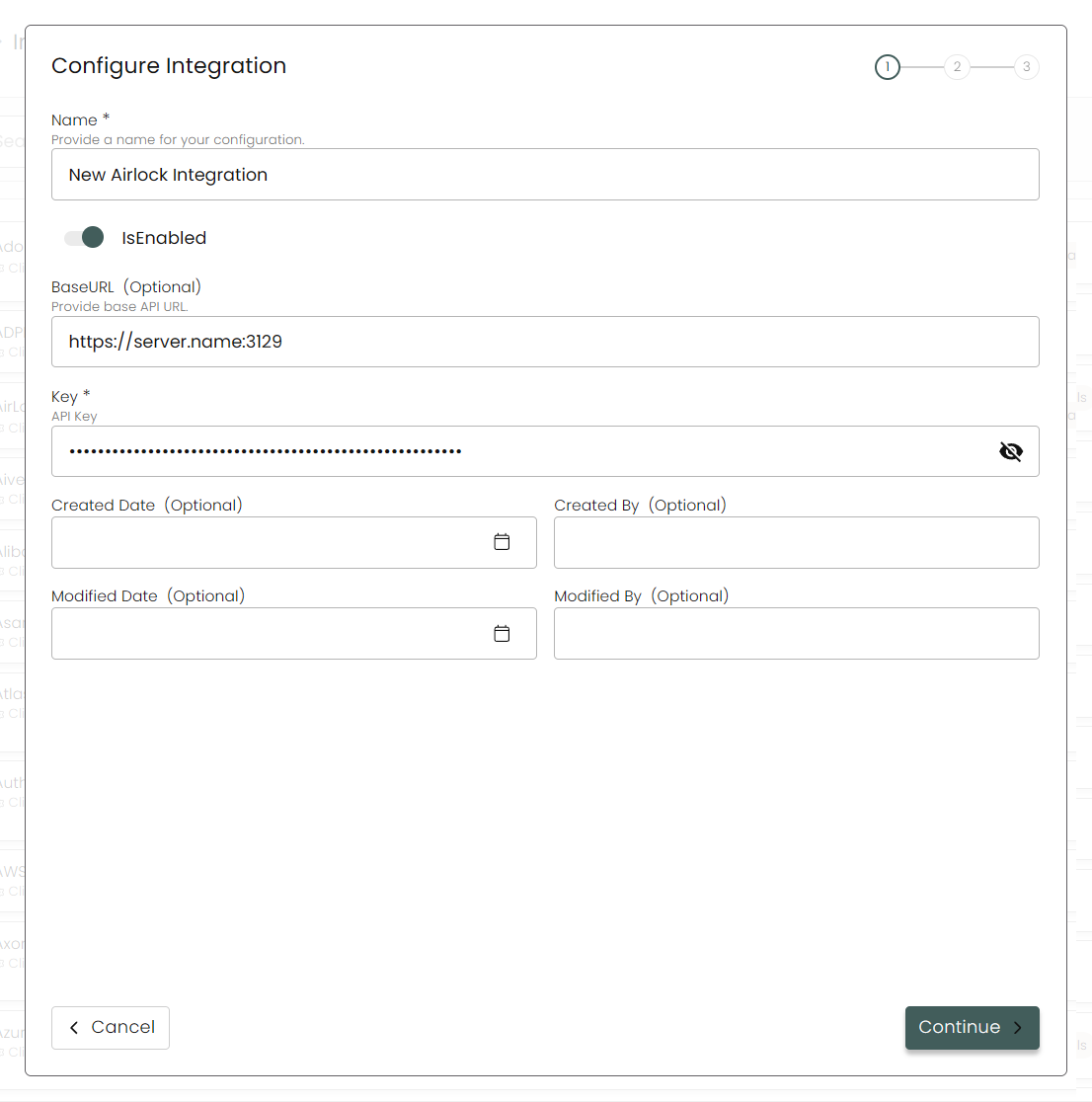
Name: Enter the name of the integration.
is Enabled: Toggle button to ensure data is populated into Compyl.
Base URL: This should be your Airlock Digital Server Name: Port Number, for example:
https://server.name:3129, where 3129 is the default port of the REST API.Key: The API Key generated above.
-
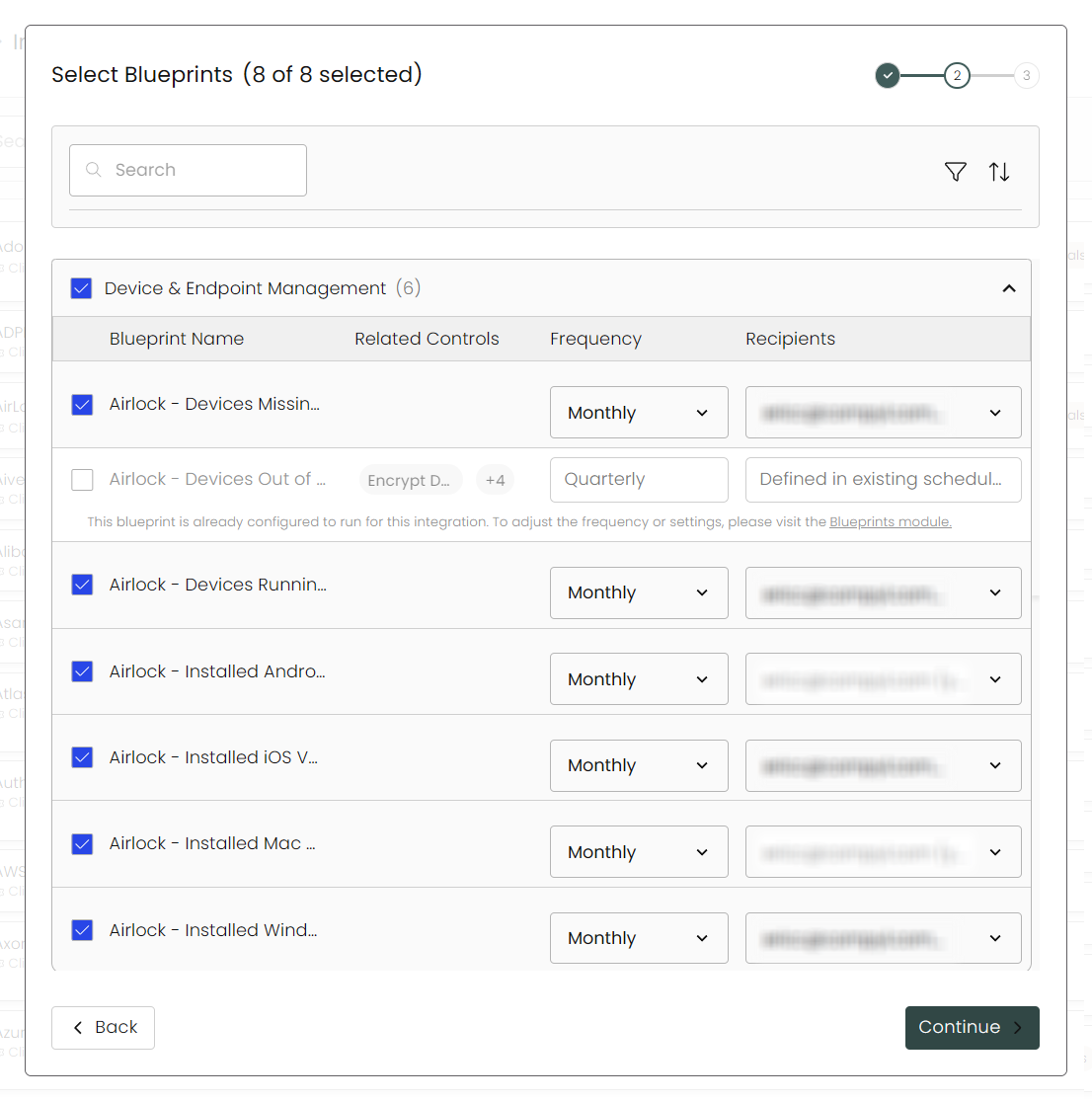
Select any Blueprints you wish to associate with this integration.
-
After you hit Continue, you'll see a summary screen. Click Return to Integrations to complete the configuration.
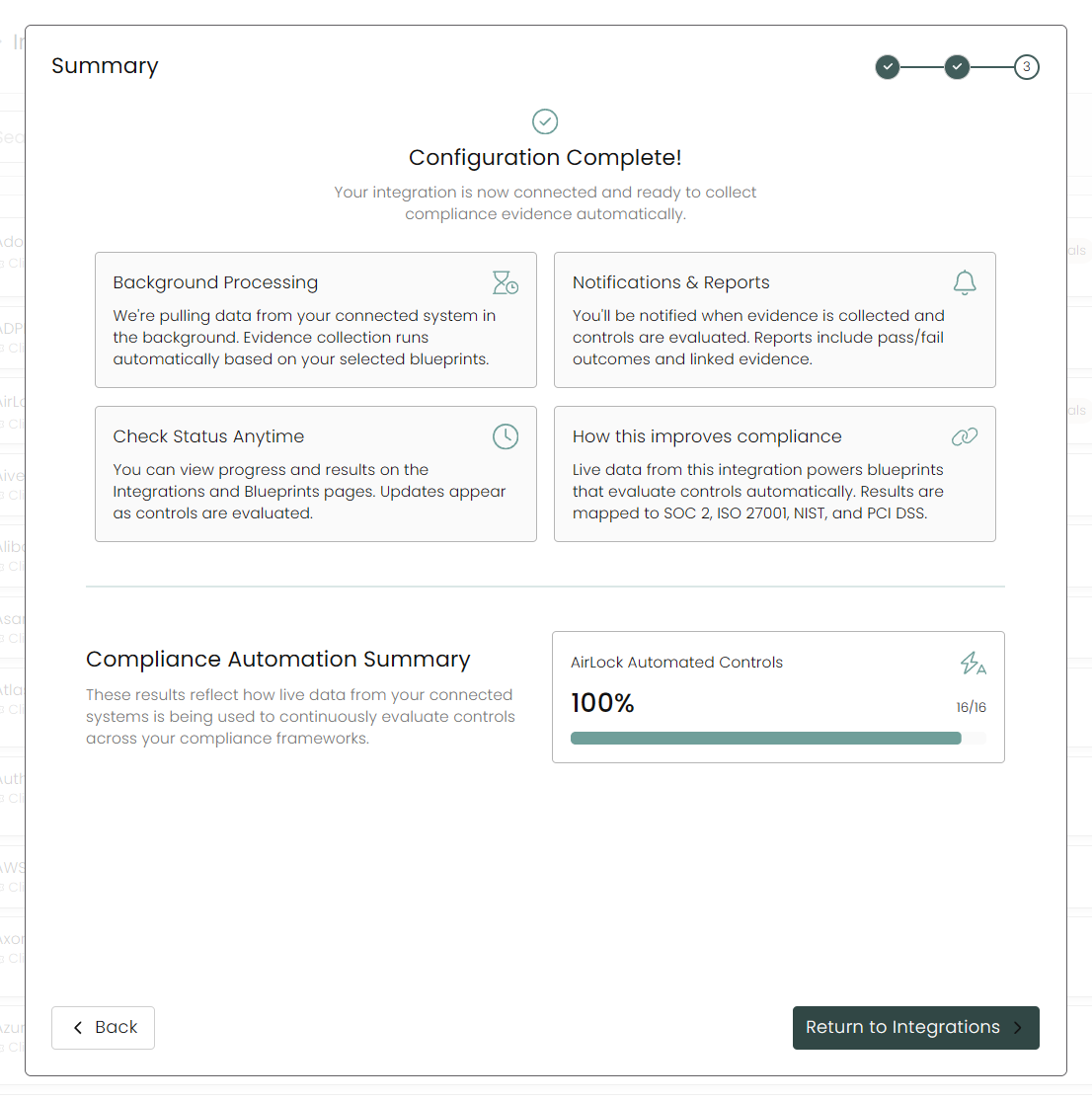
Once you have completed filling out the form click Return to Integrations.
You'll know the integration is successfully added when the status updates to Complete.

Data is synced on a recurring schedule configured by your Compyl administrator. Each sync pulls the latest data from all enabled endpoints.
To query the data from the integration, refer to the Blueprints article.
Updated 2 months ago