
Release Notes
Oct 14, 2026
Bug Fixes
Controls & Compliance
Fixed
- The Control drawer now shows each blueprint's actual status (Pass, Fail, or Scheduled) instead of Inactive, and unscheduled blueprints are excluded from the drawer and compliance scoring.
Form Builder
Fixed
-
Enabled extension fields now appear correctly after their tab is deleted.
-
Deleted tabs and field changes no longer reappear due to outdated cached data.
Questionnaires
Fixed
- Exporting a questionnaire now produces a fresh file with current answers and evidence instead of an outdated snapshot.
Integration Reliability
Improved
- Rapid7 CNAPP syncs now fail within about 30 seconds when credentials are incorrect, instead of waiting up to 10 minutes.
Fixed
-
New Auth0 tenants can now validate and sync without the retired
read:hooksscope. -
The 1Password integration now uses the current
Users API, so newer OAuth applications validate and sync users successfully.
Integration Sync Management
Added
- Cancelling a running Salesforce, ServiceNow, Slack, Atlassian, AWS, or Azure AD sync now stops the current step immediately and prevents the next endpoint from starting.
Oct 13, 2026
Bug Fixes & Improvements
V2 API
Added
- New read-only endpoints for Blueprints, Schedules, Batches, and paginated batch results let you retrieve blueprint definitions, execution history, and result rows programmatically.
Fixed
-
The generated OpenAPI spec now uses standard $-prefixed query parameters (
$select,$filter,$count, etc.), so importing it into Postman or a client SDK works as expected. -
Creating or updating a third party through the API now saves the Owner assignment, returns assigned roles, and gives clear errors for invalid or missing roles.
-
Third parties created through the API now appear on the Third Parties grid immediately instead of waiting for the cache to expire.
-
The Task API now returns saved role assignments, no longer clears existing assignments when users are omitted, and validates required user slots.
Integration Reliability
Fixed
-
Okta system-log sync no longer fails when an actor's alternate ID is longer than 50 characters.
-
AWS ECS container, service, and task data now loads correctly.
-
Bitbucket data sync and endpoint validation no longer time out on workspaces with many repositories.
-
Qualys asset-inventory sync no longer runs out of memory on tenants with large datasets.
-
Duplicate WorkdayWorkers entries no longer appear in integration logs, and syncs with zero inserts now log correctly.
Integration Sync Management
Added
- You can now cancel syncs for Bitdefender, Druva, Freshdesk, GoDaddy, PagerDuty, Snowflake, JumpCloud, Wiz, and Linear, with cancelled syncs correctly marked as Cancelled.
Improved
- Sync history now shows when a sync was queued separately from when it started, so you can see how long it waited.
Risk & Governance
Improved
- The Risks module now loads faster and responds more quickly for tenants with large risk registers.
Fixed
- The Add button for Likelihood and Impact scores is back in Risk Settings.
Platform & Security
Improved
-
User avatars across data grids now display the correct profile photo and accent color instead of a random one.
-
Evidence evaluation and document analysis now use the latest Gemini Flash Lite model (3.1).
Fixed
-
Completed blueprint reviews now clear from a reviewer's to-do list once they finish their tier, without waiting for other tiers.
-
Fixed an intermittent crash that could disconnect the browser session and require a page refresh.
-
The Assets drawer no longer shows the Edit toggle to users who only have Update Assigned permission on an unassigned asset.
Oct 8, 2026
Bug Fixes & Improvements
Questionnaires & Questionnaire Assist
Improved
-
Section-level Missing counts now match the rules used to validate and complete a questionnaire, with new tooltips explaining the indicators.
-
Accepted questionnaires with summary notes now show a read-only Summary Notes section on the drawer's View tab.
Fixed
-
Duplicating a questionnaire now copies attachments correctly when including prior data, and clears answers and attachments when starting without prior data.
-
Questionnaire Assist now works when Free Text is the only selected answer type.
-
External contributors no longer see Questionnaire Assist's AI marker or confidence percentage.
Integration Sync Management
Fixed
- Cancelling a sync now stops cleanly and finishes as Cancelled for Druva, Freshservice, GitHub, Rapid7 (DRP, AppSec/IAS, CNAPP/InsightCloudSec, SIEM, Surface Command, and VM), Workday, Zoom, Zscaler, and Zuora.
Integration Reliability
Fixed
-
Rapid7 VM now saves IPv6 addresses correctly.
-
Bitbucket repository syncs no longer fail when descriptions are longer than 255 characters.
-
ServiceNow request and requested-item syncs no longer fail on descriptions longer than 4,000 characters.
Risk Management
Fixed
- The Risk register's Estimated Remaining Risk column now displays correctly on a 0–100 scale instead of showing values like 30 of 0.
Contracts & Permissions
Fixed
- Add Variation Order in the legacy Contracts grid now follows your record-level update permissions.
Oct 5th, 2026
Bug Fixes & Improvements
Integration Reliability
Improved
- Entra / Azure AD credential failures, such as an expired secret, invalid tenant, or missing scopes, are now clearly reported as authentication errors, with repeated failures grouped together so you can take action.
Fixed
-
Okta, Grafana, CrowdStrike, Axonius, Rapid7 CNAPP, and Atlassian syncs now fail once with a clear error when the base URL is missing or invalid, instead of repeating an invalid request URI error on every call.
-
AWS SES suppression-list syncs no longer fail with Rate exceeded for tenants with large recipient lists, and customer email addresses are no longer written to logs.
-
AWS Backup vault and Transfer Family syncs now save correctly when an optional numeric field is missing.
-
AWS MSK (Kafka) cluster syncs now load all cluster types without errors.
-
Azure DevOps projects, teams, repositories, and pull requests now save correctly on every sync.
Permissions, Notifications & Grids
Fixed
-
Users who can only update records assigned to them can no longer add or remove associations on records that aren't assigned to them, including from the Assets drawer.
-
Simple grid text now follows the theme, appearing light in dark mode instead of staying black.
-
Notification emails now display the Compyl logo and mail icon correctly in Outlook desktop.
-
Residual risk and residual cost helper text now accurately reflects progress-based calculation instead of implying the full estimated reduction applies once a mitigation plan exists.
Sep 30th, 2026
New Features, Bug Fixes, & Improvements
Integration Sync Management
Added
-
You can now cancel an integration sync directly. A queued sync stops immediately, a running sync stops cleanly at its next saved step, and cancelled syncs are correctly marked as Cancelled so a new sync can start right away.
-
Cancelled syncs now record who requested the cancellation, while system-initiated stops remain anonymous.
Fixed
- The identity of the person who cancelled a sync is now preserved on the final history record instead of being lost.
SSO & Authentication
Improved
- Enabling or updating an SSO provider now takes effect immediately at the next sign-in, with no application restart required.
Fixed
- SSO login no longer fails when a Scheme ID contains uppercase letters.
Third-Party & Vendor Management
Fixed
- Third-party records created through the API can now be saved and edited in the UI without errors.
Integrations
Added
ServiceNow
- The CMDB connector now supports Business Applications, Service Instances, Servers, and their relationships, including custom compliance fields like System ID and PCI/SOX tags.
GoDaddy
- Added endpoint validation, letting you individually review and toggle Domains, Orders, and Subscriptions during setup.
Fixed
Rapid7
- DRP phishing syncs no longer hang or leave orphaned records.
Google Cloud Platform
- Drive file sync no longer times out for tenants with large file-permission datasets.
Qualys
- Knowledge-base vulnerability sync no longer times out.
Sep 26th, 2026
Bug Fixes
Platform
Fixed
- Users can sign in again after a platform-wide login issue.
Contracts
Fixed
-
The Contracts module opens without a looping error.
-
Notice Date now updates automatically when the End Date changes.
-
The modern Contracts view now includes an Assigned to me filter again.
Forms & Third Party
Fixed
-
Custom forms open without error.
-
Pages that previously failed to load now open correctly.
-
Vendor Assessment dashboard links now open the existing vendor record or start a new one with the name pre-filled.
-
Creating or inactivating form-extension fields no longer reverts after a save error.
Policies
Fixed
-
Policy Analysis alignment scores no longer show 0% on relevant policies or values over 100%.
-
Uploading an approved policy now correctly shows as Approved instead of Draft.
Blueprints
Fixed
-
Scheduled batches no longer show as Expired while still within their active date range.
-
The Duplicate option is back on blueprint records.
-
Mapping entries that had lost their saved query now show it again.
Audit Portal
Fixed
-
External auditors can update items and add comments again.
-
Long control names now wrap in the drawer header instead of being cut off.
Controls
Fixed
- Failing controls now show the correct number of linked tasks instead of 0.
Tasks
Fixed
-
Disabling a control set now hides that set's related tasks.
-
Team Assignment role rows and dropdowns are now properly aligned.
-
Quick-filter chips now show a selected state when active.
-
Clearing a What You Should Do Next filter also deselects its chip.
-
Board filter counts and column headers update immediately after a save or completion.
-
Approval Workflow dropdowns are now properly aligned.
-
The Approval Workflow Approver dropdown no longer runs off the screen.
Questionnaires
Fixed
- Optional questions now show a single Optional label instead of two.
Change Log & Audit Trail
Fixed
-
History entries now save reliably alongside the related record update.
-
Edited comments no longer display raw formatting tags.
Timeline
Fixed
-
Drag-to-scroll through months works again.
-
The year field now accepts typed input, not just the arrows.
User Management
Fixed
- Theme preferences now save without error.
Integrations
Fixed
Rapid7
-
AppSec endpoint validation now completes instead of showing a false Coming Soon screen.
-
AppSec vulnerability sync no longer times out while saving.
-
DRP threat and phishing-domain sync no longer fails from memory issues.
-
DRP IOC sync no longer times out.
-
SIEM saved-query sync no longer fails from memory issues.
-
SIEM detection-rule sync no longer times out or fails due to old alert references.
-
SIEM local-account sync no longer times out.
-
SIEM tenants using the previous InsightIDR key name authenticate again.
-
VM policy-scan results now save correctly with longer CIS rule IDs.
-
InsightCloudSec sync no longer fails on invalid vendor data.
Google Workspace
- Drive file sync now completes even if the same file appears twice.
Azure
-
Sign-in audit sync no longer fails from memory issues.
-
Enterprise-app sync no longer fails from memory issues.
-
Defender vulnerability sync is no longer blocked by storage limits.
ServiceNow
-
CMDB configuration item sync no longer fails on malformed data.
-
CMDB cleanup no longer times out on large inventories.
Tenable
-
Activity-log sync now completes without errors.
-
Vulnerability-finding sync no longer fails from memory issues.
Zoom
-
Group list now saves correctly when the group already exists.
-
Role list now saves even if one role type returns an error.
-
Locked settings now save even if Zoom returns an error.
Supabase
-
Secrets sync now works correctly with multiple connected projects.
-
Network-restriction sync now works correctly with multiple connected projects.
Axonius
- Scheduled syncs now run as expected instead of being skipped.
AWS
- SES suppressed-destination sync no longer overloads the API.
API
- Compyl-generated tokens no longer return an authentication error on the flat-file API.
General
- Deleting an integration configuration no longer leaves behind leftover data.
Sep 23rd, 2026
New Features, Bug Fixes, & Improvements
Evidence Health & Controls
Fixed
-
Controls with completed evidence no longer incorrectly show "No Evidence" just because another linked blueprint uses an inactive integration; they now show "Unevaluated" until AI evaluation completes.
-
Blueprint status now always reflects the most recent scheduled batch result instead of showing "Pass" when the latest run actually failed.
Integrations & Sync Reliability
Added
- The AWS integration now automatically collects evidence from six new areas: Config rules and compliance, CloudTrail, Backup, IAM credential reports, Access Analyzer findings, and Organizations SCPs.
Improved
- Overnight integration syncs now start gradually instead of all at once, reducing database load during high-volume sync windows.
Fixed
-
Cancelling a queued integration sync now immediately frees up the slot for a new sync to start.
-
Fixed a timeout error when syncing Tenable vulnerability findings on large tenants.
User Access Reviews
Fixed
- Delegated reviewers can now see their review rows even if their user account was deleted and re-created.
Questionnaires
Fixed
- Local group members assigned as Questionnaire Reviewer can now accept and reject answers, even when they're also the questionnaire's individual Owner.
UX & Drawers
Improved
- Closing or saving a nested drawer no longer triggers an unnecessary reload of the primary drawer, preserving in-progress edits.
Sep 22nd, 2026
New Features, Bug Fixes, & Improvements
New Integrations & Data Expansion
Added
-
Box is now available as an integration, collecting users, groups, files, folders, collaborations, shared links, legal holds, retention policies, classifications, and enterprise events for continuous compliance evidence.
-
The Okta integration now covers application entitlements, MFA enrollment status, group rules, admin role assignments, and user lifecycle events.
-
The GitHub integration now covers Dependabot alerts, secret scanning alerts, code scanning alerts, organization security settings (including 2FA status), outside collaborators, and rulesets.
-
The MongoDB Atlas integration now covers cloud backup snapshots, restore job history, encryption-at-rest configuration, alert configurations, and auditing settings.
Integrations & Sync Reliability
Fixed
-
The Workday integration no longer times out or calls an incorrect path during authentication, restoring syncs for affected customers.
-
AWS role-based authentication now shows clear, actionable error messages when there's an OIDC provider mismatch, instead of a generic failure.
-
AWS integration syncs that had silently stopped running now resume their normal daily schedule.
-
Rapid7 SIEM blueprints no longer show a No table in Query Builder error; the required setup now happens automatically.
Assets
Fixed
-
Removing linked items (like risks, third parties, or departments) from an IT Asset now saves correctly instead of reverting after a page reload.
-
Saving changes to an Asset's description or other fields now actually persists the changes.
Custom Fields & Grid Search
Added
- Custom field values are now searchable and filterable directly in grid views across Risks, Vendors, Incidents, Contracts, Assets, and Audits.
Tasks
Fixed
- Task CSV bulk imports now prevent duplicate or conflicting user-role assignments during preview and on save.
UI Polish
Fixed
- Corrected footer text alignment in the AI Evidence Health evaluation panel in the Controls module.
Sep 17th, 2026
Bug Fixes
Blueprints
Fixed
-
Saving a blueprint no longer loses the underlying query if the Query Builder canvas is still loading.
-
Saving a blueprint with a valid query no longer fails with a Saving the blueprint failed error.
Controls
Fixed
-
The Control drawer's View and Edit modes now show matching linked blueprint and task counts, with inactive or disabled items labeled instead of hidden.
-
Saving edits to certain default ISO 27001:2022 controls no longer fails with a Failed to update control error.
Policies
Fixed
- The approval date now displays correctly on policy tiles after uploading a policy with a single approver, and the approver is retained throughout the upload.
Risk Register
Fixed
- Data grids now display all columns correctly when scrolling horizontally in Safari and other WebKit-based browsers.
Reporting
Fixed
- Toolbar icons in the Enterprise Risk Report designer are now visible in dark mode.
Tasks
Fixed
- Canceling an approval on the Tasks board now correctly returns the task card to its original column.
Change Log / Audit Trail
Fixed
- Editing only the title of a Risk, Incident, or Task no longer creates false User Removed and User Added entries in the change log.
Permissions
Fixed
- The Audit Administrator permission group now includes access to the Audits module.
Questionnaires
Fixed
- Expanding the Answer Sets or Question Sets panels in Questionnaires settings no longer causes an error.
UI Polish
Fixed
- Removed an unnecessary scrollbar beneath the search bar in filter popups on Linux-based browsers.
Sep 15th, 2026
New Features, Bug Fixes, & Improvements
New Features
Added
-
You can now create new Blueprints and Tasks directly from a Control record using new + New buttons, with the new record automatically linked to the Control.
-
The same inline creation is now available on Contracts for Vendors, Clients, Assets, and Tasks.
-
The Azure integration now covers Privileged Identity Management role assignments, Entitlement Management access packages, Intune compliance policy status, and backup protected items, enabling automated evidence for privileged access controls.
-
The ServiceNow integration now supports Service Catalog Request and Requested Item data, including exception requests, approval workflows, and related records.
-
Questionnaire Assist now maps AI-generated answers to your configured answer options (like Yes/No/N/A or maturity scales) instead of free text, with a confidence score and manual review for low-confidence answers.
-
The Permission Groups configuration page now includes clearer guidance on how it works and relates to user access.
Integration Platform — Performance
Improved
-
ServiceNow CMDB syncs are now incremental instead of rebuilding the full table each time, dramatically speeding up syncs for large CMDB inventories.
-
Google Workspace Drive file syncs are now incremental instead of a full rebuild, reducing sync time and API usage for large Drive environments.
Integrations
Fixed
ServiceNow
- CMDB fields with non-standard values (like life cycle stage or maintenance schedule) no longer cause sync errors.
CrowdStrike
- Alert data now saves correctly even when identifiers are longer than expected.
Sep. 8th, 2026
Bug Fixes
Integrations
Fixed
-
The Rapid7 AppSec integration completes endpoint validation instead of stalling or showing a false Coming Soon status.
-
Rapid7 VM policy-scan syncs now support longer CIS rule IDs so scans save successfully.
-
Rapid7 SIEM detection-rule syncs no longer conflict with existing alerts.
-
Supabase secrets now sync correctly across multiple projects.
-
Rapid7 SIEM saved queries now support longer query statements.
-
Supabase network-restriction syncs now work correctly across multiple projects.
-
Deleting an integration configuration now removes all of its related data.
-
The Rapid7 SIEM integration now recognizes API keys stored under the previous InsightIDR name.
-
Scheduled Axonius syncs no longer get skipped due to a pending queue ticket.
-
ServiceNow CMDB cleanup no longer times out on large datasets.
-
Google Drive file syncs no longer fail on duplicate files.
-
Rapid7 Digital Risk Protection syncs no longer run out of memory.
-
Azure AD sign-in audit syncs no longer run out of memory.
-
ServiceNow CMDB syncs now handle malformed data pages without failing.
-
Rapid7 SIEM saved-query syncs no longer run out of memory.
-
Rapid7 SIEM detection-rule syncs no longer time out.
-
AWS SES suppression checks no longer slow down syncs.
-
Tenable activity-log syncs no longer fail while saving.
-
Rapid7 SIEM local-account syncs no longer time out.
-
Tenable vulnerability-finding syncs no longer run out of memory.
-
Azure Defender vulnerability syncs no longer fail due to storage limits.
-
Rapid7 Digital Risk Protection IOC syncs no longer time out.
-
Azure AD enterprise-app syncs no longer run out of memory.
-
Zoom group syncs no longer fail when a group already exists.
-
Rapid7 AppSec vulnerability syncs no longer time out.
-
Zoom role syncs no longer fail entirely when one role type returns an error.
-
Zoom locked-settings syncs no longer fail entirely on a single error.
Compliance & Evidence
Fixed
-
The Vendor Assessment dashboard now opens existing vendors or pre-fills new vendor names correctly.
-
Long control names in the auditor dashboard now wrap instead of getting cut off.
-
The Duplicate button is available again for blueprints.
-
Failing controls now show the correct number of linked tasks.
-
Change log entries now always save together with the related data change.
Risk & Governance
Fixed
-
Users can sign in to Compyl again.
-
The Contracts module now opens without errors.
-
Custom forms open correctly again.
-
Third-party form fields no longer revert after a failed save.
-
Previously broken form pages now load correctly.
-
The modern Contracts view now includes an Assigned to me filter.
Questionnaires
Fixed
- Optional questions no longer show a duplicate label.
Tasks
Fixed
-
Task Board counts now update immediately after a save or completion.
-
Disabling a control set now hides its related tasks.
-
Task Team Assignment rows and dropdowns are now properly aligned.
-
Task board quick-filter chips now show when they're selected.
-
"What You Should Do Next" chips now reset correctly when cleared.
-
Approval workflow dropdowns are now properly aligned.
-
The Approver dropdown in approval workflows now stays within the window.
Platform
Fixed
-
The Rapid7 InsightCloudSec integration now handles responses correctly during sync.
-
Compyl-generated API tokens now authenticate correctly.
Audit Portal
Fixed
- External auditors can update items and add comments again.
Blueprints
Fixed
-
Blueprint mapping entries now show their queries again.
-
Blueprint schedule batches no longer expire early while still active.
Contracts
Fixed
- Contract Notice Date now recalculates automatically when the End Date changes.
Policies
Fixed
-
Policy Analysis alignment scores now stay accurate between 0% and 100%.
-
Approved policies no longer show as Draft after upload.
Timeline
Fixed
-
The timeline can be dragged to scroll through months again.
-
The timeline year field now accepts typed input.
User Management
Fixed
- Saving a user theme no longer fails during simultaneous updates.
General
Fixed
- Edited comments no longer display raw formatting tags.
Sep. 3rd, 2026
Bug Fixes
Timeline
Fixed
- Users can now drag, use horizontal / Shift+scroll, jump by year, and return to Today.
Tasks
Fixed
- Completing a task by drag-and-drop or approval now update immediately so the board matches what is actually open.
- Disabled control sets no longer leave orphan tasks.
- What You Should Do Next selections now always match whether that filter is applied.
Contracts
Fixed
- Notice Date recalculates when End Date changes.
Auditor dashboard
Fixed
- Long control names wrap in the drawer header properly.
Questionnaires / Risk & Governance
Fixed
- Dates follow the Date Format specified by the tenant.
Policies
Fixed
- Approver labels and required fields match the rest of the product
- Long email addresses no longer break policy tiles
Permissions and navigation
Fixed
- Permission changes apply on the next page navigation without needing a browser refresh.
Change log / comments
Fixed
- Recorded changes are now easier to parse.
Integrations
Fixed
Rapid7 AppSec
- Endpoint validation now finishes with success or genuine HTTP errors, and a cancelled run no longer wipes the endpoint list.
Rapid7 VM
- The policy-scan results no longer drop on long CIS rule IDs.
Rapid7 SIEM
- The detection rules sync when alerts still reference an old rule.
- Saved queries accept long LEQL.
- SIEM local accounts, detection rules, and saved queries no longer time out or exhaust memory on large tenants.
Rapid7 DRM
- DRP indicators of compromise sync past the one-minute cutoff.
ServiceNow
-
Pagination now follows ServiceNow’s next-page metadata.
-
Improved sync stability.
Supabase
- Tenants with more than one Supabase project now store separately.
Tenable
- Activity logs and vulnerability findings sync on large exports properly.
Sep 1st, 2026
Bug Fixes
Blueprints & Schedules
Fixed
-
Blueprint schedule batches no longer get incorrectly marked as Expired while still within their active date range (between start and due date).
-
Bulk Approve and Bulk Decline in Blueprint review batches now display a warning banner when the action would override previously set approval decisions or approval expirations, preventing accidental overwrites.
Policies
Fixed
- Super admins can now upload policies without hitting an incorrect Unauthorized error.
Risks
Fixed
- Risks no longer fail to load when opened from the grid or dashboard; the system now validates that each role on a risk has at most one assigned user and blocks duplicate assignments in the drawer, guided flow, and CSV import.
Third Parties & Forms
Fixed
- Custom form fields now save correctly instead of silently failing and appearing only on the frontend.
Contracts
Fixed
- The modern Contracts grid view now includes an Assigned to me filter, matching the legacy view, so you can quickly filter to contracts assigned to you.
Tasks
Fixed
-
Row fields and dropdowns in the Team Assignment section of the Tasks module are now properly aligned.
-
The caution icon in the task drawer now displays at the correct size.
User Access Management
Fixed
- Saving user theme preferences now works reliably, resolving an intermittent issue during simultaneous operations.
Integrations
Fixed
Rapid7 VM Integration
- Bulk insertion of asset scan policy results now completes successfully for tenants with large scan datasets.
Aug 28th, 2026
Bug Fixes
Fixed
Contracts module
- Legacy grid now loading
Custom Forms
- Grid view now loading (same underlying component as Contracts)
Policy documents
- Module error is resolved.
Questionnaires
- Grid view error is resolved.
AI Policy
- Alignment and summaries are now functioning properly.
Questionnaires
- Answer Assist is now functioning properly.
Aug 27th, 2026
New Features, Bug Fixes, & Improvements
New Features
- The Workday integration now covers the full employment lifecycle enabling automated evidence for joiner/mover/leaver access review controls (SOC 2 CC6.2/CC6.3, ISO A.5.15/A.5.18, NIST AC-2).
Evidence & Controls
Improved
- Toggling a Control between In Scope and Out of Scope immediately re-evaluates Evidence Health, so the health chip and drawer always reflect the current scope instead of showing a stale Unevaluated or No Evidence state.
Tasks
Fixed
- Recurring tasks with no end date now continue generating new occurrences indefinitely, as expected.
Questionnaires
Fixed
- Creating a questionnaire from a control set no longer fails with a Description cannot be null error; controls with empty descriptions now receive a fallback value.
User Access Management
Fixed
- Deleting a user no longer fails with a blocking message when their only remaining association is a saved grid layout; personal layouts are now cleaned up properly during deletion.
Integration Platform Reliability
Fixed
- Integration syncs no longer fail when multiple integrations start at the same time, resolving a thread-safety issue in environments with many active configurations.
- Google Cloud Platform integration syncs no longer hang after the initial user data collection phase, allowing subsequent data collectors to run.
Integrations
Fixed
Azure
- Defender software inventory data now saves correctly.
- SQL Server data collection no longer times out for tenants with large numbers of SQL instances.
Tenable
- Initial setup now completes successfully for all tenants.
- Plugin data now saves correctly for tenants with large plugin datasets.
Qualys
- Data synchronization no longer times out for tenants with large policy compliance datasets.
Aug 25th, 2026
Bug Fixes & Improvements
Platform Enhancements
Added and Improved
- Task creation now uses a guided, step-by-step flow instead of a single form, walking you through details, workflow, and assignments.
Questionnaires
Fixed
- The ID column is back in the Questionnaires column chooser.
- All Assessments labels in the Questionnaires module now read Questionnaires for consistency across navigation, grids, guided flows, and related areas.
Policies
Fixed
- Super admins can now upload policies without hitting an incorrect Unauthorized error.
Authentication & SSO
Added
- OIDC and SAML configurations now validate the Authentication Provider URI and certificate fields on save, giving clear errors for malformed URLs or invalid certificates instead of failing silently at login.
Blueprints
Fixed
- The Manage Blueprint Categories button now opens the category management dialog as expected.
- Blueprint discussion notification links now navigate to the correct discussion tab instead of showing an error.
Risks & Dashboards
Fixed
- Clicking a risk link from a Dashboard now opens the risk details instead of a
404error. - Third Party and Client CSV bulk imports now block duplicate user role assignments to prevent data conflicts.
Tasks
Fixed
- The Tasks page loads and filters reliably, resolving an intermittent internal error.
Change Log & Audit Trail
Improved
- Change Log entries now save together with the underlying data change, so a failure on either side rolls back both — preventing missing or orphaned audit records.
Integrations
Fixed
- Qualys: policy compliance data now saves correctly.
- JumpCloud: Directory Insights event data now saves correctly, even with longer attribute values, and re-syncing previously ingested events no longer errors.
- AWS: SageMaker AutoML job data now saves correctly when the Region field is empty in the source system.
Aug 20th, 2026
Bug Fixes
Tasks
Fixed
- The Tasks page loads and filters correctly, resolving an internal query exception during data retrieval.
Integrations
Fixed
- The Asana integration no longer times out during data sync for tenants with large project volumes.
- The AWS integration saves WorkSpaces directory data correctly when a field value exceeds the expected column length.
- The Azure integration saves device data correctly when devices with identical identifiers exist in the source system.
- The Azure integration saves group data correctly when groups with identical identifiers exist in the source system.
- The GoDaddy integration no longer times out during data sync for tenants with large datasets.
- The SentinelOne integration saves threat data correctly during synchronization.
- The Tenable integration saves compliance findings correctly when a field value exceeds the expected data length.
Aug 17th, 2026
Bug Fixes
Questionnaires
Fixed
- External Contributors can no longer mark questions as "Not Applicable" in questionnaires.
Evidence & Controls
Fixed
- Control Health Evidence summaries load correctly.
Assessments & Third Parties
Fixed
- Required date validation for Third Party Access Start Date, Assessment Start Date, and Assessment Due Date is now enforced properly.
Integrations
Fixed
Atlassian
- Jira issue sync completes successfully for those with deeply nested issue data (e.g., large changelogs or rich-text content).
- Jira issue synchronization now works correctly.
Azure
- Now saves Defender machine software inventory data correctly.
- Completes audit log sign-in synchronization without timing out for users with large volumes of sign-in activity.
Bitbucket
- Bitbucket integration saves repository data correctly when a workspace website URL exceeds the expected column length.
ServiceNow
- No longer fails when the
sys_domainfield returned a complex object instead of the expected string value.
Tenable
- Vulnerability findings, compliance findings, asset inventory, and scan schedule data are now supported.
- Now saves plugin data correctly for everyone with large plugin datasets.
Aug 13th, 2026
Bug Fixes & Improvements
Assessments & Questionnaires
Fixed
- The completion percentage shown on the Assessments list page no longer differs from the percentage displayed inside the assessment detail view (e.g., showing 3% on the list but 14% when opened).
- Full-permission users should no longer experience any issues within the standard questionnaire workflow.
Blueprints & Compliance
Fixed
- Using the inline save on an existing Blueprint now preserves its query definitions.
Evidence Health
Fixed
- Evidence Health scores now display properly on the Controls page, preventing users from seeing the evaluation status of linked evidence.
Tasks
Fixed
- The "Complete Task" action now succeeds without displaying an error message on tasks with manual approvals.
Local Groups
Fixed
- The Local Groups page no longer requires a manual refresh to display newly added users after assigning a user to a local group from the Users page.
- The "User Count by Permission Group" summary no longer includes local groups.
Integrations
Fixed
- Azure and GoDaddy integrations sync now working properly.
Platform & UI
Fixed
- Additional UX/UI fixes and improvements.
Aug 11th, 2026
Bug Fixes & Improvements
Questionnaires
Improved
- Questionnaire owners can now assign entire local groups as delegates alongside individual users, and group members receive delegation emails and see only their assigned questions.
Fixed
- Questionnaire due date month and day no longer reversed when selecting a date from the calendar picker (e.g., selecting September 4th would incorrectly persist as April 9th).
- The External Assessor homepage now lists assigned questionnaires after Local Groups changes; affected users can now discover their questionnaires directly from their landing page without relying on the notifications panel.
- Editing a questionnaire from the drawer no longer wipes all previously assigned delegates from individual questions in the assessment.
- The View/Edit toggle is now available without requiring a page reload.
Policies
Fixed
- Policy acknowledgment links no longer trigger an erroneous "Too many attempts" rate-limiting error for some users.
Blueprints & Compliance
Fixed
- The Enable Blueprints selection list now only shows integrations you have actually set up.
- Removed the duplicate action buttons appearing on the Blueprint page after navigating from a Questionnaire view.
Evidence Health
Fixed
- Ttale or orphaned evidence evaluations no longer appear in the Evidence Health section after the underlying evidence source (document or blueprint) was unlinked from a control.
- Deleting a task no longer leaves outdated evaluation data visible on related controls.
- Unlinking a blueprint from a control now properly reconciles orphaned evaluations.
Third Party Insights
Fixed
- Third Party Insights no longer returns "N/A" instead of numeric Risk and Compliance scores for vendors like Okta and Microsoft.
Authentication & SSO
Fixed
- The toggle for the Compyl SSO login provider now works correctly at all times.
Tasks
Fixed
- Downloading a PDF file from a Task's Files tab now properly works.
Platform & UI
Fixed
- Added export icons in the Locations and Departments panels.
Aug 6th, 2026
v26.3 Release
What's New in 26.3
Platform Stability & Consistency
We've continued hardening the platform with bug fixes, defect reduction, and UX/workflow consistency improvements across every module.
Evidence Health v2
Evidence Health scoring is now more accurate and transparent. Policy Mappings are now factored into the coverage score, along with related fixes to Policy Analysis scoring.
Batches in the Blueprint Drawer
You can now see batch run history and schedule status directly in the Blueprint Drawer, with an improved default history view. Super admins can now see all batches, regardless of who created them.
New Integrations
We've added new integrations with Notion, Dropbox, and Linear, built on our modernized integration framework. Rapid7 integrations have also been updated and expanded.
Notification Template Updates
Task assignment and sharing email notifications have been updated for Owner and Line of Business Owner roles for clearer, more accurate messaging. This shipped via hotfix, with a follow-up fix for a duplicate-email edge case.
Asana Vendor Workflow
Vendor records can now be automatically created and updated from milestone-stage Asana vendor-intake tickets. This feature is complete and currently being validated in customer environments ahead of general availability.
Behind the Scenes
Ongoing code cleanup and readability improvements continue, with additional work (containerization and isolated environments) planned for the next release.
Aug 4th, 2026
Bug Fixes
Policies
Fixed;
- AI-powered policy features (Analyze, AI Alignment, and AI Summary) for both HTML-based dynamic policies and PDF static policies.
- Policy approval status displaying incorrect or unclear information after approving a policy.
Blueprints & Compliance
Fixed
- Approval timestamp for manual review actions in Blueprints displaying the wrong time (UTC instead of local time); timestamps now correctly reflect the approver's local time.
- Adding evidence to a Task linked to a Control not triggering a re-evaluation of the control's evidence status.
- Adding evidence to a Blueprint linked to a Control not triggering a re-evaluation of the control's evidence status.
Questionnaires
Fixed
- Questionnaire Assist not populating assessment answers when invoked, returning errors or empty results instead of AI-generated responses.
- Inability to open a questionnaire from the secondary drawer when navigating from the Third Parties module.
- Navigation path intermittently displaying as blank or stuck in a loading state for users with restricted permissions.
Risks
Fixed
- "Custom Fields" step appearing in the Risk creation guided flow even when no custom fields are configured for the tenant.
- Creating a task from the Risk Mitigation menu not opening the newly created task.
Grids & Views
Fixed
- Grid view filters and saved views resetting after editing and saving a record; filters now persist correctly through record updates without requiring a page refresh.
User Access Management
Fixed
- Tabs rapidly auto-cycling through all tabs after quick successive clicks, the last-clicked tab now stays selected as expected.
Integrations
Fixed
- Validation of AWS integration credentials due to a missing endpoint validation implementation.
- AWS integration failing with a primary key constraint violation when saving key data with duplicate entries.
- Azure integration timing out during data synchronization for tenants with large resource sets and when retrieving virtual network lists for environments with many networks.
- Azure integration failing to save Defender software inventory data due to a data type constraint on certain fields.
- Qualys integration failing to save patch managed asset data for tenants with large datasets.
- Atlassian "Create issues" configuration exclusivity not being enforced on updates, allowing multiple configurations to inadvertently claim ticket-creation ownership simultaneously.
Tenant Theming & Branding
Added
- Support for a configurable knowledge-base URL in the tenant theming settings, allowing white-label deployments to link to their own documentation portal instead of the default.
Authentication
Fixed
- Inability to upload SAML2 metadata certificate files during SSO configuration.
July 28th, 2026
Bug Fixes
Risks
Fixed
- The View/Edit toggle button now displays immediately after saving a new risk without requiring navigation away from the module.
Tasks & Integrations
Fixed
- Updated Jira issue statuses now display immediately without requiring a full page reload.
Questionnaires
Fixed
- The Questionnaires module now correctly renders an Access Denied state for unauthorized routes and shows a non-navigable breadcrumb label for external assessors on their assigned assessments.
July 27th, 2026
Bug Fixes & Improvements
Platform
Fixed
- The search bar now matches across all visible fields (status, category, vendor, description, etc.) consistent with legacy grid behavior.
Blueprints & Controls
Fixed
- Blueprints now only display when their required integration is actively connected.
- Linked blueprints section now remains visible after saving.
- Blueprints layout now displays all tiles and the expand link correctly at any viewport width.
Dashboards & Theming
Fixed
- Dashboards now reliably initialize in the user's active theme without requiring a manual toggle.
Policies
Fixed
- Text is now clearly readable in both light and dark modes in the Approved Version tab.
Integration Reliability
Fixed
- Duo integration syncing.
Integration Stack Migrations
Improved
- Stability and reliability for the following integration: Adobe Sign, Atlassian, SalesForce, SAPBTP, Scaleway, Scalingo, SecurityIQ, SentinelOne, Sentry, ServiceNow, Shopify, Snowflake, Splunk, Stripe, Supabase, Tailscale, Tenable, Trello, Trivy, Twilio, UKGPro, Vercel, VirusTotal, VMwarevSphere, Wiz, Workday, WorkOS, WorkspaceOne, Zendesk, Zoom, ZScaler, and Zuora.
July 22nd, 2026
New Features, Bug Fixes, & Improvements
New Features
- Added support for custom field mapping in the Contract module bulk import, so that CSV columns matching tenant-configured custom fields are correctly mapped and persisted on imported contracts.
- Added Linear integration with full configuration page and data synchronization support.
Authentication
Fixed
- Compyl SSO now transparently handles identity provider signing key rotations.
Contracts
Fixed
- Contracts module search in Modern grid view now matches across all visible fields (vendor name, status, category, contact email, etc.), consistent with the Legacy view behavior.
Policies
Fixed
- Fixed Policy Analysis scoring now produces accurate, bounded results with clear explanations.
Risks
Fixed
- Required validation now correctly prevents saving a risk with unfilled required custom fields in both the guided flow and drawer edit.
- Our v2 API now properly updates relationships.
Blueprints & Compliance
Fixed
- Records approved with an expiration date are now properly carried forward as approved in subsequent batches until the expiration is reached.
- Blueprint schedules created or edited via the Scheduling tab now properly records
CreatedBy/CreatedDateaudit fields.
Third-Party Insights
Fixed
- Third-Party Insights banner no longer randomly appears on vendors where insights analysis was not run.
Integration Reliability
Improved
- Improved AWS, Rapid7 Surface Command, and Wiz integration stability and reliability.
- Expanded the Rapid7 ICS (CNAPP) integration configuration to support additional base URL options for different deployment regions.
Platform & UI
- Various UX/UI improvements to menus and graphs.
July 16th, 2026
New Features, Bug Fixes, & Improvements
New Features
- Added a Batch Activity view to the Blueprint drawer, allowing you to view the run history, status, approvers, recipients, and download reports for each schedule directly from the Blueprint detail panel without navigating away.
- Added support for custom field mapping in the Risk module bulk import.
Blueprints & Scheduled Reports
Fixed
- Failed or empty blueprint queries no longer send a notification email.
- Blueprint schedules created or edited via the Scheduling tab properly record who created or modified them; audit fields (Created By, Created Date, Modified By, Modified Date) are now populated correctly.
Policies
Fixed
- Uploading multiple policies at once now works properly.
- Policy tokens (Approval Date, Approved By, Version) display correctly in the Draft; tokens now resolve in both views after approval.
- The policy review screen properly shows the table of contents on the left-hand side instead of an empty space.
- Uploaded policies are no longer cleared from the upload queue when switching tabs before completing the upload.
Risks
Fixed
- Deleting a sub-risk from the nested risk drawer updates immediately.
Questionnaires
Fixed
- Questionnaire validation updates immediately when a comment is added to an already-answered Yes/No question that requires a comment; the validation banner now clears and progress updates immediately without needing to re-select the answer.
- Removed a duplicate "Back to Questionnaire" button appearing in the Questionnaire Builder.
Integration Reliability & Performance
Added
- Notion integration with full ETL data synchronization support.
Fixed
- Rapid7 Surface Command sync and data ingest improvements.
- Qualys integration reliability.
- Atlassian integration properly syncs and saves Jira Issues.
- Additional integration sync reliability improvements across all integrations.
July 14th, 2026
Bug Fixes & Improvements
Compliance & Controls
Fixed
- Linked tasks now appear correctly in the control detail view.
- Reports now correctly generates and delivers results as expected.
Risks & Vendors
Fixed
- Custom field values now populate correctly in register grid views.
- Audit history entries now show clean, formatted descriptions.
Questionnaires & Third Parties
Fixed
- The column chooser now opens reliably on a single click and selections respond immediately.
- The Questionnaire creation guided workflow no longer truncates section titles.
Multi-Tenant (MSP)
Fixed
- Restored the multi-tenant environment switcher dropdown in the header for MSP customers; users can once again switch between managed tenants directly from the navigation bar.
Platform & UI
Fixed
- Drawer Basic/Full toggles now accurately reflects the current drawer mode.
Integration Infrastructure
Improved
- Improved integration sync reliability.
July 13th, 2026
Bug Fixes
Compliance & Blueprints
Fixed
- Blueprint pass/fail conditions no longer incorrectly shows a "Fail" status when data was successfully retrieved but an associated approval review was overdue or in progress.
- Questionnaires generated through the Third Party guided workflow now correctly inherit the template content on creation.
Risks
Fixed
- The Risk Decision field can now be edited once a risk was marked as Done.
Tasks
Fixed
- The Task Board now loads properly for all users.
Policies & Editor
Fixed
- The "Remove Formatting" action in the Policy Editor correctly removes text highlighting.
- Enabled the format painter (copy formatting) tool in the Policy Editor, allowing users to quickly apply consistent formatting across policy content.
- The "Policies by Framework" chart now fits properly in its card.
Integration Reliability
Fixed
- Azure integration properly saves directory audit data when audit log entries contained values exceeding the expected column length.
- AWS integration no longer times out during CloudWatch log event synchronization for large tenants.
Platform & UI
Fixed
- Various UX/UI fixes and improvements.
July 8th, 2026
Bug Fixes & Improvements
Integration Reliability & Performance
Improved
- AWS integration stability.
Fixed
- Endpoint validation producing inconsistent results across runs when no credential or permission changes were made.
- Azure integration timing out during sync operations.
- Azure Defender ingests all records regardless of volume.
- Wiz integration timing out when saving subscription data for large environments.
- Wiz integration failing to save project data during sync.
- Rapid7 InsightCloudSec renamed to Rapid7 CNAPP across the platform to reflect the updated product name and improved reliability.
- Dropbox integration icon updated.
Policies
Fixed
- Clicking a Table of Contents link in an imported Word document now scrolls to the correct section within the document.
Platform & UI
Fixed
- Manage Locations grid layout displays correctly.
- Description field now fully expands in the Locations/Departments grids.
- Control details drawer no longer closes unexpectedly after adding a blueprint or task.
- Third Party Insights now save properly.
- Additional UX/UI improvements and fixes.
July 6th, 2026
Bug Fixes & Improvements
Integrations
Fixed
- AWS, Azure, GitHub, Okta, Rapid7 VM, Rapid7 SIEM, and Wiz integration sync issues.
Improved
- AWS CloudTrail and DataDog audit event query performance.
- Removed unused v3 setup from the Rapid7 VM connector configuration screen.
- Updated Rapid7 SIEM connector configuration to use region URLs instead of region codes for improved clarity.
Added
- Box integration.
- Dropbox integration.
Policies
Fixed
- Policies appearing misaligned in the Policies module.
- "Assign to Me" filter not returning policies owned by the current user.
- Missing header/heading selector from the Policy Editor in edit mode.
- Added CKEditor features to the Policy Editor including Table of Contents, Page Break, Highlight, Select All, Remove Format, and Line Height.
- "Policy Administration" can now reassign policy owners and approvers while enforcing separation-of-duties (the same user cannot be both owner and approver).
- Policy summary not populating or being available when document is too brief.
Tasks & Compliance
Fixed
- Task status changes so users can now see who completed a task and how.
- Task owners can view assigned tasks properly.
- Users now see a warning before deletion and audit evidence is preserved.
Risks & Assessments
Fixed
- Completed risks and assessments no longer show an "Overdue" status even when finished on time.
User Access & Authentication
Fixed
- Users with a stored email contained leading or trailing whitespaces can now login properly.
Platform & UI
Fixed
- Favoriting a grid layout now persists between sessions.
- The Settings > Locations and Departments grid works properly after filling in all fields.
- Selected items in tree-selector dropdowns now move to the top of the list as expected.
- "Assigned to Me" checkbox no longer remains checked after clicking "Clear All" in the data control toolbar.
- Locations/Departments grids now display properly.
- Report parameter selector now works properly.
- Blueprints evidence data no longer requires closing and reopening the window before loading properly.
- Grid name validation no longer enforces uniqueness when adding a new grid layout.
- Additional UX/UI fixes and updates.
July 1st, 2026
Bug Fixes & Improvements
User Access Management
Fixed
- An issue where admin users could not view the User Access Management user list when duplicate email rows existed.
Audits & Compliance
Added
- You can now download evidence files directly from the Audit view.
Fixed
- Audits side panel now shows proper visual during initial page load.
Risks
Fixed
- An issue where the Column Chooser menu in the Risks module was not immediately visible after clicking the icon, requiring users to scroll down before options appeared.
- A bug where adding a sub-risk and then previewing it in a pop-out drawer would cause the sub-risk to disappear from the parent risk's edit window when the pop-out was closed.
Platform & UI
Added
- Icon for the Headquartered field under the Third Parties module.
Fixed
- Incorrectly styled info buttons that were not rendering with the proper color and appearance.
- A navigation issue in the Third Party access window where clicking a Location link did not navigate to the expected page.
- An issue in legacy Contracts mode where saving changes to an existing grid layout duplicated the view instead of overwriting the original.
- Restored name validation when adding a new grid layout, preventing users from creating layouts without a name.
Integrations
Rapid7 Vulnerability Management
- Resolved an error that occurred when parsing large policy Parquet files during sync, enabling successful sync for customers with very large asset inventories.
- Fixed failures when saving asset scan policy results and asset policy rule results for customers with large data volumes.
- Fixed a sync failure when saving Rapid7 VM assets.
- Significantly improved sync performance for very large datasets, reducing total sync runtime from many hours to a manageable duration.
Rapid7 AppSec
- Resolved a failure when syncing Attack Template data that prevented the sync from completing.
Okta
- Improved system log sync performance.
- Fixed an system log sync failure caused by field values exceeding the database column size limit.
AWS
- Resolved a sync failure when saving event resource records.
June 30th, 2026
Bug Fixes & Improvements
This release includes the following fixes and improvements:
Authentication & Permissions
Fixed
- An issue where the Microsoft SSO login flow would hang on an infinite loading spinner for specific user accounts, preventing them from accessing the application.
- The system now correctly enforces read-only access.
Risks & Clients
Fixed
- An issue where Owner fields were not loading correctly when opening an existing risk entry in edit mode.
- Removed duplicate Owner and Delegate Owner fields in quick view mode.
Blueprints
Improved
- Simplified the blueprint scheduling interface.
Integrations & Data Engineering
Improved and Updated
- Improved integration sync reliability
- Renamed the Rapid7 InsightAppSec to Rapid7 AppSec
June 26th, 2026
Bug Fixes
This release includes the following fixes and improvements:
Authentication & Permissions
Fixed
- Fixed a critical issue where certain "create" permissions were not being enforced correctly, allowing users to create records in modules (Tasks, Risks, Incidents, etc.) they should not have had access to.
- Fixed an issue where the Microsoft SSO login flow would hang on an infinite loading spinner for specific user accounts, preventing them from accessing the application.
Compliance & Blueprints
Fixed
- Resolved an issue where a User Access Review (UAR) that was fully reviewed still displayed as "In Progress" on the schedule view instead of transitioning to complete.
- Fixed the inability to remove a Blueprint Schedule Owner after one was added during the schedule creation process.
Tasks & Risks
Fixed
- Fixed task linking, which was unavailable from within the Risk drawer.
- Resolved an issue where the Inherent Risk and Residual Risk progress bars on the Risks grid displayed incorrect values.
- Fixed the Risk Mitigation quick filter on the Tasks board so it correctly filters tasks that have linked risks.
- Fixed an error that occurred when searching or filtering to a group with zero tasks on the Tasks board.
- Corrected the Status Management filter on the Tasks board, which was displaying incorrect filter options.
Contracts Module
Fixed
- Restored associated documents and signed documents in the modern Contracts drawer.
- Fixed the guided contract creation flow so that Adobe Sign enablement is carried over correctly.
- Fixed a duplicate "Add Contract" button appearing on the Contracts page.
Notifications & Workflows
Fixed
- Emails are now sent when a user is removed from a record as well, not just when replaced by another user.
Platform & UI
Fixed
- Fixed Departments displaying incorrect owner information from the database.
- Resolved visual defects in the UAM Groups grid.
- Fixed the Incidents module so associated users display correctly.
- Removed an outdated comment icon from the Settings grid.
- Restored the missing Export button across all applicable modules.
- Fixed the Third Party Insights email link, which was returning a 404 error.
- Added a Download Template button to Questionnaire Answer Sets.
- Fixed an error that occurred when saving a Location record.
Integrations & Data Engineering
Fixed
- Resolved a Qualys integration sync failure.
June 24th, 2026
Bug Fixes & Improvements
This release includes the following fixes and improvements:
Platform & UI
Fixed
- Saved grid view filters can now be updated.
- Resolved a display issue where the AI suggestion "Click here to accept" banner was cutting off the first line of suggested text in form fields.
- AI-generated text no longer visually overlaps with existing field values when creating new form entries.
- Task banners now only displays incomplete (outstanding) tasks instead of total tasks.
- Linking Tasks to Assets is now available from the grid view.
- The Duplicate Task button now works properly.
Added
- Enabled form extension fields to appear in the modern Column Chooser for grids.
- "No Outstanding Tasks" banner for questionnaires that have no associated tasks.
Improved
- Various UX/UI Updates and Improvements
- The vendor edit screen loading skeleton now better matches the expected visual layout during data loading.
Contracts Module
Fixed
- Removed the deprecated Approval Status field from the Contracts module, resolving issues with CSV imports that failed to persist this value correctly.
- Export option restored to Contract grid view.
- Restored missing fields in the legacy Contract grid view.
Compliance & Evidence
Improved
- Audit start date fields can now be updated via keyboard.
Fixed
- Creating new users no displays a false "user already exists" message despite the user being created successfully.
- New Question Sets can now be added properly.
- Fixed a bug where the Sources section in Blueprints became unusable when populated with large lists.
- Blueprint can now be properly duplicated.
- Platform updates no longer potentially trigger User Access Reviews and scheduled batches.
- The Create Task permission is now properly checked on the Task Board.
Policies & Security
Fixed
- Policy acknowledgements can now be properly validated, allowing users to complete their acknowledgements.
- Corrected an access control issue where users with read-only Policy permissions could affect global Policy settings.
Risk & Governance
Fixed
- Saving or updating a vendor record now works correctly.
Integrations & Data Engineering
Improved
- Improved SentinelOne and KnowBe4 sync reliability.
June 18th, 2026
Bug Fixes & Improvements
-
Added: Our Dropbox Integration now has a configuration page.
-
Improved Integration sync tracking allows for better visibility into sync status and scheduling across integrations.
-
- Improved Qualys integration endpoints to clear end-of-service warnings from the vendor.
-
Improved: Controls can now be opened and edited directly as a secondary drawer from the Risk and Task modules, eliminating the need to navigate away to the Controls page.
-
Improved: UI/UX consistency across Vendors, Clients, IT Assets, Incidents, Contracts, and Questionnaires modules.
-
Improved: Split task notification emails so that task Owners receive an "assigned" notification while Delegates and Line-of-Business Owners receive a separate "shared for awareness" notification.
- Fixed: Inherent and residual risk score calculations now use industry-standard decimal formulas with proper precision. Existing risk records have been updated as well.
- Fixed a critical issue where the Blueprint Query Builder could reset a valid blueprint canvas and overwrite saved definitions on re-save.
- Fixed: Blueprint data sources built on SQL Views now show correctly in the Query Builder tab.
- Fixed: Blueprint export (CSV, XLS, XLSX) now working as intended.
- Fixed: Blueprint schedule validation now lists the specific missing fields based on the selected review option instead of a generic instructions.
- Fixed: Clicking "Preview Results" in Questionnaire Assist after removing and re-uploading a questionnaire file with supporting documents no longer produces an error.
- Fixed: Questionnaire card drag-and-drop reordering in the Assessment Builder now functions as intended.
- Restored: "View Batch Data" option in the Controls blueprint drawer menu is now back.
June 15th, 2026
Bug Fixes & Improvements
- Improved: Enabled sorting by the Controls column on the Risk grid.
- Fixed: Resolved an issue where scrolling in the Controls drawer would jump unexpectedly while Compyl AI-generated content was loading.
- Fixed: Copilot popup no longer shifts when opened inside the Third Party drawer while scrolling.
- Fixed: All headings and sections are fully visible in both the Policy editor and exported PDFs.
- Fixed: Required custom fields now appear correctly in the Assets creation stepper and other guided flows.
- Fixed: Completing associated tasks on a third-party vendor no longer incorrectly disables the vendor or logs.
- Fixed: Completing a linked task from a questionnaire no longer prematurely marks the entire questionnaire as complete or bypasses the review process.
- Fixed: Framework field no longer appears as required on existing contracts with no selectable drop-down.
- Fixed: Switching away from a Call-Off or Variation Order contract type now correctly clears inherited category, subcategory, and vendor fields.
- Fixed: Switching to a parent-requiring contract type now clears previously entered category and subcategory values that become locked.
- Fixed an error that prevented contracts from being deleted through the drawer interface.
- Fixed: Custom field values entered during contract creation via the guided flow now save correctly without requiring a manual refresh.
- Fixed: Contract categories now display properly in the Contracts grid instead of showing as blank.
- Fixed: Added date validation so a contract Start Date can no longer be set after the End Date in both the creation flow and edit drawer.
- Fixed: Integration sync logs now functioning as intended.
June 11th, 2026
Bug Fixes & Improvements
- Added: Support for the Notion integration configuration page, enabling you to add, update, and delete Notion credentials.
- Improved: Duplicate Task into the kebab menu on the Task Board drawer for improved UI consistency.
- Improved:* More consistency with primary and secondary drawers across all modules.
- Improved: Removed Custom Fields step from Audit creation when no custom fields are present.
- Fixed: Policy content isolation issue during collaboration.
- Fixed: Report Designer no longer errors when saving changes a second time during the same session.
Fixed: Deleting a subreport no longer results in an error in the Report Designer. - Fixed: Linking controls when adding a risk no longer has an error.
- Fixed an issue where policy content on the Policy Acknowledgement page could render as garbled text for certain legacy document formats.
- Fixed an issue where the highlighted control set on audits was invisible when using Light Mode.
- Fixed: Risk Register bulk uploads now process all rows correctly with improved error messaging for formatting issues.
- Fixed an issue where custom fields configured as required were not appearing in the Incidents creation workflow, blocking record creation.
- Fixed: Custom fields now appear in the Risk creation workflow.
- Fixed: Using your browser's print/save-to-PDF feature in Light Mode no longer switches you to Dark Mode.
- Fixed: Deleting a data source table in Blueprints no longer causes the editor to become stuck.
- Fixed: Days Until Renewal column within Contracts now accurately reflects the stored database value.
- Fixed: GitHub, Rapid7 Surface Command, Atlassian, Okta, SentinalOne, and Rapid7 SIEM integration sync and timeout issues.
June 9th, 2026
Bug Fixes & Improvements
- Improved: Expanded Rapid7 Insight VM data collection endpoints.
- Improved: Integration sync reliability for NetSuite, Okta, Azure, Google Drive, Wiz, GitHub, and ServiceNow.
- Fixed: Add Evidence drawer in Controls stays visible when opened.
- Fixed: Special characters display correctly in Questionnaires.
- Fixed: Users with view-only Reports access can now open and view those reports.
- Fixed: ServiceNow sync issues.
- Fixed: Netskope date-based queries now run correctly.
June 6th, 2026
v26.2 Release
What's New in 26.2
Welcome to our second release of 2026!
New Features
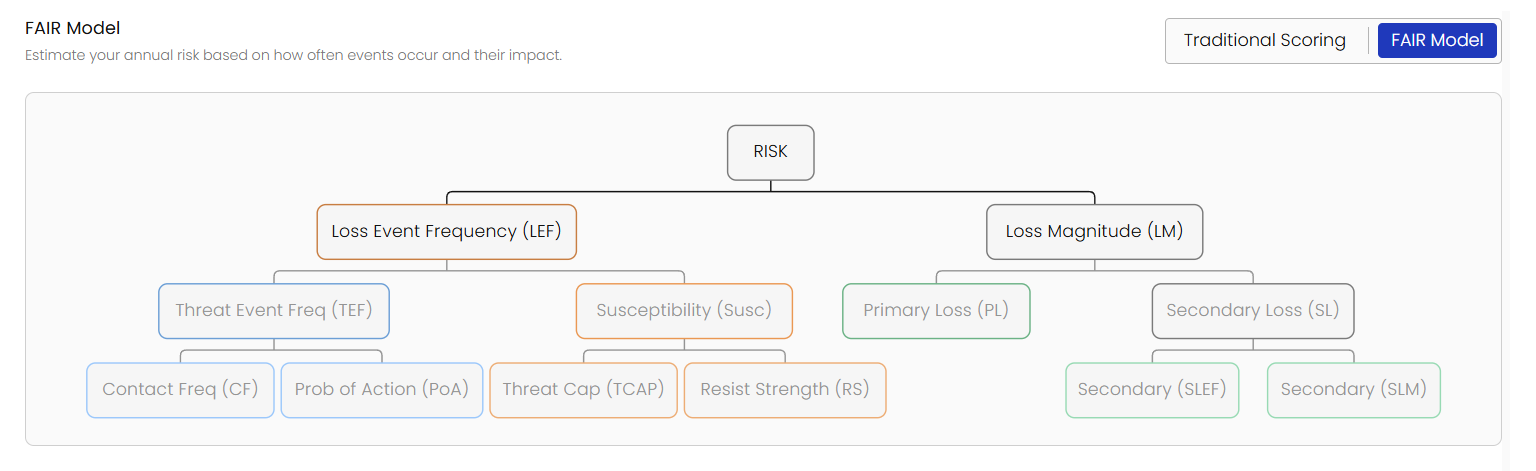
FAIR Analysis + Risk Stepper
The new FAIR Analysis flow gives teams a guided, five-step process, from identification through review, with built-in simulation that outputs minimum, average, and maximum loss estimates. Every assumption is captured in one place, and the final review step surfaces ALE, ownership, status, and due dates before a risk record is ever created.
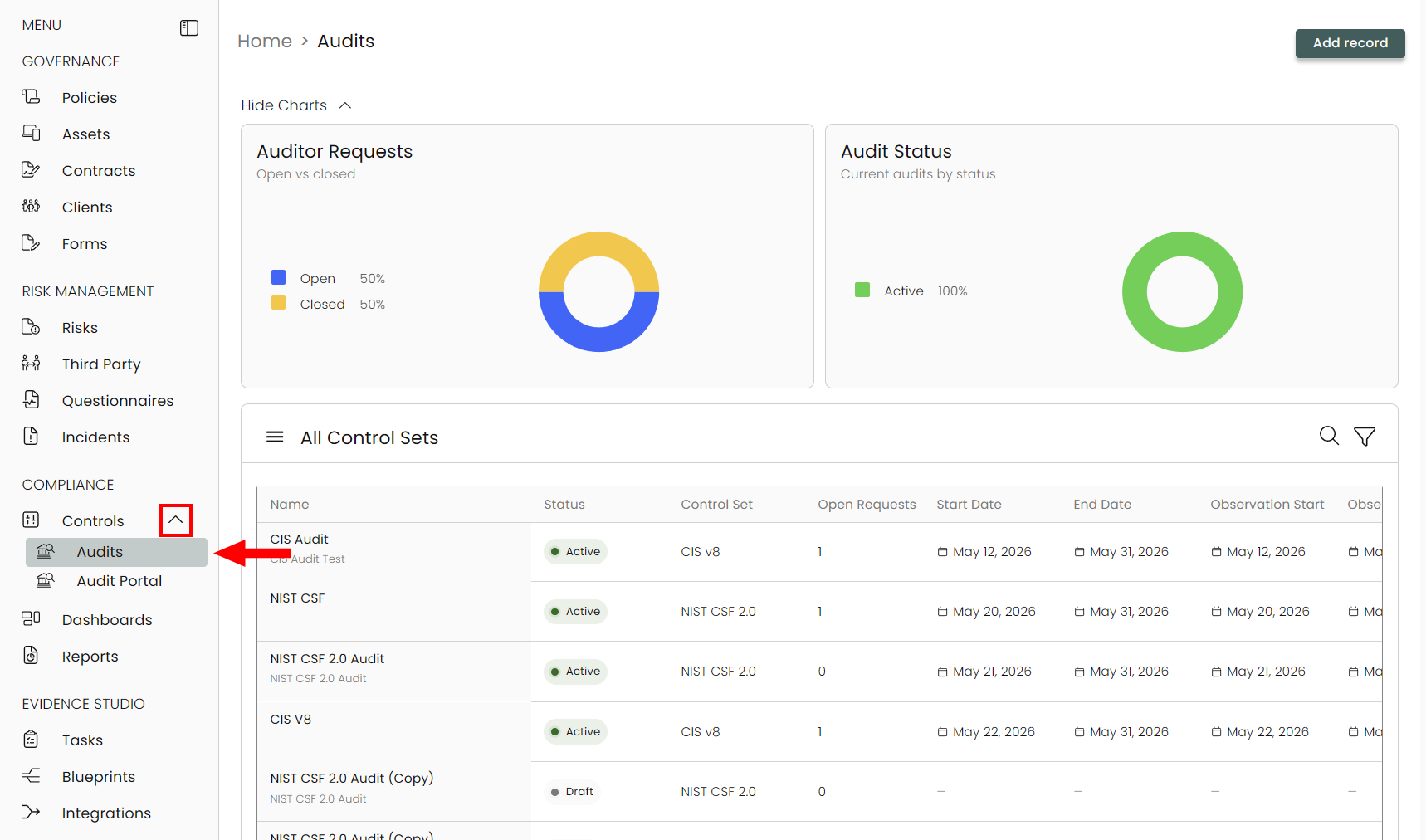
End-to-End Audit
Audit is now a first-class workflow inside Compyl, not an afterthought. Audits live alongside Controls, a guided creation stepper reduces misconfigured records, and a context drawer surfaces progress, evidence, and open requests without leaving the page. External auditors get a dedicated portal, auditee collaboration flows through Tasks, and register visualizations give leadership a clear view of portfolio posture — all backed by accurate data.
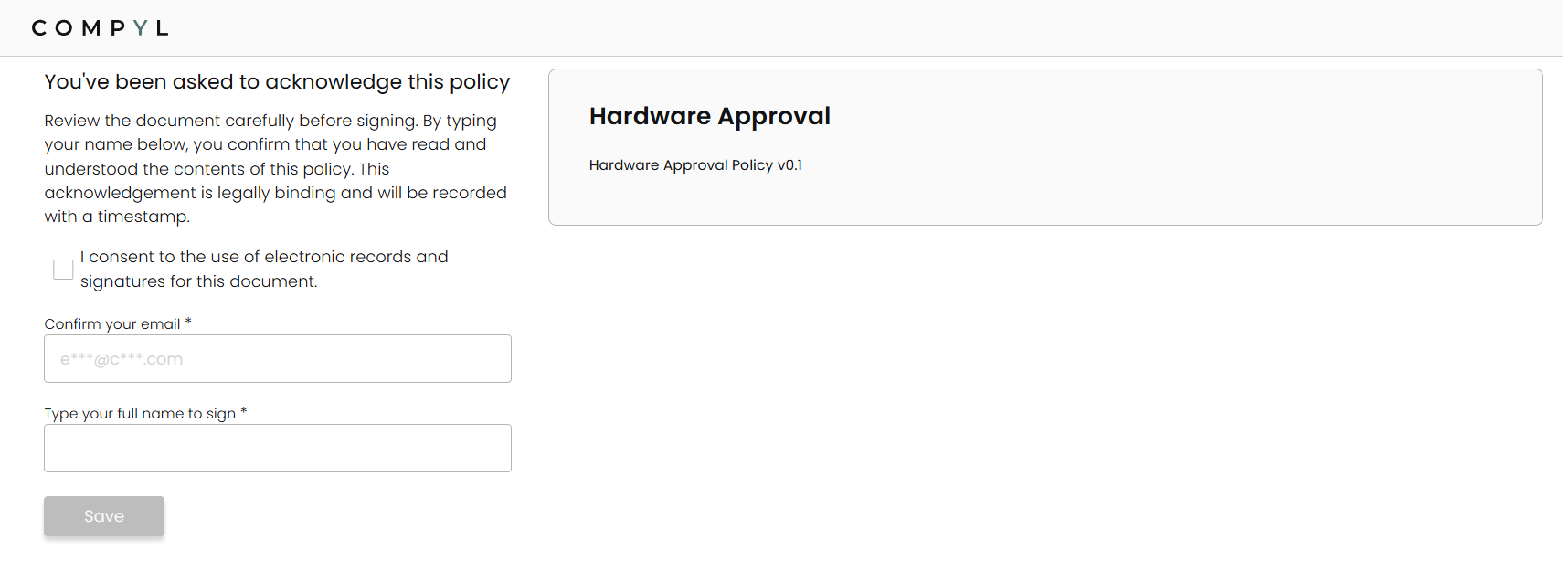
Policy Acknowledgement
Our new Policy Acknowledgement allows you to monitor and log receipt, reviews, and acknowledgments of policies for tracking and audit purposes.
Evidence Examiner
Weak evidence only becomes a problem at the worst possible time: during an audit. Our Evidence Examiner reviews control-linked evidence before it gets that far — analyzing submissions for completeness, relevance, and quality, returning clear pass/fail reasoning, and suggesting concrete remediation steps when something is missing. Tighten the evidence loop long before formal review begins.
TPRM & Vendor Vanguard
Third-party risk management works best when due diligence, assessments, and vendor context all live in one place. Vendor Vanguard enriches vendor records with background intelligence — including financial and organizational signals — so teams can make informed decisions without chasing down data. The redesigned register surfaces criticality, data-protection posture, and recommended next actions at a glance. Quick actions let teams spin AI-generated recommendations directly into Tasks, questionnaires, or Incidents with prefilled fields and full traceability back to the source.
Compyl Notification System (CNS) + Daily Metrics
Compliance teams shouldn't have to manage their inbox to manage their program. The Compyl Notification System replaces scattered, per-workflow emails with a centralized, priority-tiered notification pipeline. Critical events (policy approvals, overdue alerts) still trigger immediate emails. Actionable items (task assignments, assessment reminders) bundle into a single email roughly every 10 minutes. Everything else rolls up into one morning digest. Every notification links directly to the record that needs attention, duplicate updates merge into a single card, and every send is logged for audit evidence.
Improvements
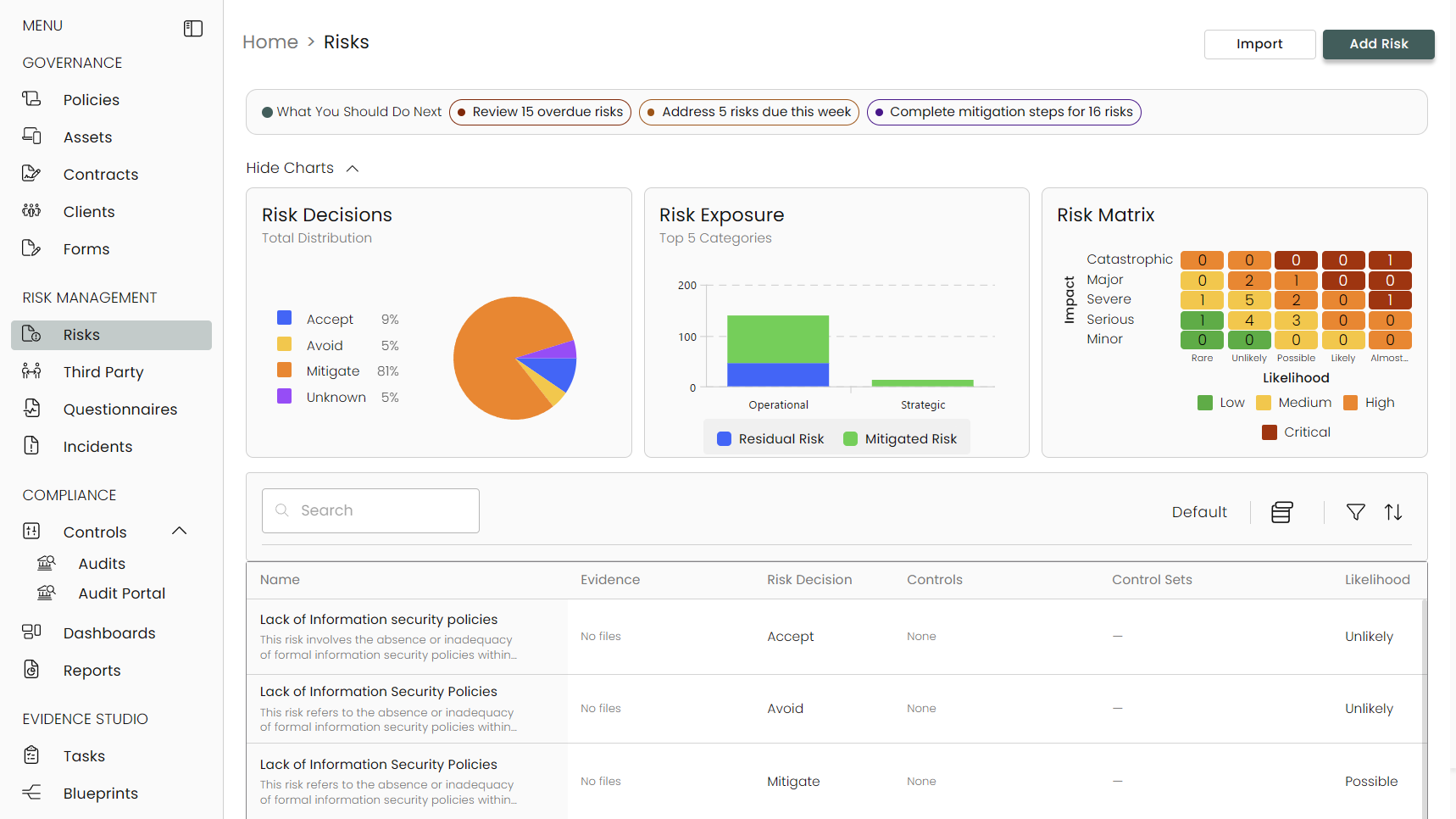
Enhanced Risk Register UX
Navigation across the risk register is cleaner and faster — clearer action hierarchy in drawer and edit views, improved readability for ownership and evidence state, and reduced friction moving from triage to update.
Incidents
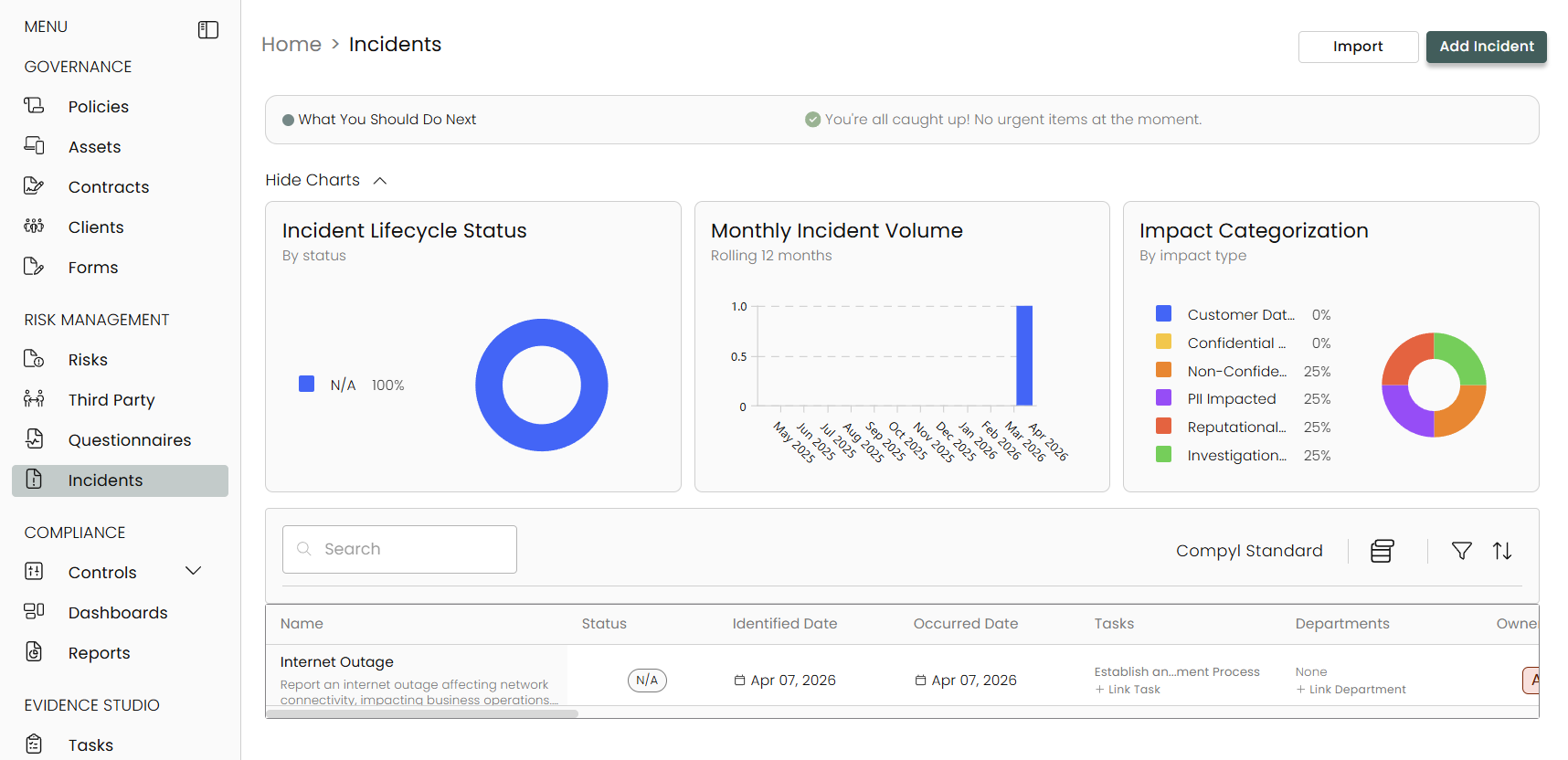
Incident creation now follows the same guided stepper and AI review pattern as Risk. Quick edit and full edit paths support both rapid triage and deeper case management, with timeline, impact, and ownership easier to scan and act on.
Blueprint Building & Automated Evidence Collection
Blueprints now cover more ground and are easier to operate on a schedule. Over 2,000 out-of-the-box patterns are available alongside a natural-language path to draft, preview, and confirm before saving. Schedules now explicitly declare whether output is report-only or requires human attestation, with configurable reviewer tiers and delegation support. Batch review is redesigned with stronger navigation, per-tier progress tracking, and reminder sends backed by the notification APIs.
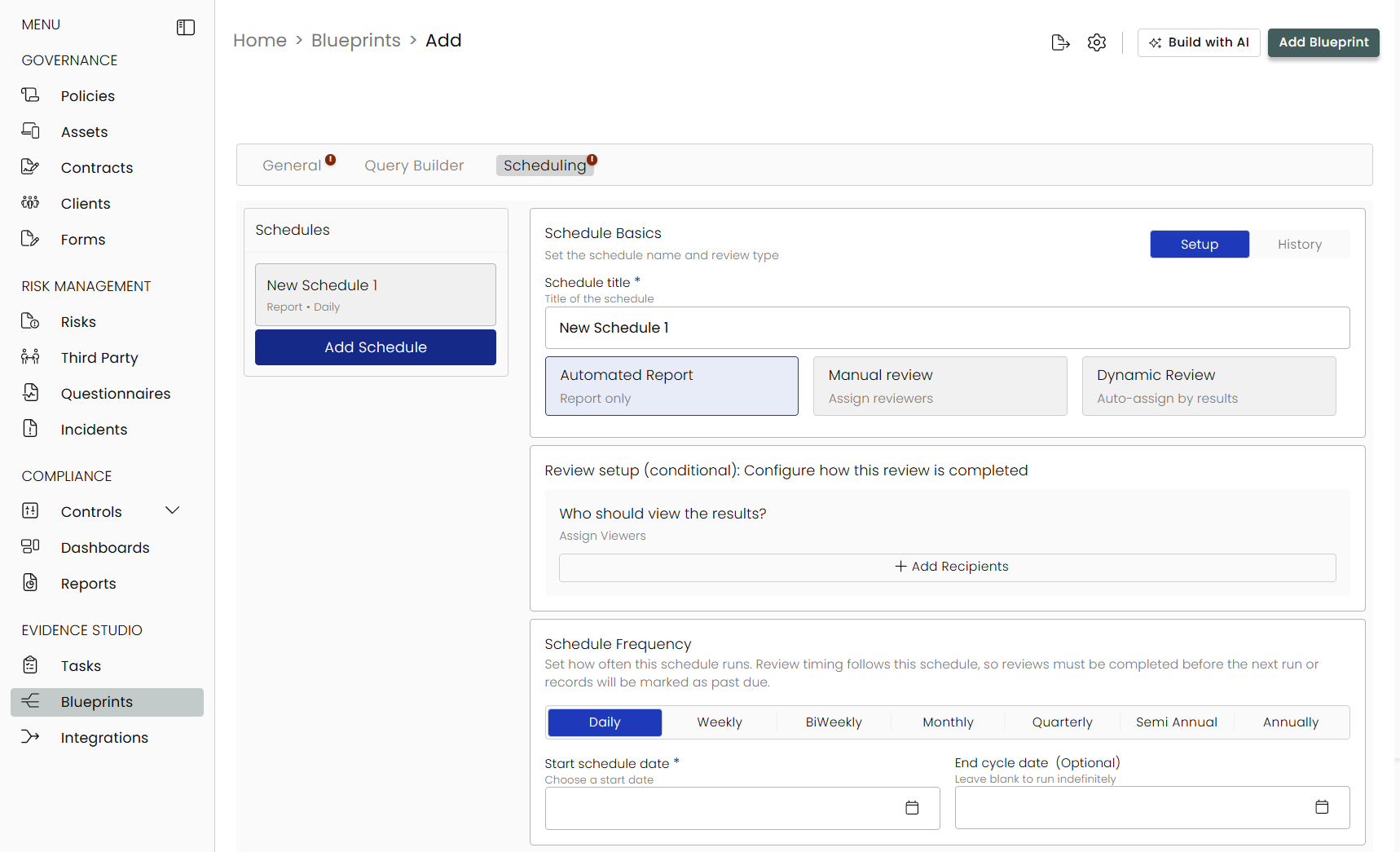
You can also let our AI agent build your blueprints for you! Just describe what you're looking to monitor (systems, users, data, etc...) and our AI agent will do the rest, attaching descriptions, SQL queries, and relevant controls.
User Access Management & RBAC
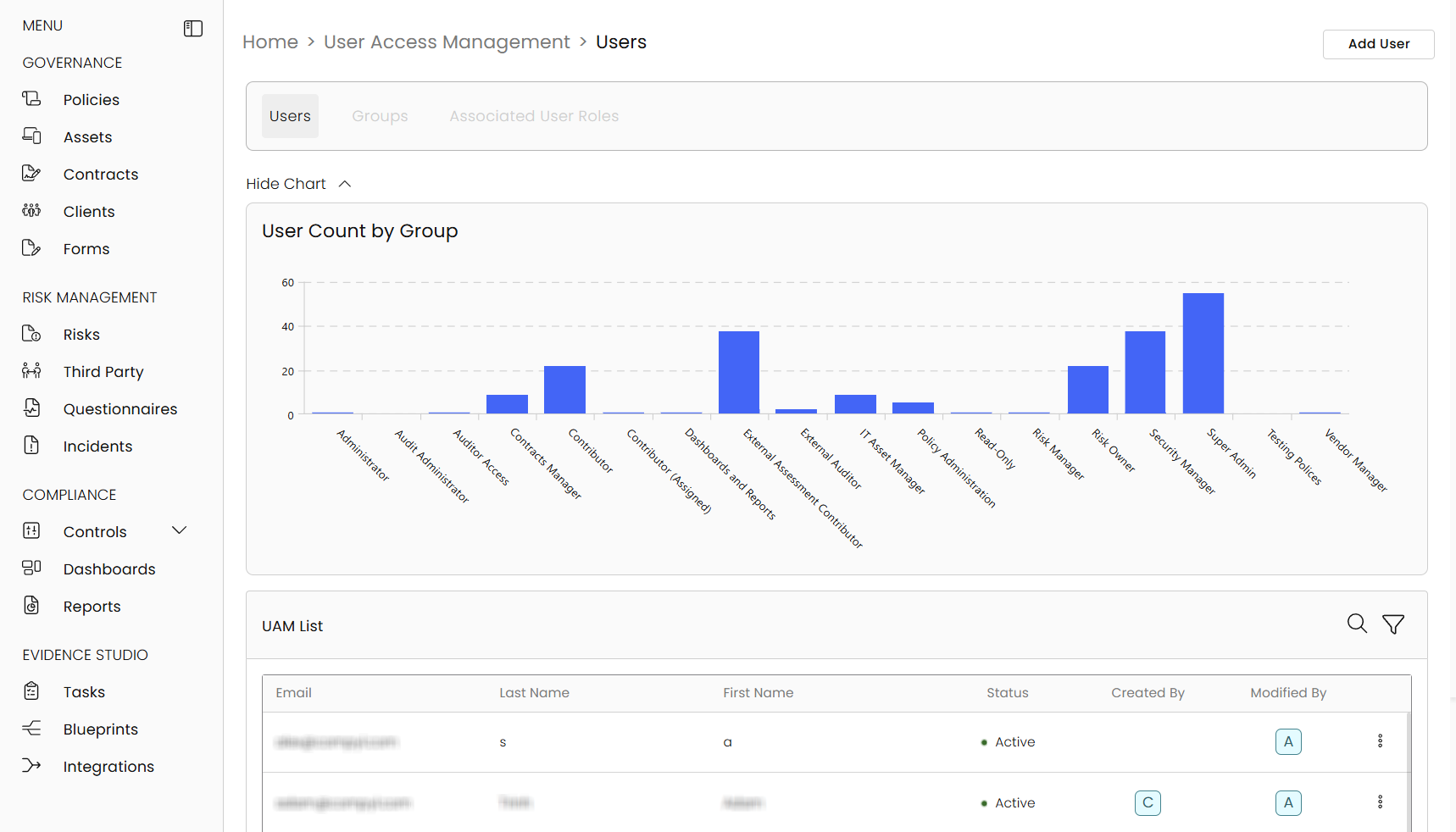
User Access Management was rebuilt end-to-end — permission-aware header actions, improved grid UX, expanded edit capabilities, and a history mode for both users and groups.
Policies & Publishing
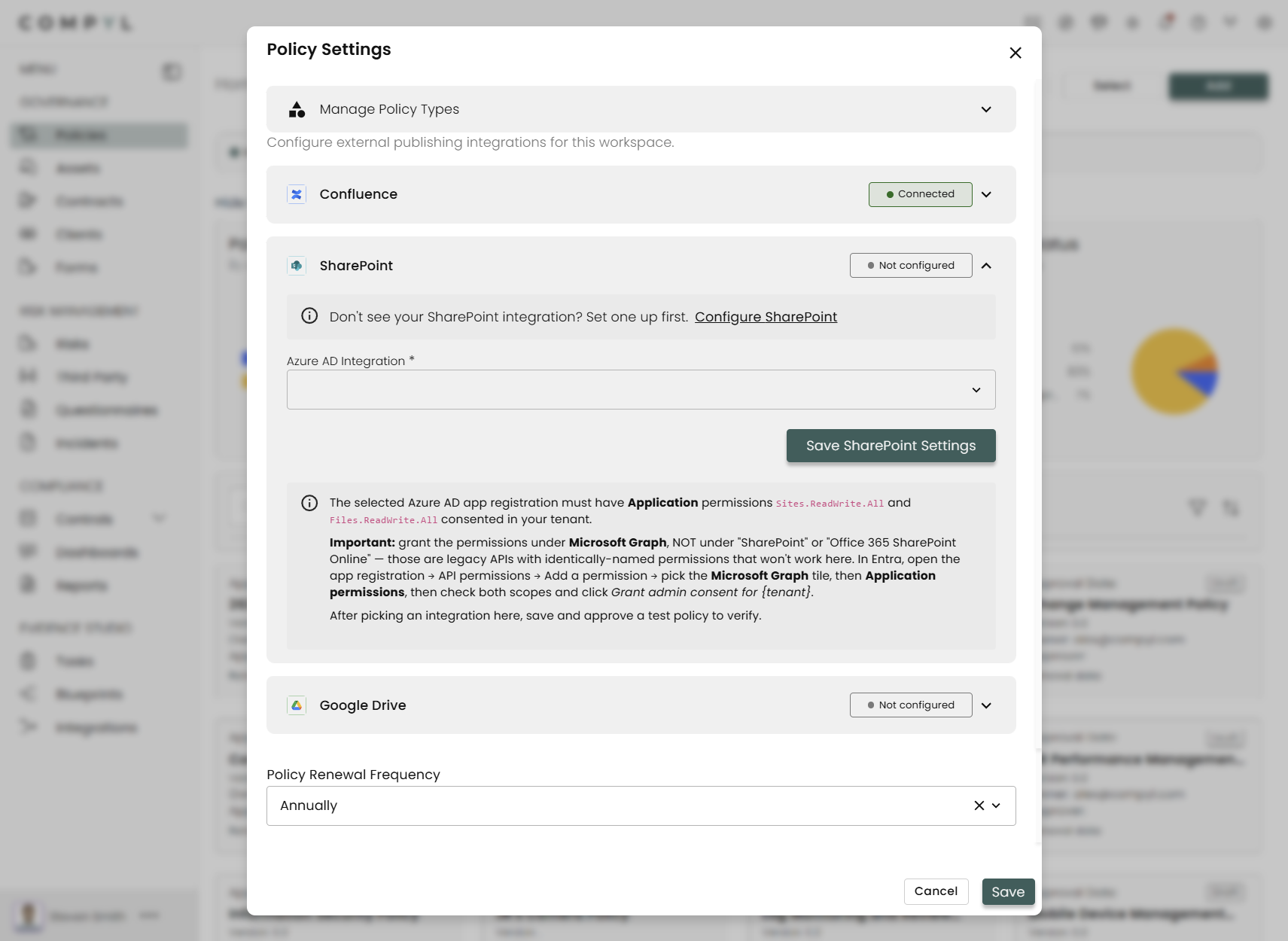
Approved policies can now be published directly to SharePoint, Confluence, and Google Drive — with version and approval metadata, deduplication on repeat runs, and an auditable trail of every publish event. No more manual PDF uploads after approval.
Site-wide Quality & Navigation
Guided steppers and AI-powered final review summaries are now consistent across create and edit flows throughout the platform. Navigation feels faster, loading is less interruptive, and users have clearer progress signals at every step.
June 3rd, 2026
Bug Fixes
- Improved: Rapid7 SIEM integration QoL improvements including storage values displayed as gigabytes (GB) and timestamps displayed in date format.
- Fixed: Task extension fields now retain values after saving consistently.
- Fixed: Compyl Copilot no longer becomes unresponsive, failing to return results.
- Fixed: Rapid7 SIEM integration sync errors.
- Fixed: Removed or Archived Tasks no longer mark Controls as failed; task counts and compliance now reflect only eligible linked tasks.
- Fixed: SentinelOne sync issues.
May 28th, 2026
Bug Fixes
- Improved: The Policy Administrator permission is now automatically granted to Super Admin and Policy Administration groups, eliminating the need for manual configuration.
- Fixed an issue where blueprints incorrectly reported pass/fail status even when data was correctly retrieved, causing controls to display inaccurate compliance results.
- Fixed: AWS CloudTrail blueprint timeouts.
- Fixed: Various integration sync and stability issues.
May 22nd, 2026
Bug Fixes & Improvements
- Improved: When adding an IT asset, tabs that still need required fields now show the same warning indicators as Vendors and Risk.
- Improved: The compliance overview chart now stays aligned with today’s live compliance score when it has drifted from the daily snapshot.
- Improved: The controls grid refreshes after you update a linked task from the control drawer, so Passing/Failing status matches what you see in the drawer.
- Improved: Blueprints enabled through the bulk Enable Blueprints flow now show as Scheduled and are picked up by the scheduler, including when the start date is today.
- Improved: Okta and SentinelOne integration sync and validation.
- Improved: Task Administrators can now drag and drop tasks across all swimlanes on the task board, not just the ones assigned to them.
- Improved: Azure AD performance by reducing excessive logging.
- Fixed: Question sets uploaded from CSV now fill in the set name reliably and save with the correct structure.
- Fixed: Assessments that require both an answer and a comment to be marked complete now work as intended.
- Fixed: Policies update to Approved as expected.
- Fixed: Removed or Archived Tasks no longer mark Controls as failed; task counts and compliance now reflect only eligible linked tasks.
May 19th, 2026
Bug Fixes & Improvements
- Added: Additional Rapid7 Insight VM scan, policy, and vulnerability remediation endpoints.
- Improved: Various integrations sync reliability and performance.
- Fixed: Add Evidence menu within the Control drawer stays visible instead of opening below the scroll area.
- Fixed: Assessments section labels now display correctly.
- Fixed: Users with View-Only Access in reports can now see and open those reports properly.
- Fixed: Netskope and ServiceNow integration sync errors are now resolved.
May 14th, 2026
Bug Fixes
- Improved: Task Administrators can now drag and drop tasks across all swimlanes on the task board, not just the ones assigned to them.
- Improved: Azure AD performance by reducing excessive logging.
- Fixed: Dropdown menus inside Task and Control Set drawers stay anchored when scrolling the page behind the drawer.
- Fixed: Assessments now display correctly if marked Compliant for users actively completing an assessment.
- Fixed: Tasks linked to multiple Control Sets now display all associated tags.
- Fixed: Contracts can now be deleted through the grid view.
- Fixed: An issue where users could still receive unassignment notifications even after all notification triggers for that record type were removed in settings is not resolved.
- Fixed: Various Integration sync errors.
And other platform stability enhancements and improvements.
May 8th, 2026
Bug Fixes & Integration Improvements
-
Added: Monday.com integration.
-
Improved: Integration sync reliability.
-
Improved: AWS CloudWatch ingestion to prevent sync failures.
-
Improved: Grafana configuration validation.
-
Improved: Removing a user now shows remaining tasks, blueprints, and location assignments that need to be addressed first.
-
Improved: Reviewers can reject assessment questions and undo that rejection during review.
-
Fixed: An issue where refreshing the Timeline while viewing a task could leave the page stuck on a loading state.
-
Fixed: An issue in guided integration setup where some users could hit an error after endpoint validation and be blocked from continuing.
-
Fixed: Dashboard permissions now work properly for all users.
May 5th, 2026
Stability & Useability Improvements
-
Added: 1Password ETL support
-
Improved: Task Board filtering - selecting overdue work now only shows overdue tasks
-
Improved: Assessment reliability
-
Improved: Platform performance and stability when viewing scheduled and large Blueprint query results
-
Improved: Azure integration reliability
-
Improved: ETL performance for Google Drive syncs
-
Fixed: Control automation counts now reflect enabled integrations
-
Fixed: Control and Compliance calculations now more accurately show completed work in status
-
Fixed: Integration-based Blueprints can now only be enabled if that integration is active
April 30th, 2026
New Integrations, Bug Fixes, & Improvements
-
Added: ServiceNow integration
-
Added: CheckHub configuration flow
-
Added: Microsoft Defender for Endpoint to the Azure integration
-
Added: Netskope integration
-
Added: Rapid7 InsightAppSec integration
-
Improved: Duo, CrowdStrike, Okta, Supabase, and Workspace One Integration sync performance and reliability
-
Improved: 1Password setup
-
Fixed: 1Password endpoint validation and sign-in syncing
-
Additional platform stability and Quality of Life improvements.
April 19th, 2026
Bug Fixes & Improvements
- Fixed: Generated Vendor Insights for some vendors now saving properly.
- Fixed: Blueprints expanded rows now easier to collapse.
- Fixed: Zoom user sync now functioning properly, even with incomplete data.
- Fixed: Assessment descriptions uploaded from CSV now keep their intended line breaks in the view screen.
- Large scheduled report emails now direct recipients to download the full report in the app.
- Improved reliability for Azure, Github, Grafana, and Rapid7 integrations.
- Additional platform stability and Quality of Life improvements.
April 15th, 2026
Bug Fixes & Improvements
- Fixed: Saving changes on a Vendor no longer gives an error.
- Improved Azure Integration reliability.
- Expanded Rapid7 data capture for richer blueprinting, reporting, and downstream analytics.
- Additional platform stability and security.
April 13th, 2026
Bug Fixes & Improvements
- Fixed: Users can now edit the framework or regulation on an existing control set without errors.
- Fixed: Users can now delete a custom control set successfully.
- Fixed: Integration errors now show the correct count.
- Fixed: Users can now select control set or integration filters without error.
- Added endpoint validation and gating for several integrations.
- Improved platform stability and security.
April 10th, 2026
Bug Fixes
- Fixed: Compyl CoPilot integration was not functioning in some cases.
- Fixed: Blueprints search field now working properly.
- Fixed: Clearing filters while a risk row was expanded no longer triggers an application error.
- Other platform stability improvements.
February 19, 2026
v26.1 Launch
Welcome to the release of Compyl v26.1!
Versioning Update
We’ve updated our release versioning to make it easier to identify when a version was released and where it fits in the annual release cycle. The first number represents the release year, and the second indicates the sequential release number within that year.
This means v26.1 is our first release for 2026!
New Features
Catered Onboarding Agent
The Catered Onboarding Agent accelerates initial platform setup by converting unstructured inputs into a structured system of record. It combines document ingestion, external research, and exposure scanning to surface organizational risk signals early in the onboarding process.
What’s new
- Automated asset ingestion: Parse PDFs, DOCX files, and complex spreadsheets directly into module registers.
- External intelligence gathering: Analyze executive information, industry-specific risks, and regulatory gaps based on company domain.
- Exposure scanning: Cross-reference vendors and technologies against global breach data to populate the Risk Register immediately.
Vendor Insights
Vendor Insights introduces an AI-powered research layer that continuously builds and maintains improved and detailed vendor intelligence. Profiling can be initiated directly from vendor workflows, while automated refresh cycles ensure data remains current. You can find this on its own, dedicated Insights tab.
What’s new
- Automated vendor research: Generate and maintain profiles spanning risk, compliance, cybersecurity posture, and financial health.
- Inline execution: Trigger Vendor Insights from the Add/Edit Vendor flow and view results in a unified dashboard.
- Scheduled refreshes: Vendor data is automatically revalidated every 90 days.
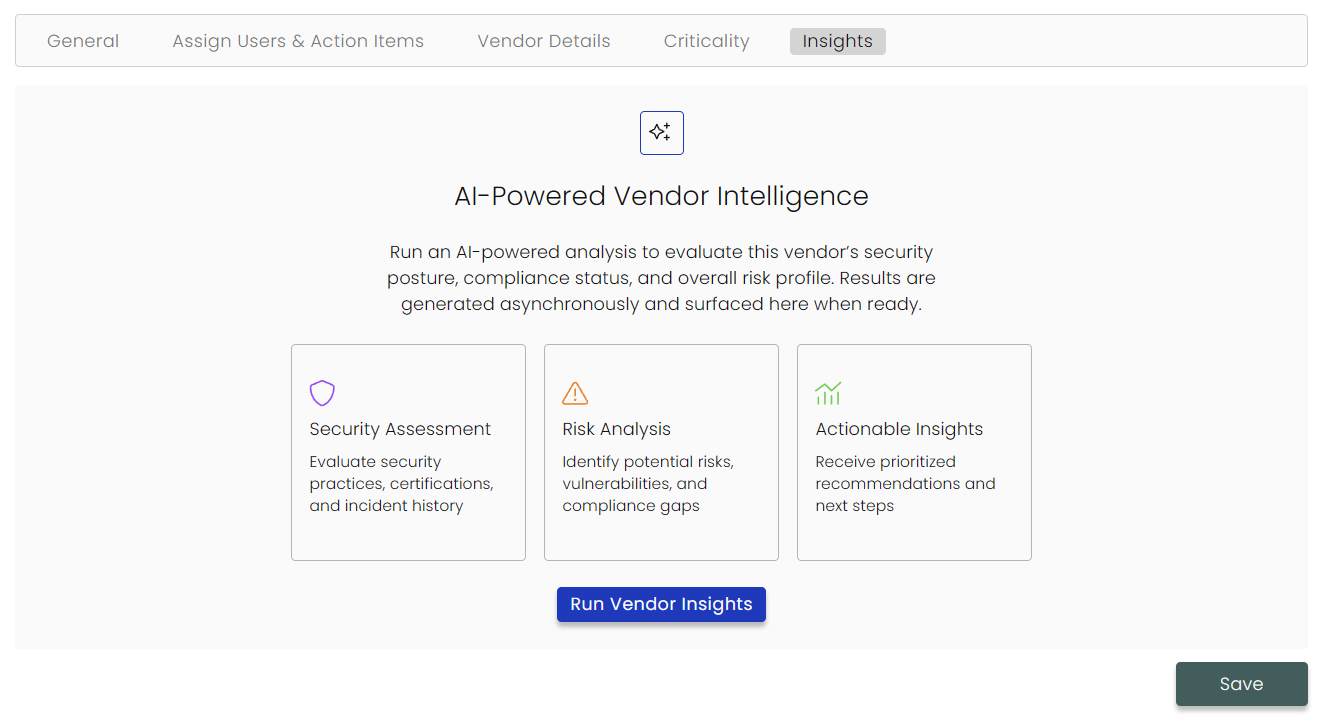
Guided Integration Configuration
Integration setup has been redesigned into a guided, multi-step configuration and validation flow. This replaces the legacy single-form experience and introduces scoped access, live validation, and automatic alignment with enabled compliance frameworks.
What’s new
- Multi-step integration wizard: A reusable stepper standardizes setup across integrations.
- Granular scoping & validation: Select specific endpoints or domains and validate connectivity during configuration.
- Framework-aware automation: Blueprints and default schedules are auto-selected based on active compliance scope.
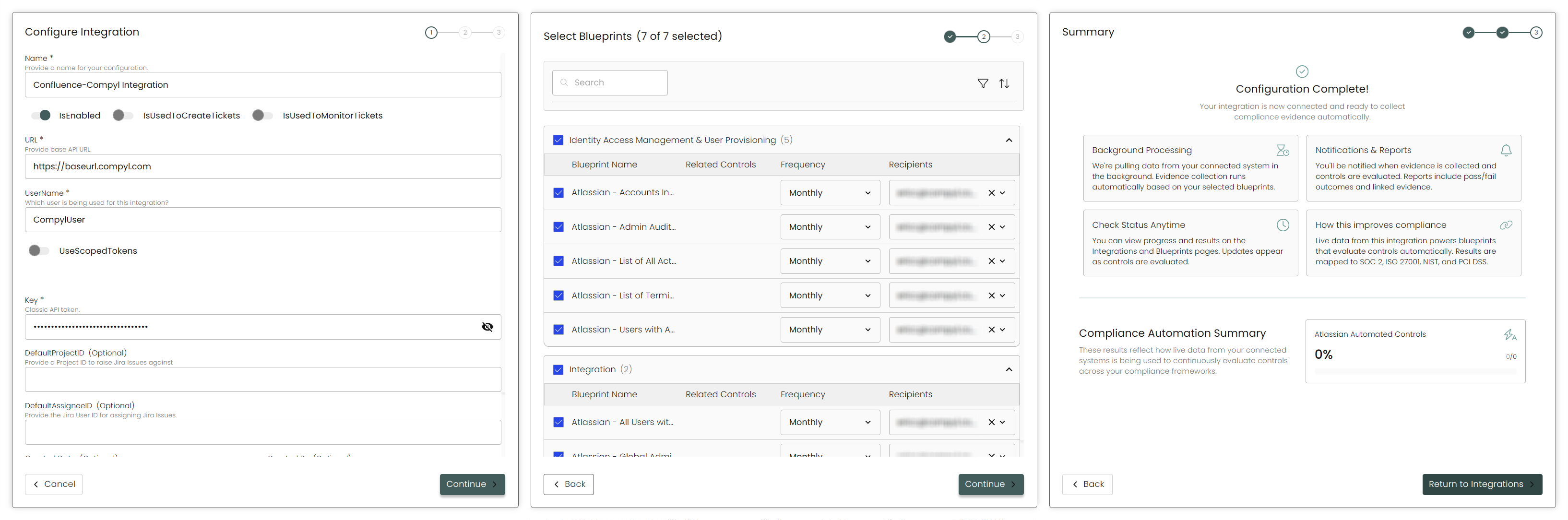
2025
October 17, 2025
v6.4 Launch
We’re excited to share the release of Compyl v6.4! This update makes the platform easier to use and more configurable, helping teams work efficiently, gain clarity faster, and shorten the time from action to outcome.
Explore the highlights below:
Enhanced Security with Federated Single Sign-On
Enterprise customers can now use Single Sign-On (SSO) to access Compyl through their corporate identity provider (Azure AD, Okta, Ping, and others) via SAML 2.0. This makes it easier to manage access securely at scale while cutting down on operational workload.
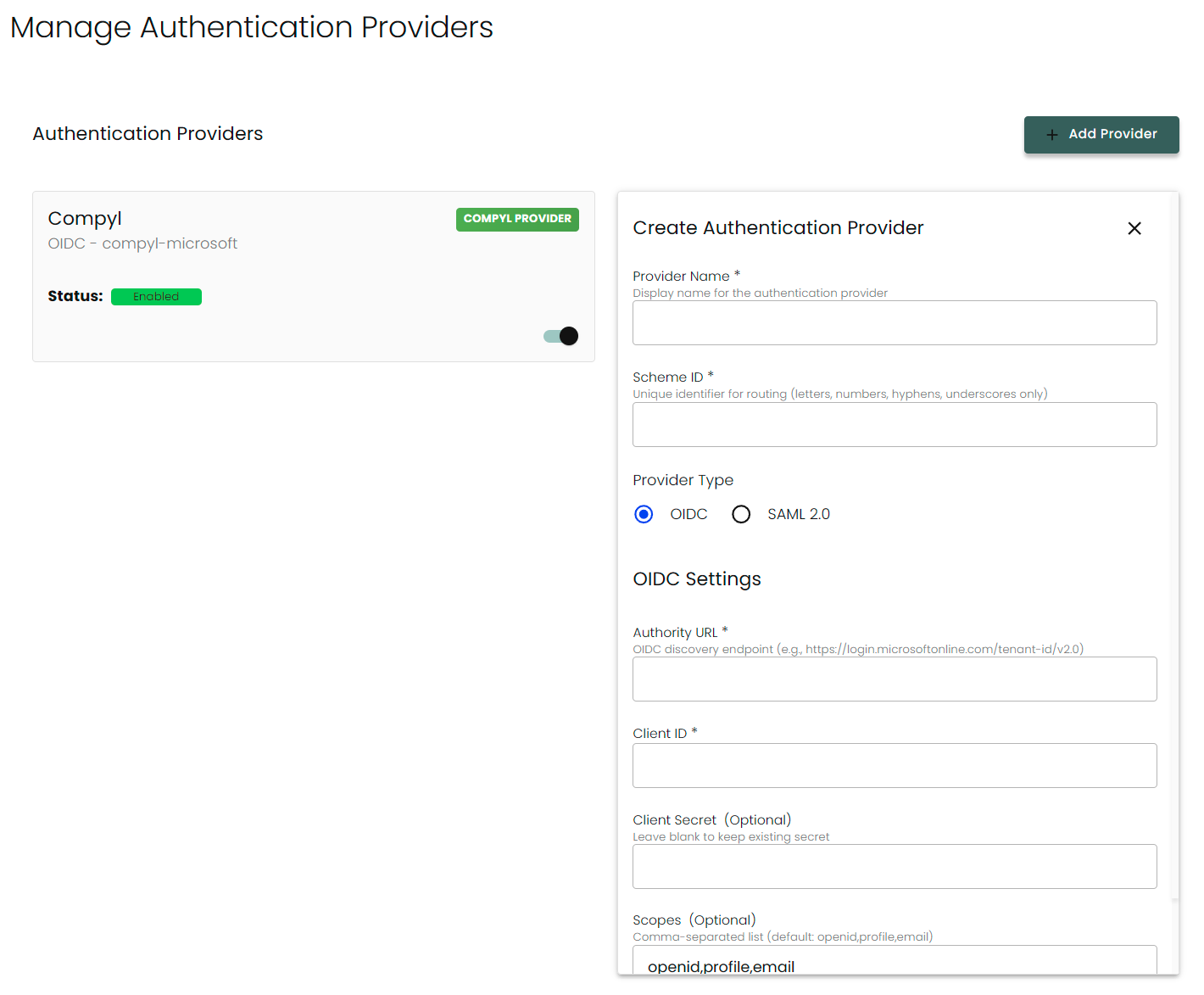
Custom Control Management
Managing your own control sets in Compyl just got easier. Instead of uploading new CSVs each time, you can now add, edit, and remove them directly from within Compyl. Additionally, every change is automatically tracked for transparency, including which user, which action, and at what time.
This gives your team the flexibility to keep frameworks up to date with evolving risks and business needs while Compyl-managed frameworks such as ISO 27001 and SOC 2 remain securely read-only.
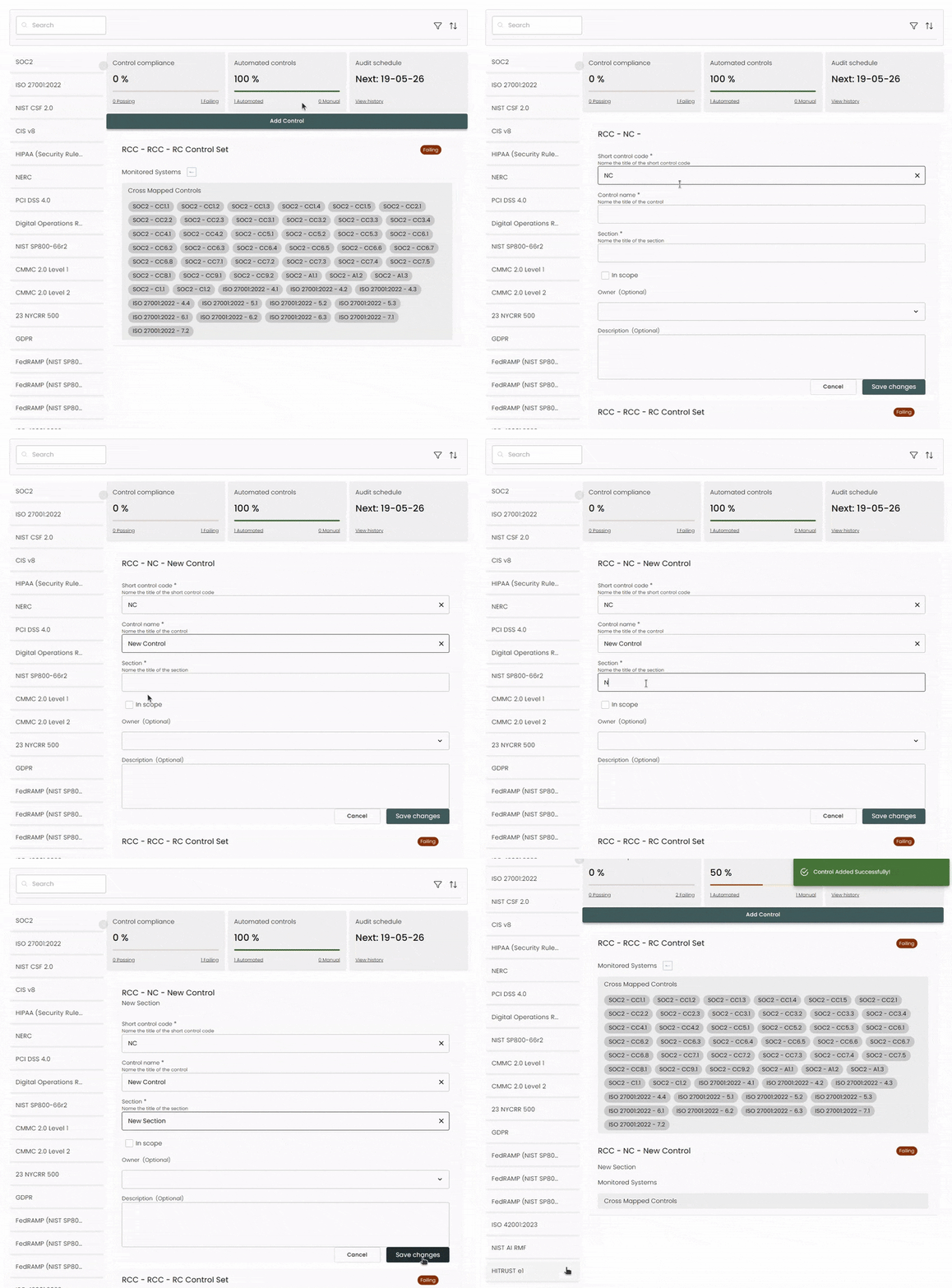
Improved Controls UI
We’ve made it easier to review and act on linked evidence in the Controls module without disrupting your workflow. Clicking a linked Task or Query now opens in a side drawer, letting you see the full details while staying on the Control you’re working with.
We've also added clear status indicators: Tasks and Queries display simple status lights right inside the Control record, with ToolTips for accessibility. These updates give you faster insight, reduce unnecessary clicks, and make it easier to stay confident and efficient when managing evidence.
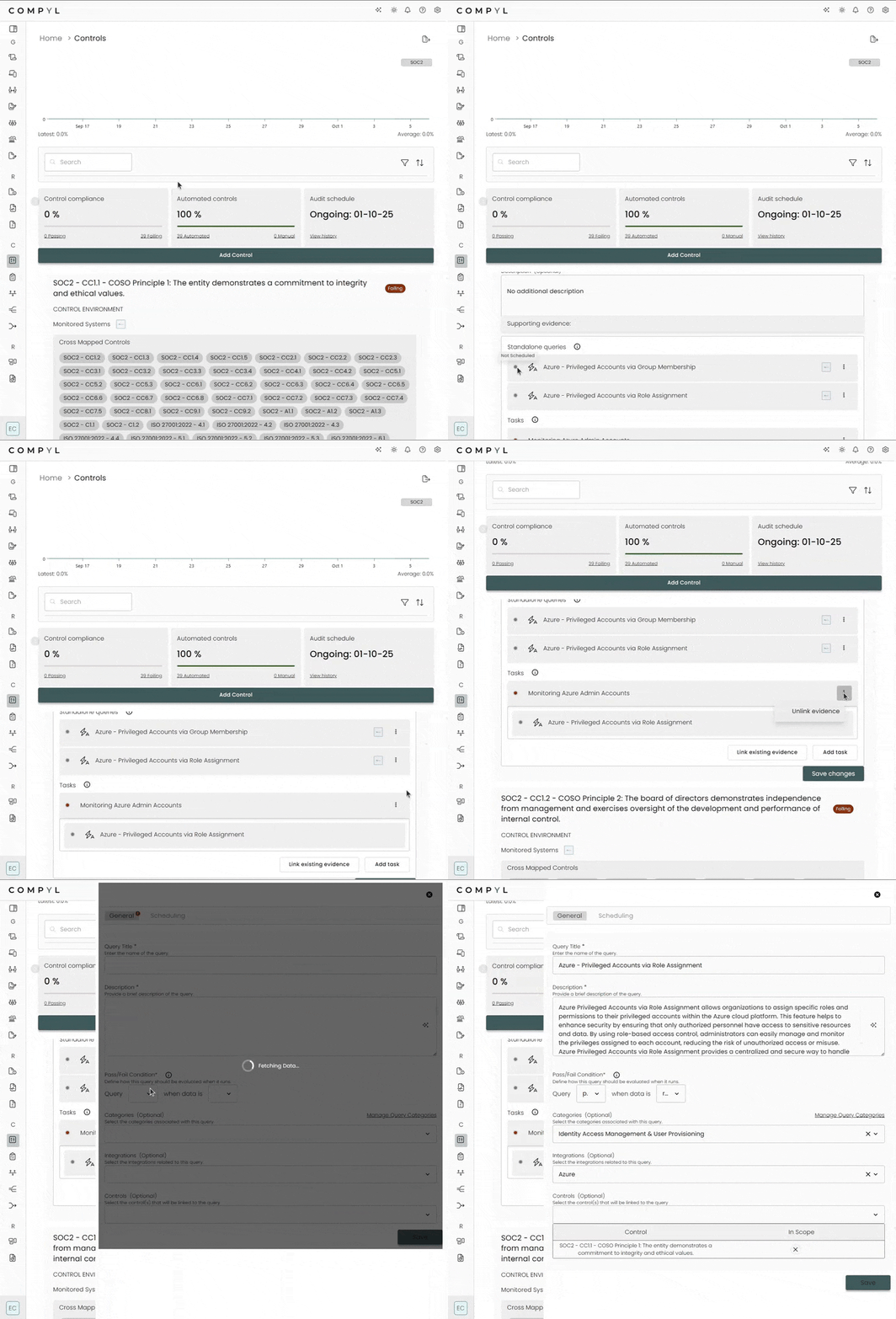
Visual Compliance Trends
We’ve introduced a new Compliance Trend module in Compliance Overview, showing a daily trend line of each Control Set’s compliance score. The chart covers up to 90 days, with each day’s score calculated from active controls and outstanding work items. You’ll also see the most recent compliance percentage alongside the average over the displayed period.
This gives compliance managers clear, executive-ready visibility into how compliance posture is shifting over time. By tying scores to real operational signals like scheduled Tasks and Queries, the trend line cuts through noise, highlights true risk, and helps teams prioritize fixes with confidence.
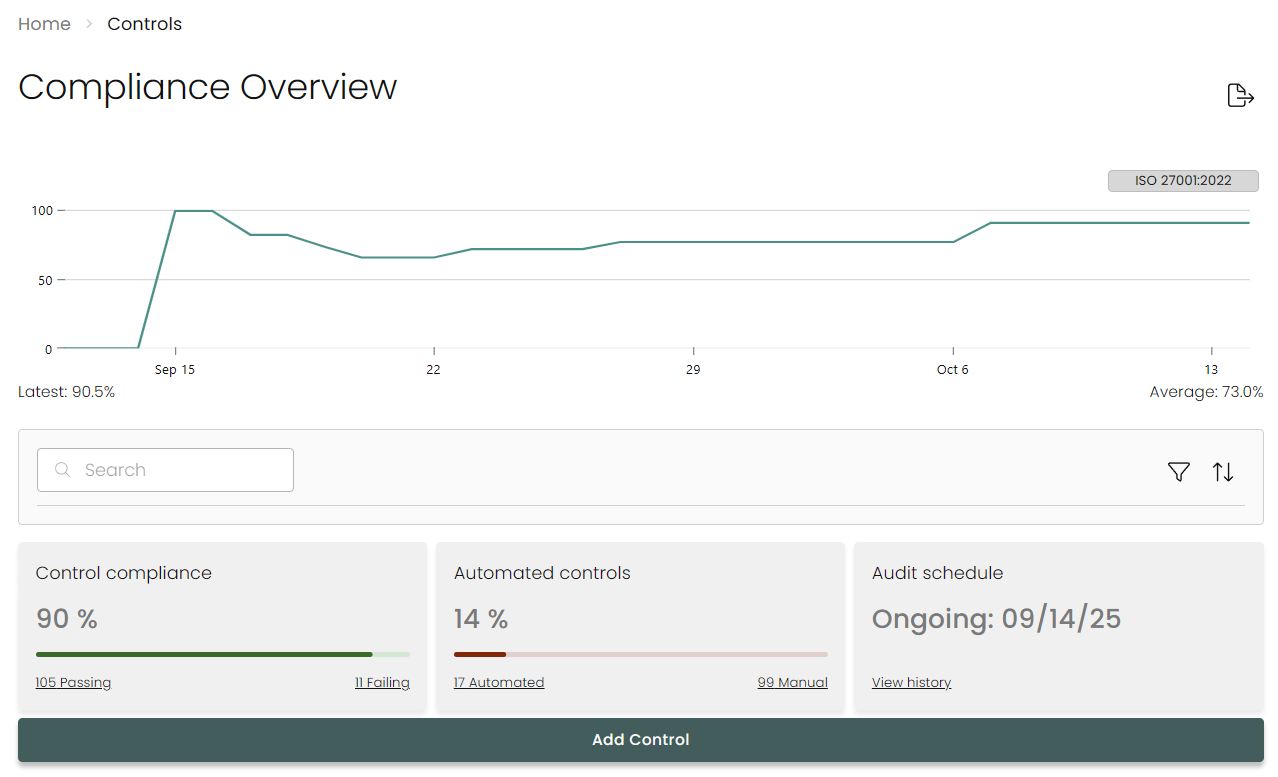
Improved Artificial Intelligence Features
We’ve improved Compyl.AI to deliver smarter and more robust assistance: AI text fields now utilize the entire form rather than just a single field so suggestions incorporate details like likelihood, impact, owner, and tags. We’ve also improved the filtering of unsafe or noisy content and now standardize our formatting
These updates mean higher-quality outputs with less rework and greater trust in AI-generated guidance. By aligning suggestions more closely with your program data and ensuring cleaner, safer responses, teams can confidently rely on Compyl.AI for risk descriptions, evidence preparation, and control documentation.
Enhanced Query Builder
We’ve further upgraded our Query Builder to make evidence intake and reporting even faster and more transparent. The latest updates improve visibility into next-run details, ownership, and automated health statuses so your team can instantly see what’s on track, what needs attention, and who’s responsible.
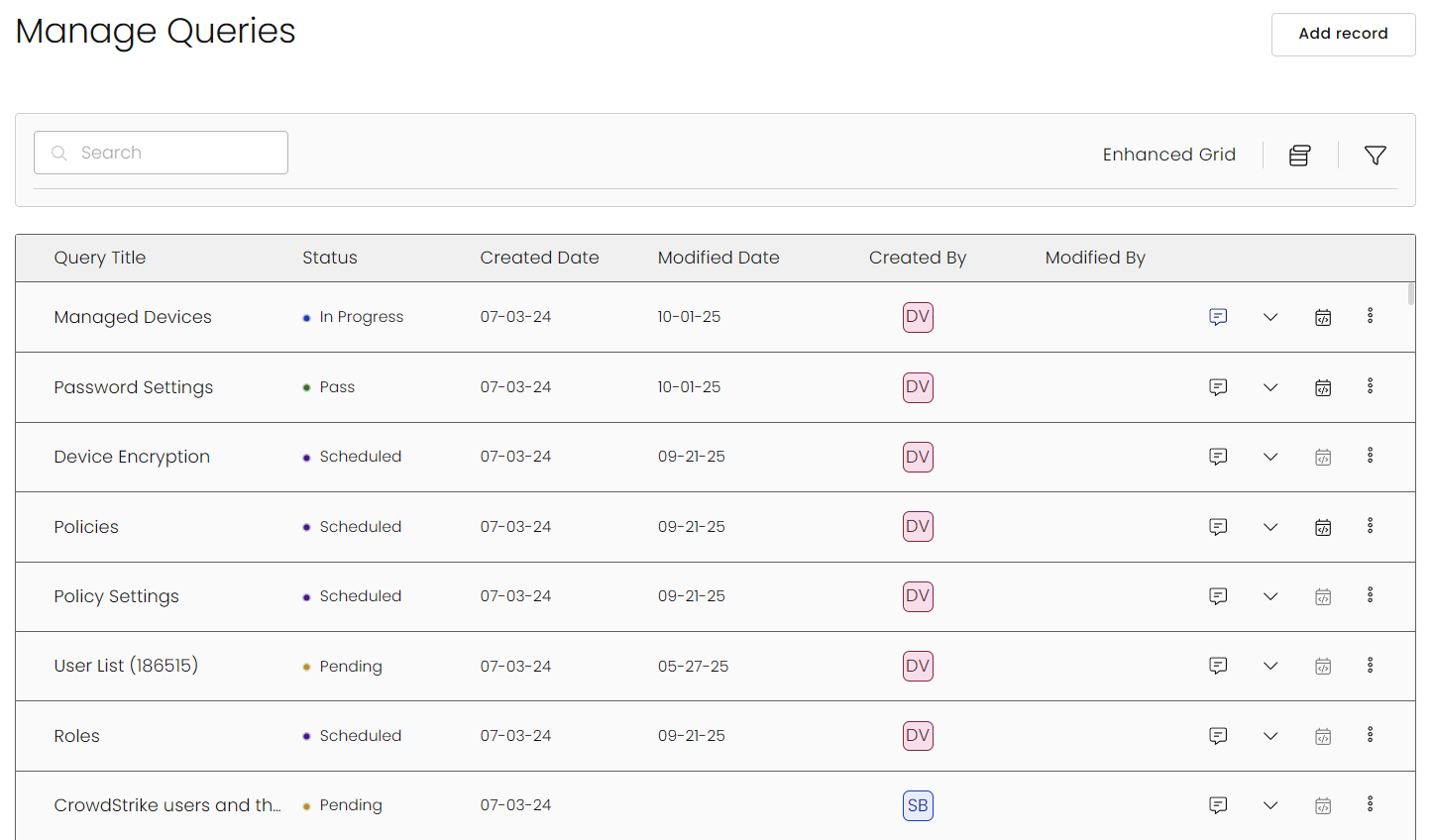
Read more in our Knowledge Base here.
Updated and Improved Integrations Visibility
We’ve redesigned our Integrations page to deliver richer visibility into the health and usage of your integrations - all from the main page. Instead of digging through multiple modules, you can now quickly review sync history, query activity, linked dashboards, and exposed tables directly from the page where you manage your connections.
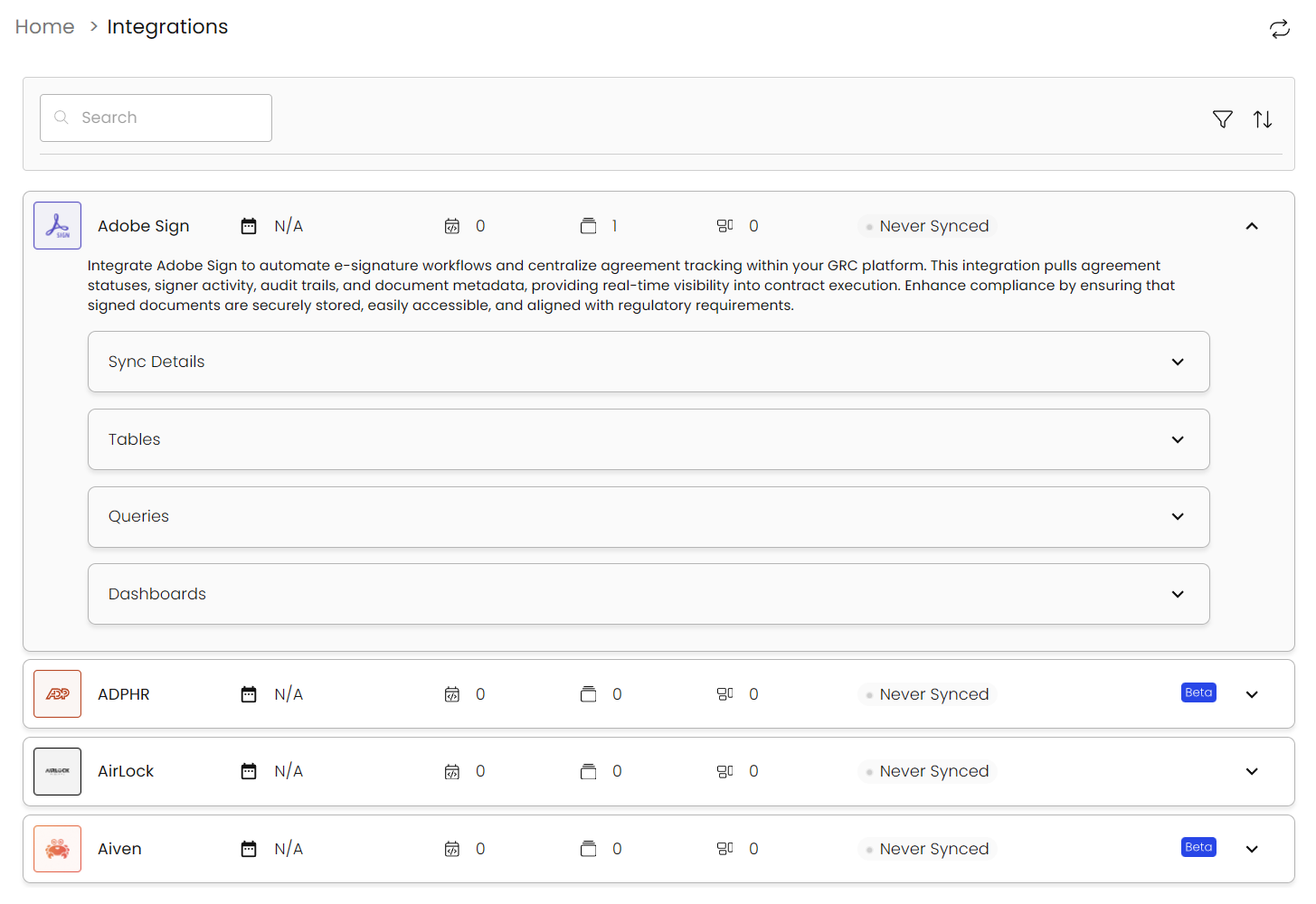
New Integrations
-
Integrate Asana to centralize project and task management data—including tasks, projects, teams, due dates, and status updates—within your GRC platform. This integration provides real-time visibility into work progress, accountability, and collaboration workflows. Enhance risk oversight and compliance tracking by aligning Asana data with your organization’s governance and operational controls.
-
Connect Azure Databricks to automatically ingest cluster activity, job execution logs, notebook usage, and user access events. This integration enhances governance by providing centralized visibility into data processing activities and user interactions. Improve compliance monitoring and streamline audit workflows by aligning Databricks operational data with your broader GRC framework.
-
Azure Devices
-
Integrate BambooHR to centralize human resources data—including employee records, job roles, departments, and time-off information—within your GRC platform. This integration provides real-time visibility into workforce structure, access roles, and HR policy adherence. Enhance compliance monitoring and reduce insider risk by aligning BambooHR data with your organization’s governance and access control frameworks.
-
Integrate Freshdesk to centralize your helpdesk data—including tickets, contacts, and company information—within your GRC platform. This integration enables real-time visibility into customer support interactions, streamlines risk assessments, and enhances compliance reporting. Strengthen governance and audit readiness by aligning support data with your organization’s overall risk and compliance strategies.
-
Integrate JumpCloud to unify user identities, group assignments, MFA settings, and login events within your GRC platform. Enhanced visibility into identity and access data supports compliance reporting, provisioning audits, and enforcement of zero-trust principles across your organization.
-
Integrate MongoDB Atlas to centralize cloud database infrastructure data—including clusters, users, custom roles, project events, IP access lists, and organization activity—within your GRC platform. This integration provides real-time visibility into database configurations, access patterns, and operational events. Enhance security, audit readiness, and compliance tracking by aligning MongoDB Atlas data with your governance and risk controls.
-
Connect Rapid7 InsightCloudSec to aggregate detailed cloud security data—including discovered packages, vulnerabilities, and resource inventories—within your GRC platform. This integration provides visibility into critical risks across your cloud environments by linking vulnerabilities to affected packages and resources, enabling prioritized remediation efforts. Strengthen your compliance posture and risk management by aligning real-time cloud security insights with organizational governance frameworks.
-
Connect SentinelOne to ingest endpoint detection and response (EDR) data—including device status, threat events, agent activity, and policy configurations—into your GRC platform. This integration enables real-time visibility into endpoint protection, streamlines incident response workflows, and supports audit readiness by aligning threat intelligence with your organization’s broader compliance and risk management efforts.
-
Connect Workday to automatically import employee, organizational, and role-based access data into your GRC platform. This integration provides up-to-date visibility into user identity, job functions, and reporting structures, enabling effective access reviews, segregation of duties analysis, and compliance monitoring. Strengthen internal controls and audit readiness by aligning HR data with governance and risk frameworks.
Integrations in Beta
Integrations with Expanded Functionality
Integration Query Additions
Perimeter & Networking
- Adobe Sign
- Datadog
- HiBob
- Kandji
- Okta
- Qualys
- Sumo Logic
Data Transfer & Storage
- Airlock
- AWS S3
- Datadog
- GitHub
- Kandji
- Okta
- Slack
- Snowflake
- Sumo Logic
Additional Integration Improvements
- AWS and Okta Integrations: Role-Based Authentication
Usability Enhancements
-
Download Documents from Azure Blob Storage
Users can now download files directly from Azure Blob Storage using a document ID. This enables dashboards to display downloadable document links in grid views for easier access to supporting documents.
-
Form Extensions for Tasks
Form Extensions are now supported on Task records. This brings customization options like custom tabs and fields to Tasks, ensuring consistency with other core record types.
-
Manual Task Approval Workflow
Manual Tasks can now require approval when multiple users are assigned. A designated approver must confirm completion before the task can be marked as done, adding control and accountability to task workflows.
-
Control Register Visualizations
The Controls Module now includes interactive data visualizations for the Control Register. Users can quickly identify failing controls and understand their compliance posture at a glance. Spot trends, highlight gaps, and filter table data directly by interacting with data elements.
-
Virtual Scrolling for Control Register
Pagination in the Control Register has been replaced with virtual scrolling. Large datasets now load dynamically for smoother, faster navigation.
-
Sticky, Accessible User Profile Section
The user profile section in the sidebar is now always visible and fully clickable. This ensures easier access regardless of scroll position or navigation state.
-
Filter by Record Name in Data Grids
Users can now filter records by name using selectable values. This makes it easier to explore large datasets without relying solely on free-text search.
-
Evidence Limited to Enabled Tasks Only
Enabled Tasks now display as evidence on Control detail views and contribute to compliance metrics. This ensures reporting reflects the active task environment.
-
Framework Visibility Controls
Users can choose which frameworks appear in cross-mapping panels. This reduces noise from disabled frameworks while preserving flexibility for teams planning future adoption.
This release delivers meaningful improvements across Compyl’s core modules, all designed to help teams work more efficiently, gain clarity faster, and reduce the time between action and outcome.
September 12, 2025
Enhanced Query Builder
We’ve upgraded Compyl’s Query Builder to make evidence intake and reporting faster, clearer, and more accountable. These enhancements bring improved visibility of next-run details, ownership, and automated health statuses, helping your team see what's working, what's not, and who's on point instantly.
What’s New
-
Program health at a glance – See which queries are passing or failing directly from the grid.
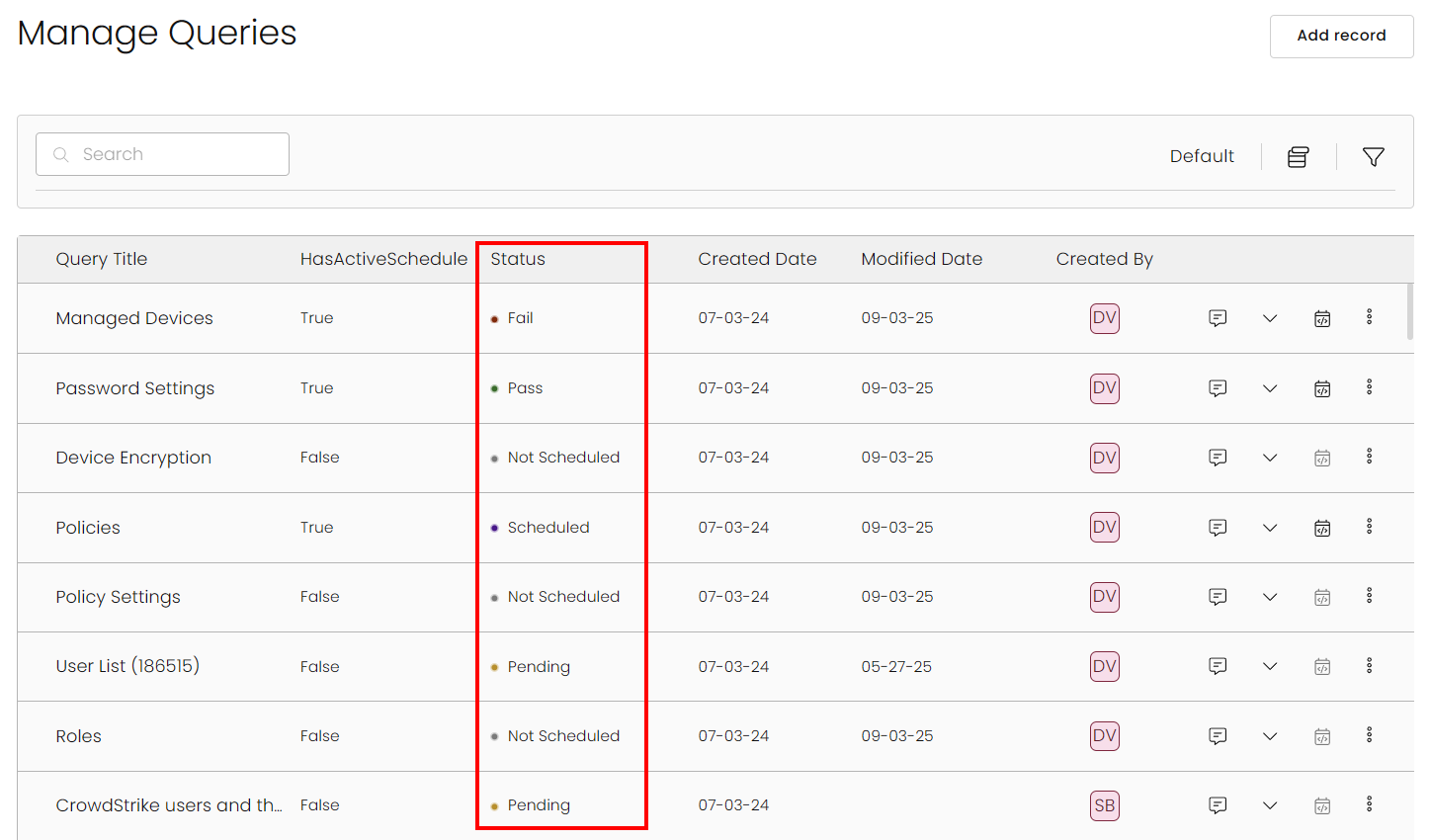
-
Clear accountability – Approver and recipient details are now tracked and displayed for every run in the run history.
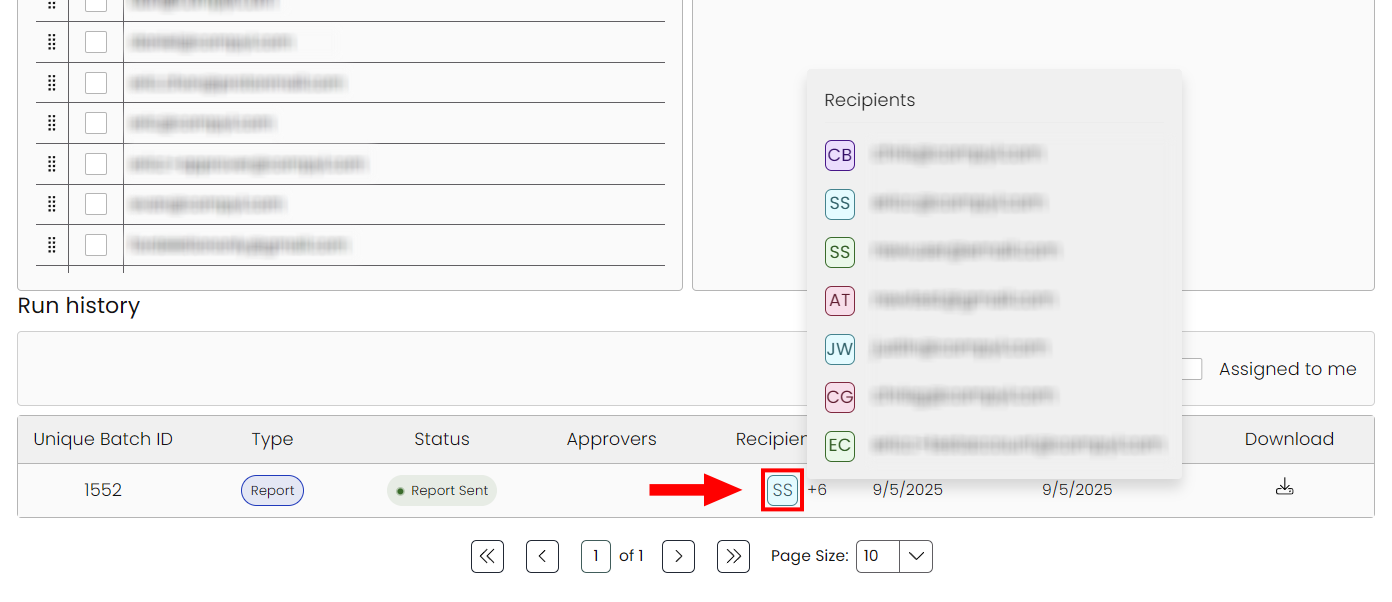
-
Next run visibility – Instantly view upcoming schedules, owners, and frequency without extra clicks.
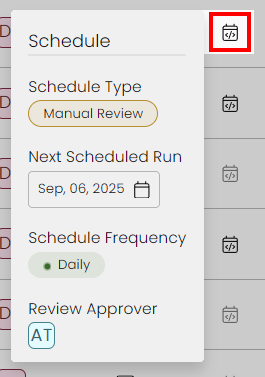
-
Audit-ready history – Enriched run records capture status, ownership, and review context.
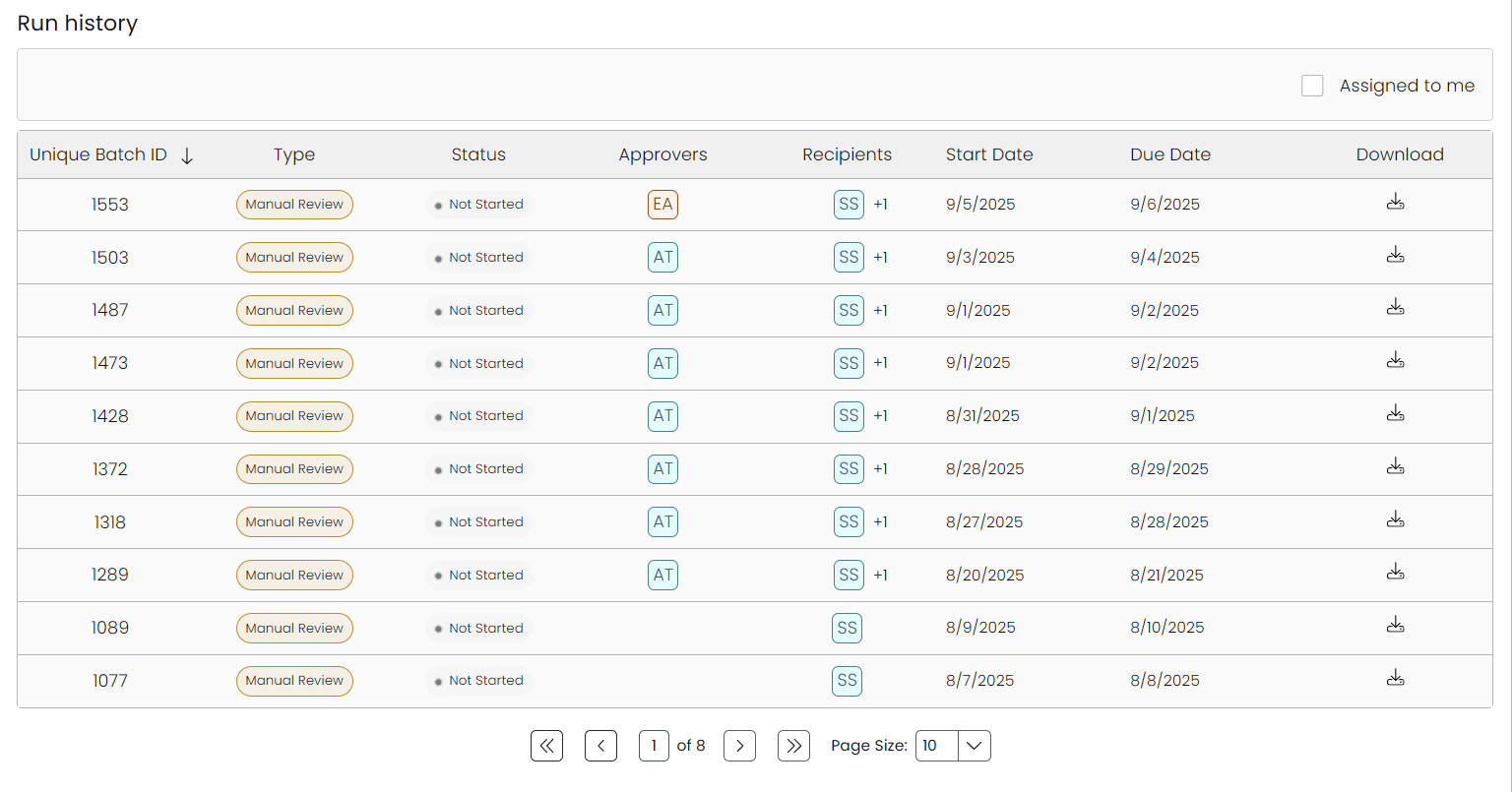
-
Actionable outcomes – Pass/fail logic highlights what needs attention, not just what ran.
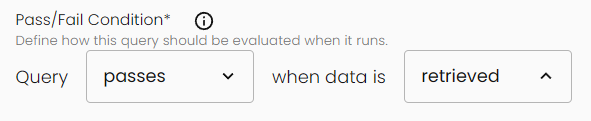
These updates close gaps in visibility and ownership, reduce manual checks, and speed up remediation. Whether you’re preparing for an audit, monitoring daily evidence collection, or reassigning responsibilities, you now have clearer signals and better history at your fingertips.
In addition to knowing that a job has run, Compyl now shows if the query is on track, who owns the outcome, and when it's next due - all from the same screen.
May 14, 2025
Compyl v6.3
We're excited to announce a significant update to the platform focused on improving your everyday experience. This release introduces several major enhancements that make navigation, filtering, and data visualization more intuitive and efficient.
AI-Assisted Assessment Automation
As part of our commitment to enhancing Governance, Risk, and Compliance (GRC) workflows, we're excited to launch a powerful new AI-Assisted feature that automates responses to questionnaires, assessments, surveys, RFPs, and RFIs.
Powered by our proprietary Compyl AI Services libraries and integrated with Azure AI Services, this feature intelligently analyzes your existing documentation and policies to generate accurate, context-aware responses. Answers are seamlessly returned in the original file format, dramatically reducing manual effort.
This innovation not only saves time but delivers measurable ROI—quantifying time saved per question and accelerating compliance processes across the board.
Read more in our Knowledge Base here.
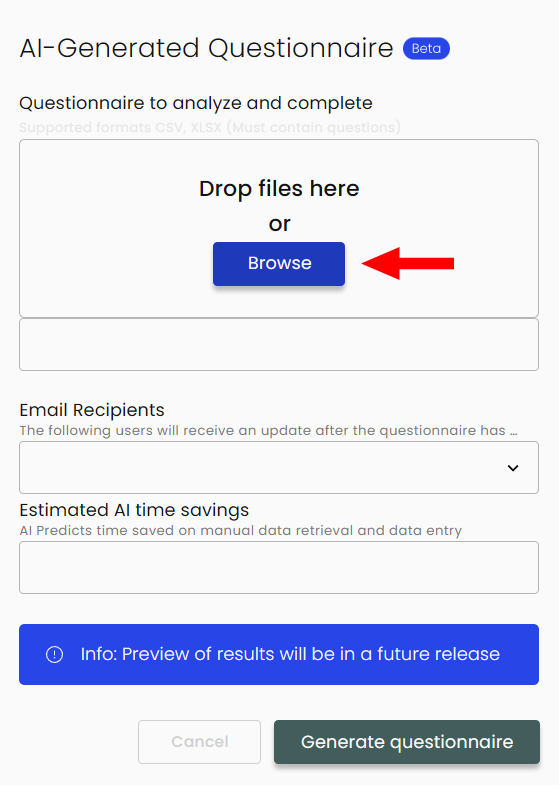
Compyl Virtual Assistant
We’re excited to launch the first version of our Virtual Assistant, designed to help users quickly find relevant insights across their compliance data. Powered by our secure, private Compyl AI Services and hosted within our Azure environment, the assistant uses smart search and indexing to deliver context-aware answers and visualizations.
In this initial release, it can access and interpret information from secure storage, product documentation, and key areas of your platform—including Risks, Tasks, Compliance Controls, Vendors, Assessments, Incidents, Contracts, Clients, Audits, and saved queries.
As we continue to develop this feature, future updates will expand its capabilities to offer even more powerful search and content generation tools.
Read more in our Knowledge Base here.
New Integrations
-
NetSuite (an Oracle company) is the world’s #1 cloud ERP, covering financials, inventory/asset management, CRM, and more—so you can keep all your business data in one place.
We pull your user and device data from NetSuite to be used in combination with Dashboards and Queries to be able to identify potential vulnerabilities.
-
PagerDuty is a cloud computing company that develops a SaaS incident management platform for IT operations departments.
We pull your user, team, incident, and policy data from PagerDuty to be used in combination with Dashboards and Queries to strengthen your IT incident management program.
-
Rapid7 is a leader in vulnerability management and incident detection, helping security teams discover, prioritize, and remediate risks across their entire environment.
We pull your user and device data from Rapid7 to be used in combination with Dashboards and Queries to be able to identify potential vulnerabilities.
-
SentinelOne is a cybersecurity company that offers various solutions for endpoint protection, extended detection and response (XDR), and other security aspects.
We pull agent-related data and account information from SentinelOne that can be used to build Dashboards and Queries with the goal of strengthening your security and compliance program.
-
Snowflake is a cloud-based data management and analytics company.
We pull your account, user, and database-related data from Snowflake to be used in combination with Dashboards and Queries to support compliance needs.
-
Workspace ONE is an enterprise-grade UEM/MDM solution that lets you manage and secure mobile, desktop, and IoT devices from a single console.
We pull your user and device data from Workspace ONE to be used in combination with Dashboards and Queries to be able to identify potential vulnerabilities.

Integration Dashboards
Each integration gets its own dashboard. Built‑in filters and color‑coded status indicators let you explore data quickly while simple charts and descriptions help make key insights instantly.
Expand the list to see our Integrations with available dashboard:
Integrations with Dashboards
- Adobe Sign
- Airlock
- Assessments Overview
- Asset Management
- Auth0 User Management
- Bitbucket
- CloudFlare
- Compliance Insights and Compliance Task Management
- Contract Dashboard
- Crowd Strike
- Data Dog
- DocuSign
- Druva Insync Events - SaaS Backups and Restore Activities
- Druva User Management
- EndPoints
- GitHub
- GoDaddy
- HiBob
- HubSpot
- InfoSec
- Intune Device Discovery
- Jamf Dashboard
- Jira Project Management
- Kandji
- KnowBe4 Enrollments
- NetSuite
- Okta Dashboard
- One Password
- Panorays
- Policy Dashboard
- Qualys
- Query Results Overview
- Rapid 7
- Risks
- Salesforce
- Slack
- Tenable
- WorkSpace One
- ZScaler
- ZScaler, GoDaddy, and Cloudflare DNS
Add Vendor Workflow
When adding a new integration, Compyl will now automatically search for and fill in details for any known vendors based on your configuration and which vendors currently exist in your instance.
If a vendor isn’t found, you’ll see an Add New Vendor button. Clicking it will pull the most up-to-date vendor information from our secure Compyl-maintained database and add it to your system - no manual entry needed.
Compyl Timeline / Task Calendar View
- Unified Timeline Experience - All major modules are now displayed on a comprehensive timeline in a single place
- Enhanced Navigation - Easily scroll through your tasks, audits, risks, assessments, and contracts in chronological order
- Improved Performance - Better handling of large data sets for smoother scrolling and interaction
- Smart Filtering - Filter timeline items by type, status, assignment, and more
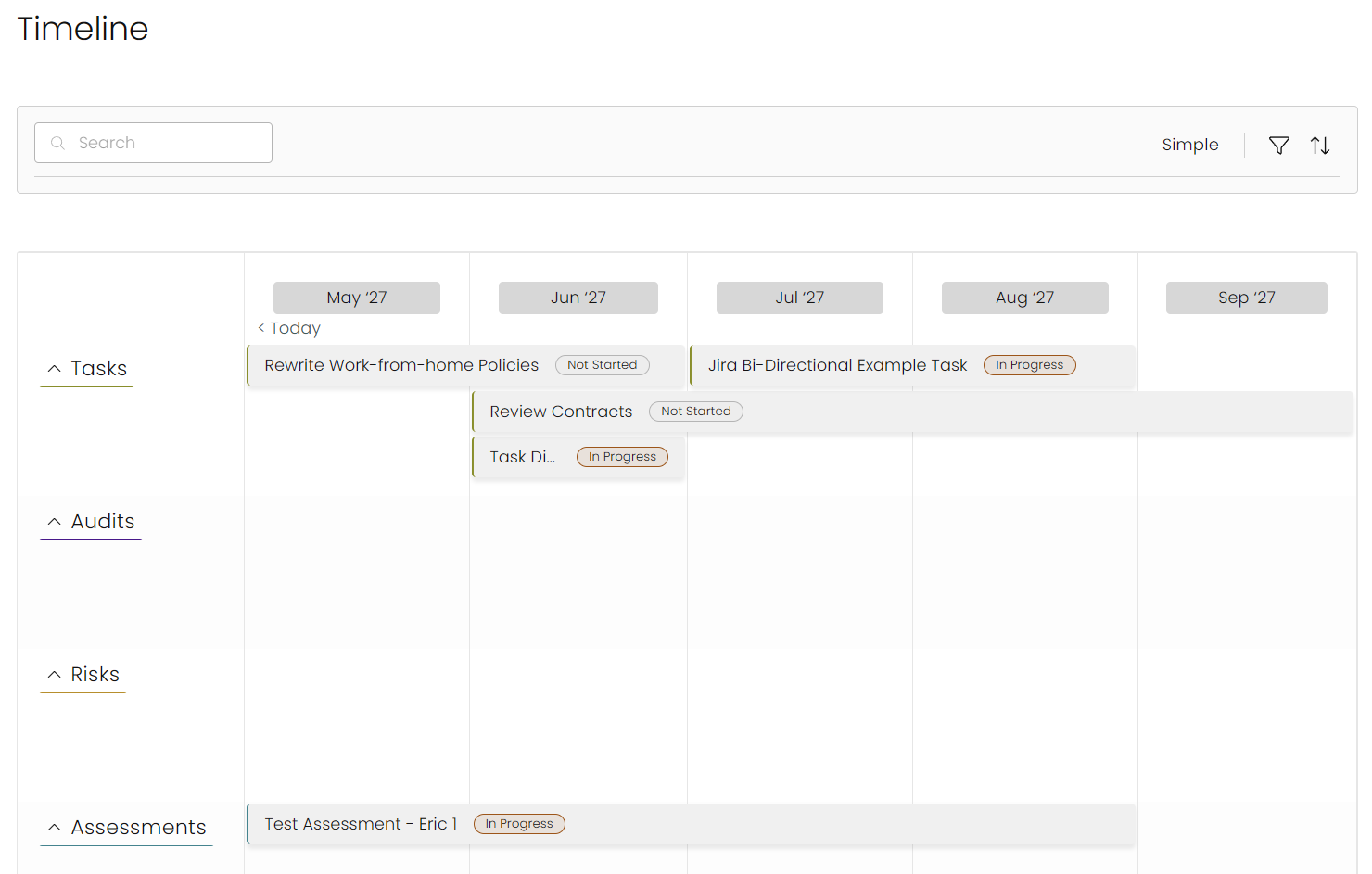
Redesigned Universal Filter System
- Consistent Filtering Everywhere - The same powerful filtering experience now appears across the entire platform
- Expanded Filter Options - More ways to find exactly what you're looking for with advanced filtering capabilities
- Intuitive Filter Controls - Easily add, remove, and combine multiple filters with an improved chip-based interface
- Smarter Search - Enhanced search functionality that delivers more relevant results

Enhanced Data Grids
- Virtual Scrolling - Significantly improved performance when viewing large data sets
- Visual Loading Indicators - New skeleton loaders provide better feedback during data loading
- Favorite Layouts - Save your preferred column arrangements and filter combinations
- Column Management - Redesigned column chooser makes it easier to customize your view
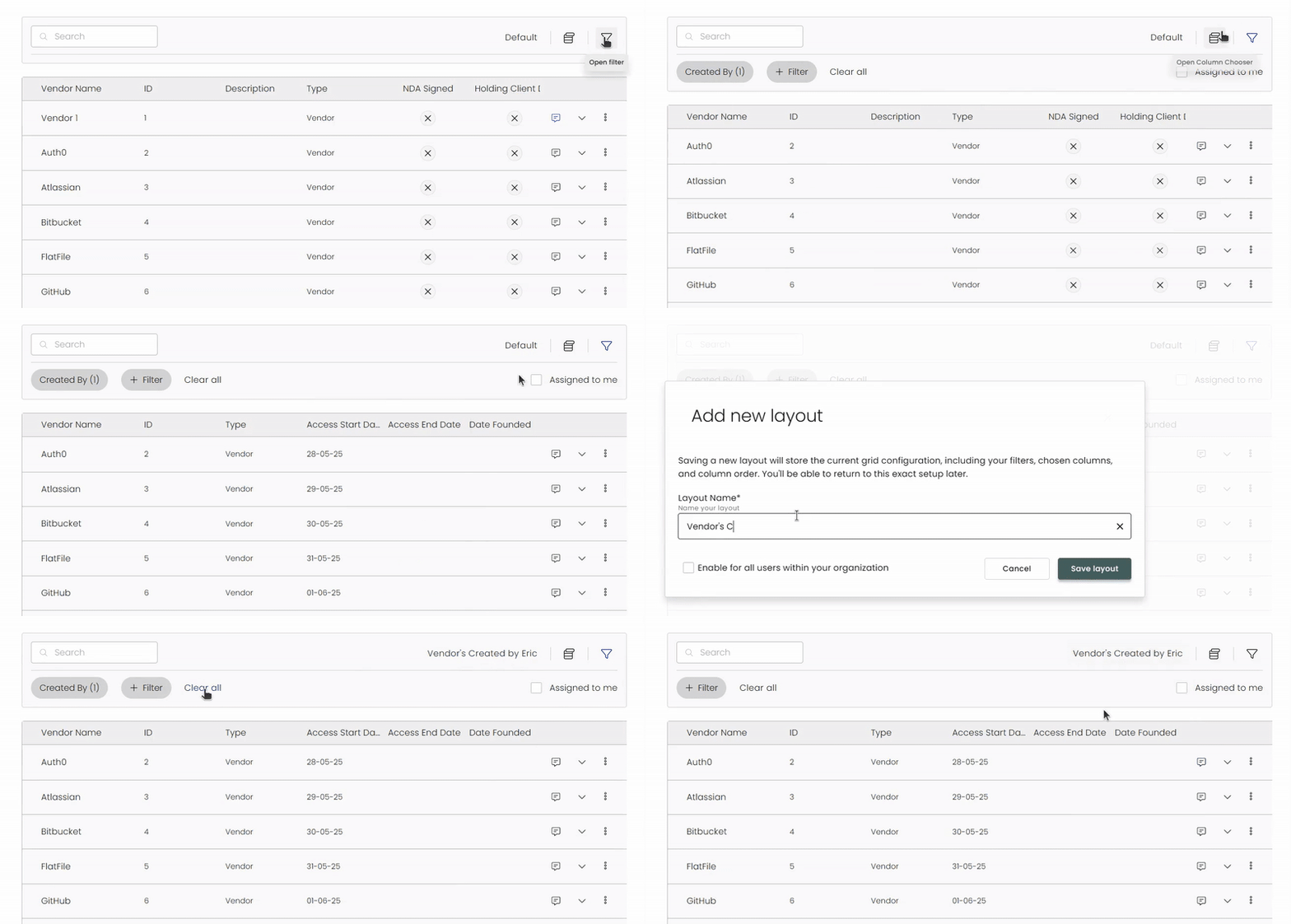
Additional Improvements
- Better Responsiveness - Optimized for smoother interactions throughout the application
- Light/Dark Mode Refinements - Consistent visuals in both light and dark modes
- Primary User Experience - Enhanced "Assigned to Me" functionality for better task management
- Clear Visual Hierarchy - Improved spacing, typography, and visual indicators
This update represents a major step forward in making the platform more intuitive, consistent, and enjoyable to use. We've focused on refining the everyday interactions that impact your productivity the most.
March 21, 2025
Assessment Improvements
Bug Fixes
- Control Set Export was not exporting documents attached to tasks.
- Multi-Select Dropdowns in the platform sometimes unselect all options when selecting a new value from the drop-down.
Assessment Updates
- Assessment Owner permissions updated so they can no longer reject their own questions nor accept their own assessment.
- Assessment Approvers can only see the answers entered by the assessment owners and go through the review process. They can no longer submit the assessment on behalf of the owner.
- New banners have been added to the assessment questionnaire to identify recently rejected questions and instruct the end-user on their next steps in the assessment process.
- External assessor UI has been updated on the home screen with a banner explaining what to do and how to navigate to the assigned assessments.
New Integration
- Pager Duty is now live and being phased out of Beta
March 4, 2025
v6.3 Launch
Below is a high-level overview of new features, improvements, and fixes introduced in this release.
Updated Home Page
Over the next few releases, we will continue to see changes on our home dashboard. If you have suggestions please reach out to [email protected]. Our vision for 2025 is to make this page fully customizable and powered by your business objectives, integrated data, and compliance posture.
Policies Management
Policy Al Features
AI Policy Alignment for ANY, yes any, Control Requirement
On any policy that is linked to a control, you will now have access to a sparkly AI button. If you click it, you will be given an evaluation of our policy and how you may improve it to better align with your control requirement(s).
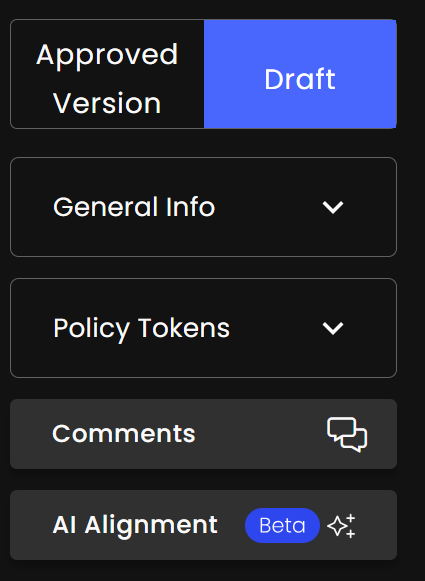
AI Task Generation based on Alignment
After getting your suggested areas of improvement, rather than going to the task board and raising new tasks, just click the Create AI Tasks button. You can quickly opt out of tasks, and set Owners and Due Dates for each line item.
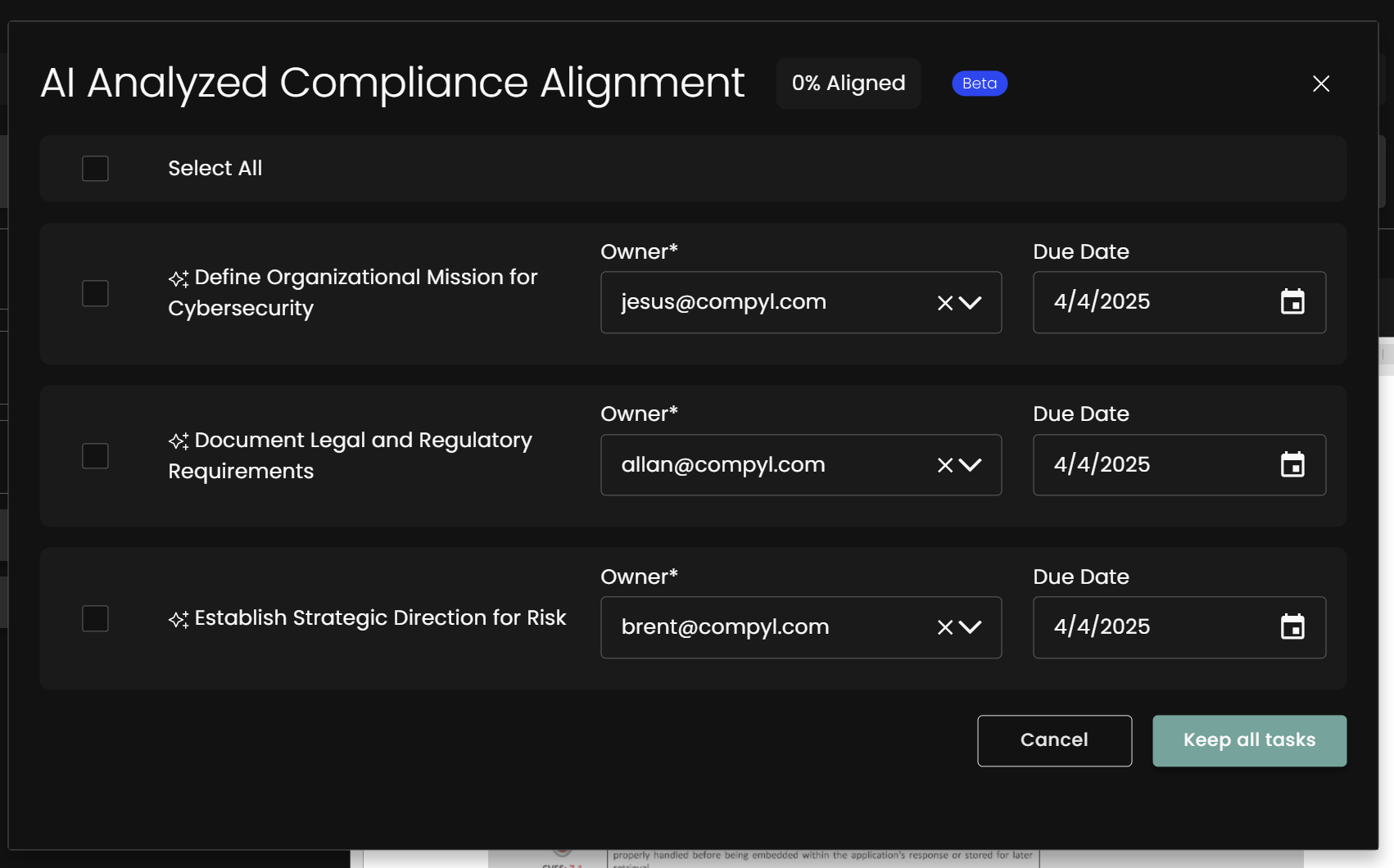
AI Policy Summarization
For when you're in a hurry, and just need to summarize a policy (or any document really), you can now use the AI Summarization feature provided in Policy Management
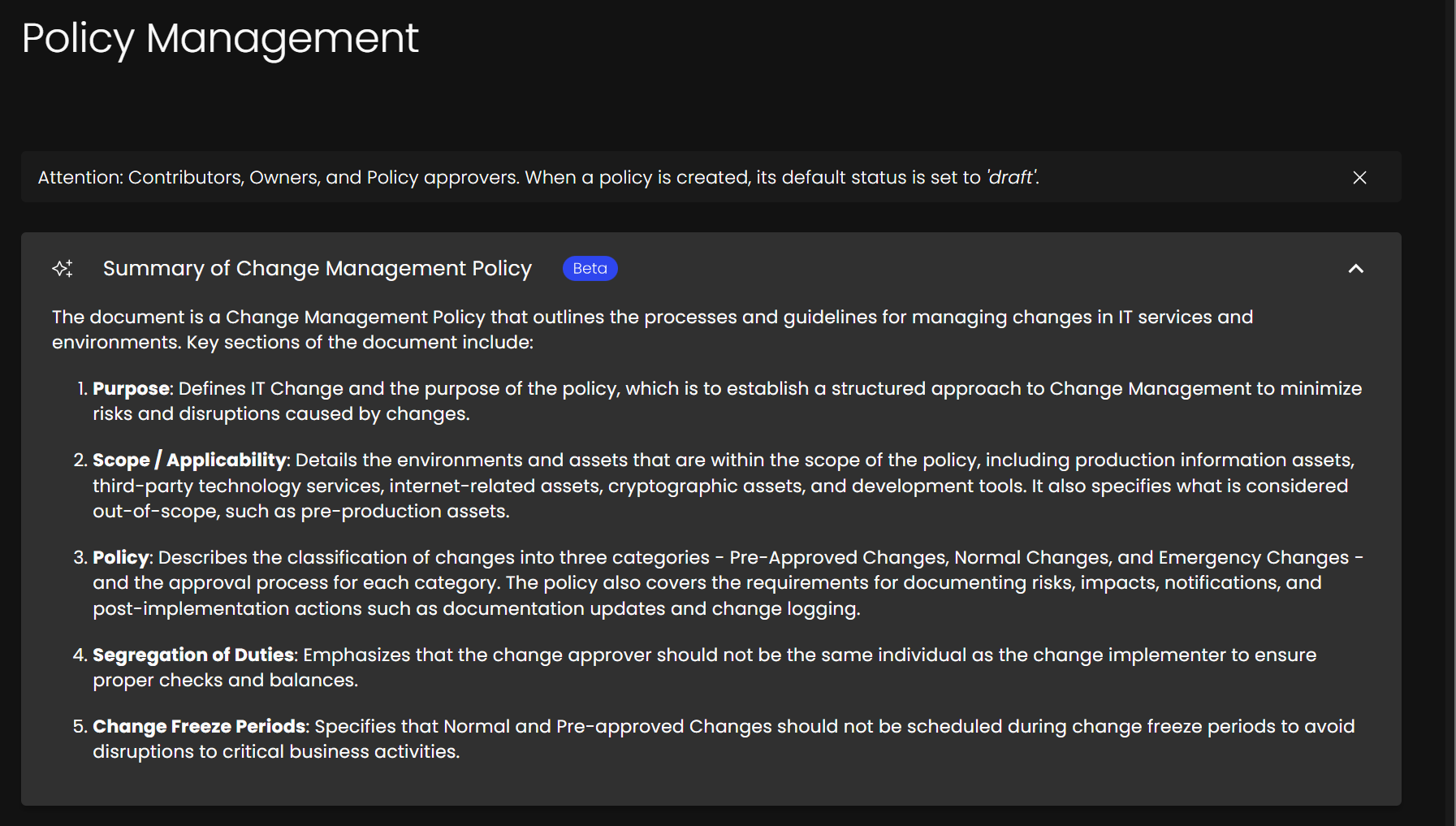
Filtering, Sorting, Searching
By popular request, we have enhanced the searching, filtering, and sorting of policies within the Security Policies module. This sorting, filtering, and searching will be a common UX theme throughout these release notes, and our platform. Don't see a filter or have a suggestion? Reach out at [email protected]
Simplifying Bulk Submission and Bulk Approval of Policies
Users now have the ability to select multiple policies to submit for approval, or to approve depending on their roles and responsibility in reference to the policy. For example, if you are the approver for four policies, and all four policies are in a "Pending Approval" state, then you can bulk approve all four in one go. Here is an example of needing to bulk approve several policies. (Don't worry, we fixed the word wrap issue for policies with long names)
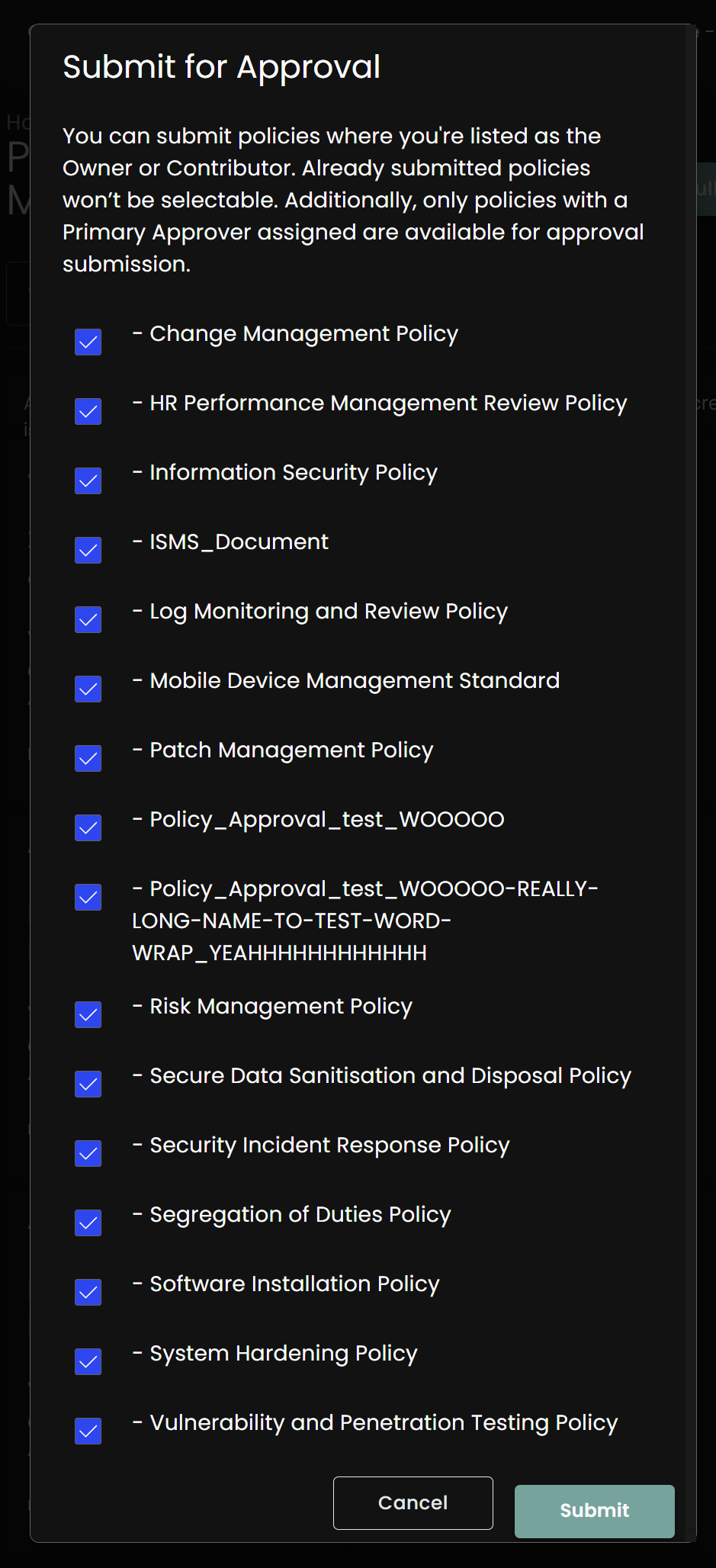
Clarifying Bulk Upload Fields
Prior to 6.2, the fields for bulk upload were vaguely explained in buried knowledgebase articles. We've taken this opportunity to take a metaphorical shovel to that documentation and slap the important bits where they matter.
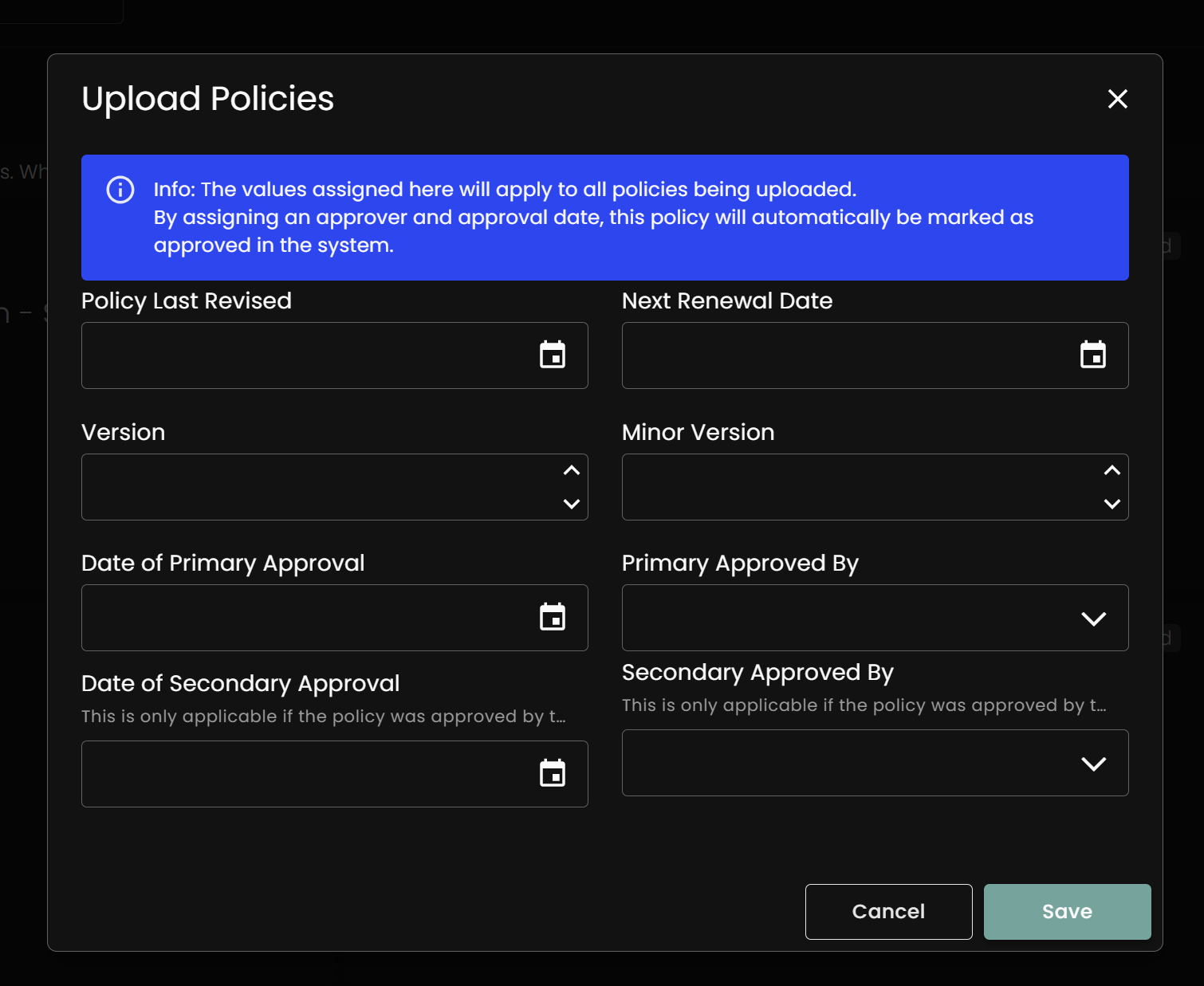
2024
November 19, 2024
v6.2 Launch
Release Notes: Enhanced Usability
We continue to simplify the design and functionality of the Compyl platform to streamline processes and make it easier to get work done.
Task Board Usability and Filtering Improvements
The Task Board has been updated making it faster and easier to see what tasks need to be done, what’s in process and what is complete. Now under each completion state heading (Not Started, In Progress and Done) you can scroll down to quickly view all tasks in that state and then expand each task card for the complete details. You can easily drag and drop each task card across completion states as the task progresses.
Additional filtering capabilities have been added so you can find exactly what you need quickly. All filters will be listed and the filter icon will be blue when filters are applied. There is a single click filter to reduce the task list to only those tasks assigned to me making it quick and easy to focus on the work you need to get done.
You can also filter by assignees (with a search bar and drop down to quickly choose the user you are looking for), control sets, due date, and automated (indicated by an icon on the bottom left side of a task card), manual or enabled tasks. The driver of the tasks filter has now been renamed to Type (assessments, audits, controls etc.) You can even search an archive of tasks making it easy to refer back to previous work.
Better In-platform Collaboration
Across all modules in the platform, we're making it easier to collaborate and share information.
Discussions
It’s now easier to make comments and collaborate within Compyl. Comments are now displayed as a pop-up window that can be resized and dragged anywhere on the screen. You can now tag people in the comments section using a simple @name. An email, slack or similar notification automatically notifies those mentioned and brings them directly to the comment in Compyl.
You can also add images and hyperlinks to additional information (opens in a new window), providing additional context. These enhancements consolidate conversations within the platform for a more complete view of GRC processes and improve communication by eliminating wasted time spent finding information across messaging, email and content management tools.
Notifications
Notifications keep people informed and work progressing so they now include a time stamp on the day the message was received. Notifications can also be searched using keywords and they can be sorted by subject or date in ascending or descending order. Group actions can also be taken on groups of emails such as deleting all or marketing all as unread. Notifications can also now be filtered based on whether they are read, unread, past due, reminder emails or general emails. When sorted or filtered, the corresponding icons will turn blue to alert you that you are not viewing the full list.
Dashboard Downloading
Dashboards can now be exported in PDF, Image file or Excels formats to make it easier to share information and insights with your team, colleagues or executives. Dashboards can also now be sent to forms
Forms Enriched with AI
GenAI has been extended to forms in this release. Fields requiring user input can now be drafted using AI and refined to save time.
Release Notes: A Better User Experience for Query Builder
Query Builder enables you to combine information using your integrations and combine it to get specific information and insights. In this release, we’ve simplified and streamlined the user experience making it easier to create, preview and build queries as well as add in-line comments and automatically initiate tasks within query results.
Easier to Build and Preview Queries
Query builder has been enhanced to provide a more streamlined and visual way of combining data and previewing results. Like Compyl’s dashboard and report designers, you can now explore over 100 pre-built tables, drag and drop them to combine them, and see all available fields for easy visual joining—no dropdowns or manual query writing needed.
Query previews are also now displayed on-screen, so there's no need to scroll to the bottom to preview the results. You can also easily uncheck result attributes that you don’t need to see to bring focus to what’s required and meaningful. Finally, to save time in making adjustments to pre-built queries, you can duplicate the original and then make whatever adjustments are needed.
These enhancements bring consistency to how dashboards, reports and queries are all built and modified, streamline the process and make it easier for less technical users to gain and share GRC insights across the organization.
Automate Query Review Tasks Using Dynamic Ownership
The concept of dynamic ownership allows multiple people to be assigned to review specific subsets of query results. For example, a manager can be assigned a task to review information specific to direct reports.
Now it's much easier to use dynamic ownership to create automated tasks that notify managers and instruct them to review query results by a specific due date. Running queries on a regular basis and automating query review tasks streamlines the process, supports good data governance and helps to proactively identify risks and vulnerabilities across your organization. You can use these capabilities for any use case where specific information needs to be combined and reviewed.
For example, you can use these capabilities to automate user access reviews. A query can be created to determine who has access to specific applications. An automated task can be created and associated with the query for the application(s.) After this query runs, emails are automatically sent to the manager of the application(s) asking them to conduct the access review of all users by a specific due date. (Add link to short demo?)
Another use case involves third-party risk management and new vendor onboarding. Queries can combine new vendor requests, contract completion (e.g., end-user license agreement), and required onboarding steps like security questionnaires or risk assessments. These queries can be automatically run, with results emailed to a manager for review to accept, decline, or comment on each request. (Add link to short demo?)
Comment, Collaborate, and Create Tasks Based on Query Results
The query result page has been updated to make it fast and efficient to review query results and take action. The results page now includes the same sorting and filtering that’s found on the task board.
Bulk approvals of query results are now supported. You can also bulk decline results. In both cases, a pop-up window will appear warning you that actions cannot be undone and providing you with the opportunity to add comments as to why the results were approved or declined. When results are approved, comments are optional and the name of the approver and a data stamp is now displayed.
If a result is declined, the pop-up will appear and comments are required. You can also instantly create and assign a task with instructions on actions to be taken. The new linked task will appear as a hyperlink that will open in a new tab. The assigned user will receive an email letting them know that they need to review the results and take action as indicated.
You can now also tag people and add comments directly to each entry in the query results. This allows reviewers to notify specific people, share decisions, and outline any required actions or next steps to streamline communication and foster collaboration.
Release Notes: Archive and Duplicate Audits
Completed audits can now be archived with all linked tasks (such as evidence collection) and the corresponding documentation enabling you to view all the tasks and evidence of past audits. New status updates of Pending Archive and Archived are now available in addition to Pending, and Active.
To eliminate the need to start from scratch every time there is a new audit, archived audits can be duplicated with all tasks and corresponding evidence available for selection providing a baseline to start from.
Release Notes: Support for Parent-Child Contracts
Contract and Procurement Managers will be excited that parent-child contracts are now supported. These enhancements streamline the contracting process ensuring all contract variations and call-offs are clearly documented while providing a single view of all contracts for increased visibility and easy access.
Contract Variations
A variation contract (also called a contract variation or contract amendment) is a change made to an existing contract after it has been signed by all parties. These changes can affect the scope, terms, conditions, or other details of the original contract.
When a variation is made, information from the parent contract such as category and subcategory is automatically populated and the parent contract number is updated incrementally to reflect the change such as [parent contract name] VO-01, VO-02 etc.
Each variation creates a new child contract, which is linked to the parent contract. The child contract is displayed below the parent contract in the system, making it easy to track and manage changes. To view the details of a child contract, expand the parent contract and select the child contract to see its description and full details.
For changes to parent contracts, the category, subcategory or type cannot be modified. All other attributes can be changed via a variation to show changes to the contract.
Contract Call-Offs
A call-off contract is a type of framework agreement that allows an organization to order specific goods or services from a pre-approved supplier (or group of suppliers) as needed, without the need to negotiate the terms for each individual purchase. These capabilities are helpful when tracking contracts such as master sales agreements where the parent contract doesn't change but individual projects under the agreement need to be tracked separately under the master agreement.
Call-off contract numbers increase incrementally, just like contract variations. When a call-off contract is created, details from the parent contract are automatically added, and the parent contract number is updated to reflect the change [parent contract name] CO-01, CO-02, etc.
Each call-off or variation creates a new child contract linked to the parent contract. These child contracts are displayed beneath the parent contract in the system, making it simple to review, track, and manage changes.
July 23, 2024
Enhanced Usability and Performance
Release Notes: Usability and Performance
Enhanced Date Functionality in Query Builder
To get more specific and precise query results, we have added new functionality to query builder.
Now you can query based on information after a specific date. Use > GETDATE( ) to indicate information after a date. This complements the existing < GETDATE ( ) functionality that pulls information prior to a date.
You can also easily retrieve unique records by using the new DISTINCT keywork in query builder.
Bulk Data Uploads
It is now faster and easier to upload large sets of information into the Compyl platform. Templates are now provided with step by step instructions on how to complete the template and upload it into the system.
Required information is clearly indicated along with who to contact if you need help. Examples of templates provided include:
-
Vendor Lists
-
IT Assets
-
Risks
-
Incidents
-
Audits
-
Clients
-
Contracts

Faster Rendering and Pagination
To speed up the rendering of large data sets so you can get results and insights more quickly, pagination will now be used for all query results and in the compliance overview module.
For query results, each page will display 100 results. Within the Compliance Overview, each page will display information for 20 controls.
Flexible Report Permissions
To ensure that only those who need to view particular dashboards have access, we are providing more granular dashboard access. With this release, you are now able to assign viewing permissions to individual dashboards. Previously, granting viewing access enabled access to view all dashboards. Now, permissions can be assigned at the departmental, user or other more granular level.
July 22, 2024
Configuration of Assessment Question Sets
Release Notes: Assessment Question Configuration
We've streamlined the process and provided additional flexibility in configuring assessment question sets. Our goal is to simplify the set up process and automate repetitive tasks.
Easily Upload and Choose Existing Assessment Answer Sets
If you have existing answer sets that you'd like to use as default questionnaire answers, you can now easily upload a .csv file for each answer set. The default answers will show under a new "DefaultAnswerSet" column in the Questions table. The file name of the answer set file will automatically be set as the default answer ID Name (DefaultAnswerSetID.)
In the assessment answer set drop down menu, a "default" answer will now be available. If selected, the default answer set (based on the DefaultAnswerSetID) for each question will be used. You may select from any answer sets that have been previously uploaded into the system.
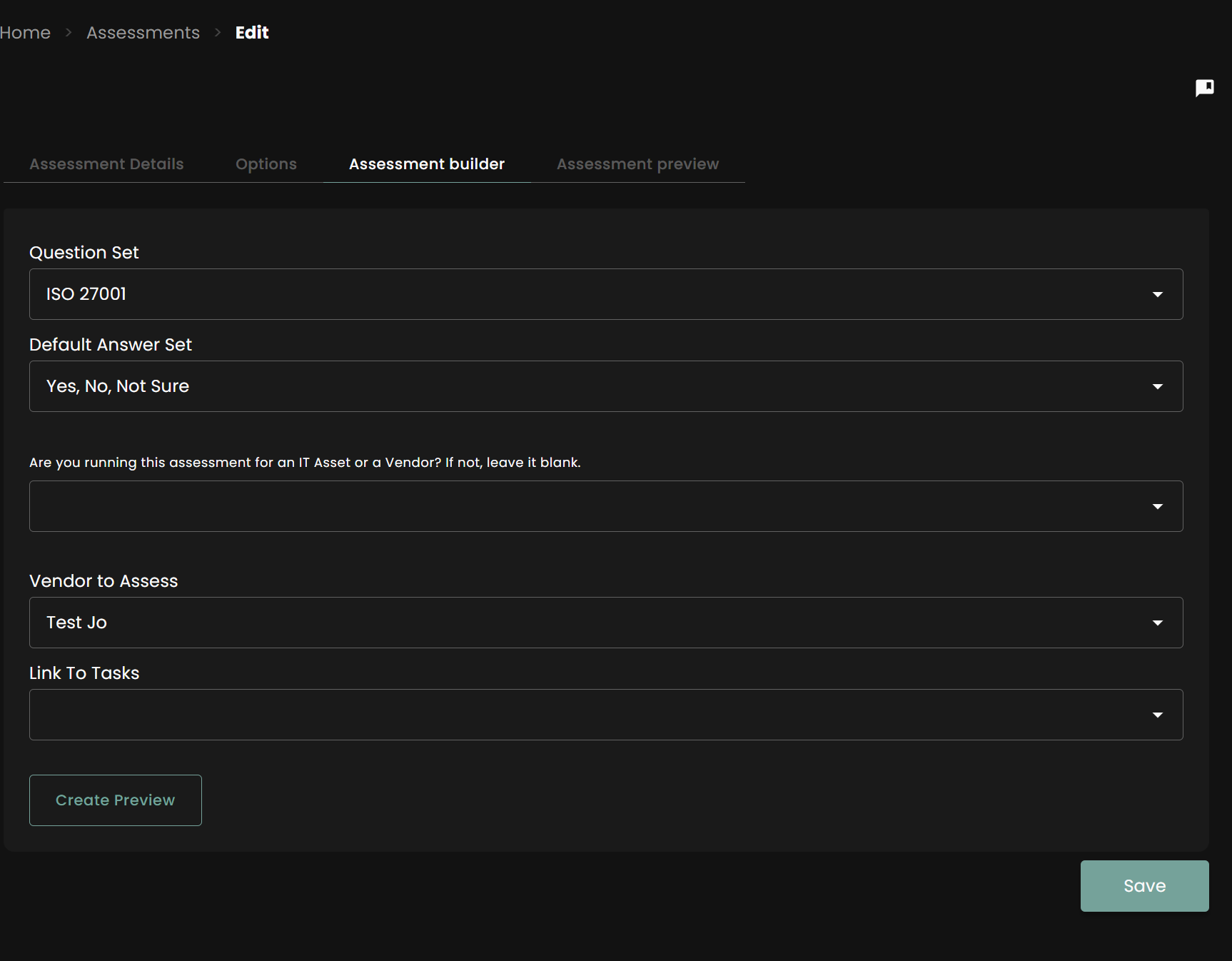
Simplified Branching Logic
If additional questions are required based on a answer to an assessment question, these branch questions and their corresponding answer sets can now be pre-defined and added in the .csv file to be uploaded.
Preview Assessment Branching Logic
We've streamlined the ability to create new assessments with branching and default answer sets. When uploading Question Sets in the global settings of Compyl, you can now use the following columns: Default Answer Set, Branch To, and Branch Question Name. These values will be reflected in the assessment preview.
- Branch To Options include, "Complete", "Question", and "Next Section"
- Default Answer Set Options - The name of any pre-existing Answer Set in your Compyl platform
- Branch Question Name Options - Any Question Name further in the list than the current row you are on. For example, if Question 2 should have an option to Branch, then it must branch to a question in rows 3+.
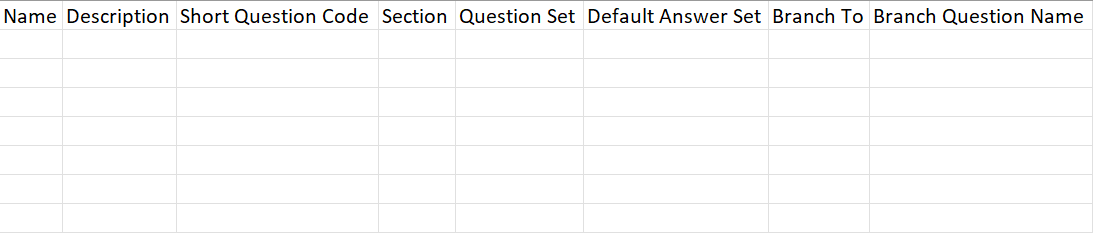
June 11, 2024
Enhanced UI (Including Dark & Light Themes)
Release Notes: User Interface Enhancements
Updated User Interface
We're excited to announce significant improvements to our user interface, designed to enhance your experience and productivity:
Light/Dark Theme
- Toggle between light and dark modes to suit your preference and working environment
- Automatically adjusts based on your system settings or manual selection
Revamped Dashboards and Reports Landing Page
- Streamlined layout for easier navigation
- Enhanced data visualization for clearer insights
- Improved customization options for a more personalized experience
These updates are now live. We look forward to your feedback as we continue to improve our platform.
Utilizes CIS Benchmarks for Better Security
Release Notes: Utilizes CIS Benchmarks
We are pleased to announce that Compyl now supports the CIS Benchmarks, to help you better secure your systems.
What are the CIS Benchmarks?
Many systems ship with default configurations that are not tuned for security. This can leave systems vulnerable to cyber threats. The CIS Benchmarks provide configuration recommendations along with audit and remediation procedures for 100 technologies across 25+ product vendors.
Who created the CIS benchmarks?
The CIS Benchmarks are created through an ongoing consensus process. Subject matter experts (SMEs), technology vendors, public and private community members, and academics from different industries come together in this process to debate use cases and agree upon secure recommendations.
Compyl v6.0 Supports the CIS Critical Security Controls
Compyl v6.0 supports the CIS Critical Security Controls. To harden security controls, each CIS benchmark is mapped to CIS Critical Security Controls. Together, you can audit and implement the necessary controls to strengthen your configurations and reduce the risk of cyber attacks across your infrastructure.
First, you can use the benchmarks to audit any of the 100 technologies in your tech stack to get a real-time view of your current configurations.
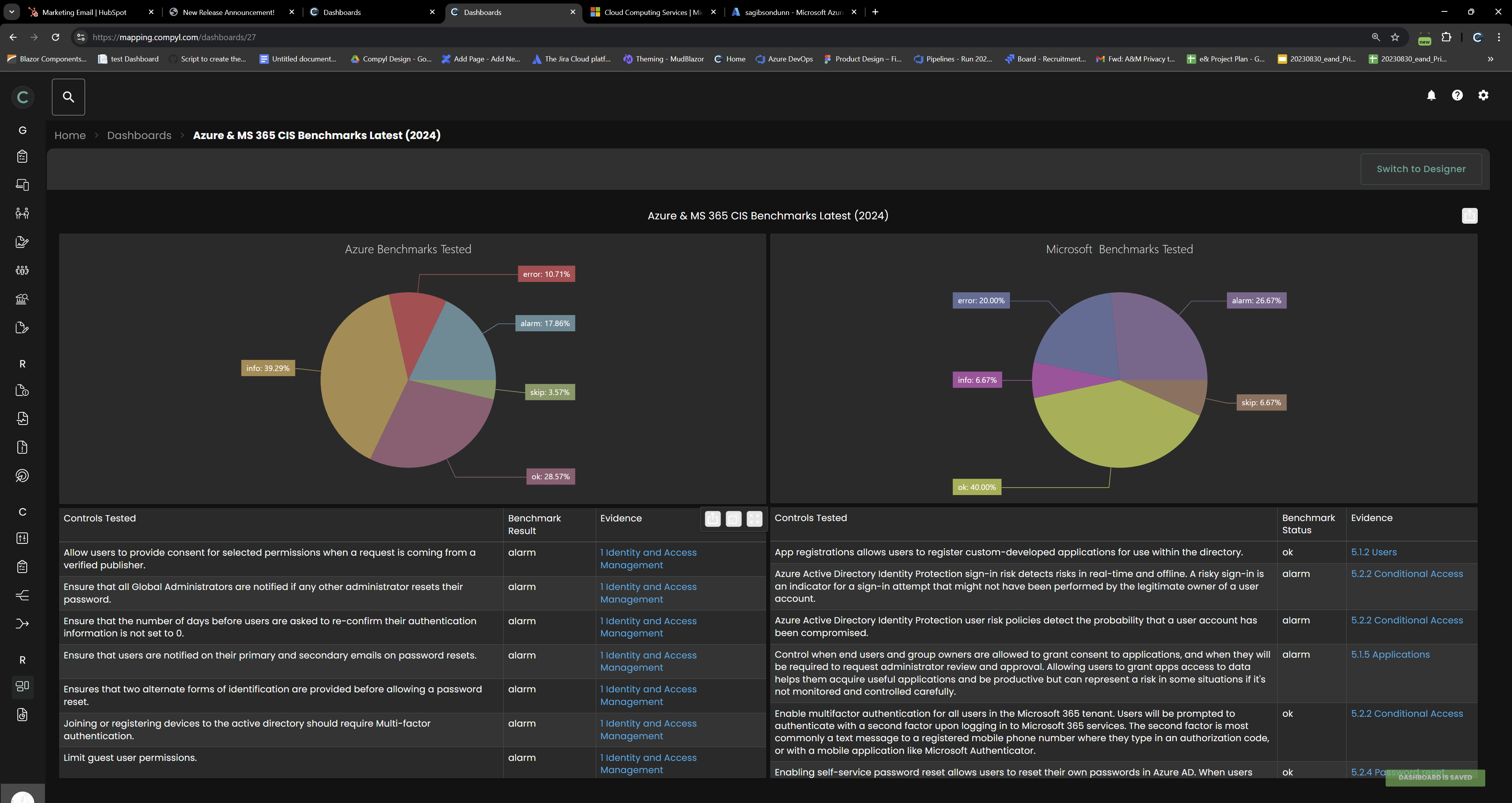
Based on the results, you can easily target the most critical security vulnerabilities and take action. In this example, there is an identity and access management alarm which should be prioritized. With just a click, Compyl will set up and assign a task to remediate this security gap.
Within the task, it will clearly state the specific controls that need to be reviewed and adjusted to align with the CIS benchmark and close the security gap.
Configurable Extension Tables & Custom Data Sets
Release Notes: Configurable Forms
Your GRC and security efforts should reflect the language of your organization to ensure clear meaning and understanding among the cross-functional teams involved in GRC processes. To address this, forms and extension tables are now more configurable so you can better reflect the terminology used across your organization.
Add additional fields to existing forms
Users with Form Builder permissions can now add additional fields to existing forms across all modules including Risks, Vendors, IT Assets, Incidents and Contracts. For example, your organization may want to add a new field under vendor criticality indicating a target compliance score so it can determine the current gap from current to desired state.
Configure User-Added Fields
All user-added fields are fully configurable to show only the pertinent information needed to keep processes running efficiently and smoothly. Fields can be made required to support your process even if the Compyl default is not required.
Fields can also be hidden or deleted to remove extraneous information and to ensure the right information is gathered and utilized in the process.
New Integrations & Supporting Features
Release Notes: New Integrations
Expanded Set of New Integrations
We're excited to announce a major expansion of our integration capabilities. All integrations are developed and maintained in-house without relying on third-party integration tools. This eliminates unnecessary data sharing, reduces risk and further secures your valuable data.
The integration interface has been simplified to allow for easier navigation. Search and sort for the desired integration from the UI and easily identify authentication issues.
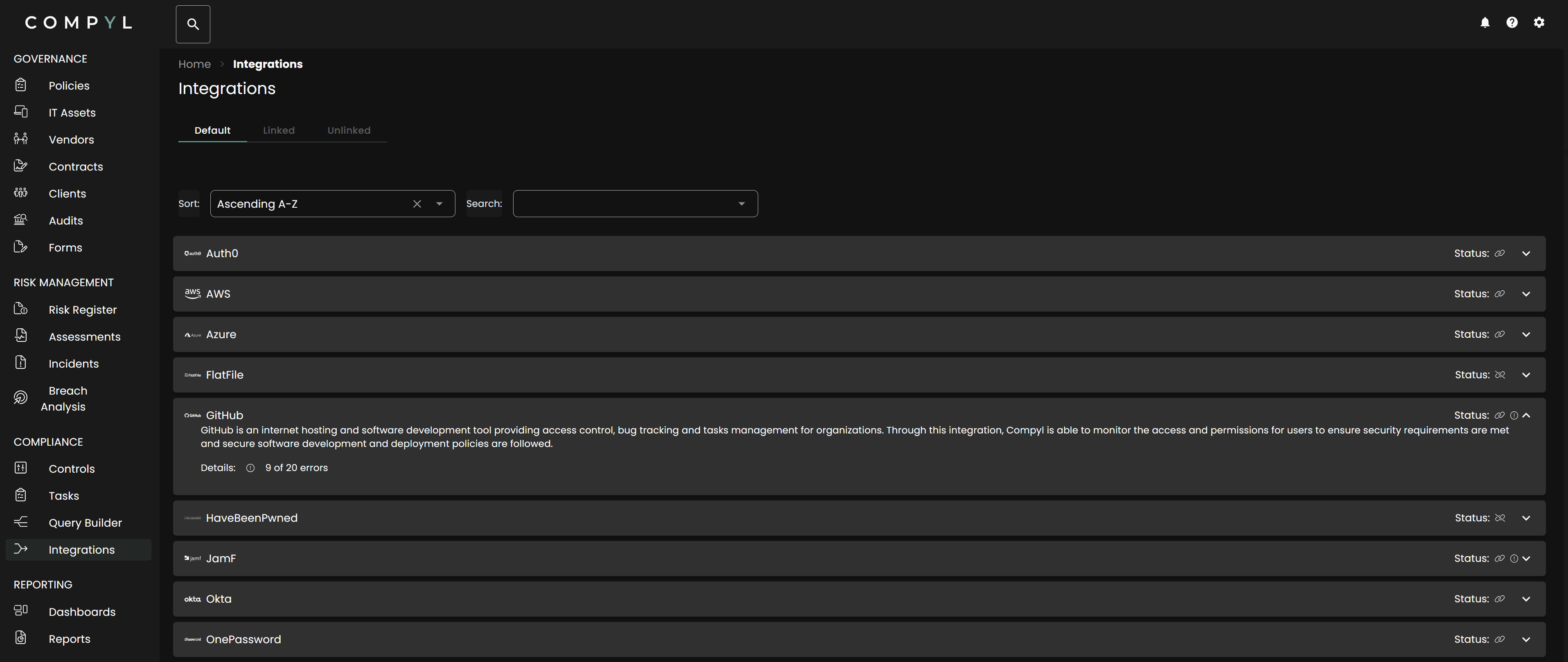
Our platform now supports seamless integration with the following services:
CRM Integrations
- Mailchimp
Database Integrations
- MongoDB Atlas
- Supabase
Enterprise Integrations
- Aiven
- Alibaba Cloud
- AzureDevOps
- BuildKite
- CircleCI
- Consul
- Databricks
- Datadog
- DigitalOcean
- Freshping
- FreshService
- Gandi
- GoDaddy
- Grafana
- Google Directory
- Heroku
- Hetzner Cloud
- IBM Cloud
- Jenkins
- LaunchDarkly
- Linear
- Linode
- Make
- Mastadon
- NameCheap
- New Relic
- Nomad
- OpenStack
- Opsgenie
- Oracle Cloud
- OVH
- Salesforce
- SAP BTP
- Scaleway
- Scalingo
- Sentry
- Shopify
- Snowflake
- Twilio
- Vercel
- VMWare vSphere
- WorksOS
- Zendesk
- Zoom
Financial Integrations
- Baleen
- Stripe
Productivity Integrations
- Clickup
- Trello
Security Integrations
- Cloudflare
- Doppler
- ZScaler
- GitGuardian
- GitLab
- Hashicorp Vault
- PagerDuty
- Splunk
- Trivy
- VirusTotal
- Wiz
Single Sign-On Integrations
- JumpCloud
- Keycloak
- Kolide
- Taliscale
What's Next
We're continuously working to expand our integration offerings. Stay tuned for more updates and new features in our upcoming releases.