
Clients Register
The Compyl Clients Register is a comprehensive tool for managing and organizing your clients and stakeholders
The Client register allows you to keep detailed records of all your clients, classify them based on strategic importance, link related IT assets and contracts, and manage associated tasks and actions.
Compyl centralizes all of your Clients enabling you to easily view, manage, and track the implementation status of each client.
Add a new Client
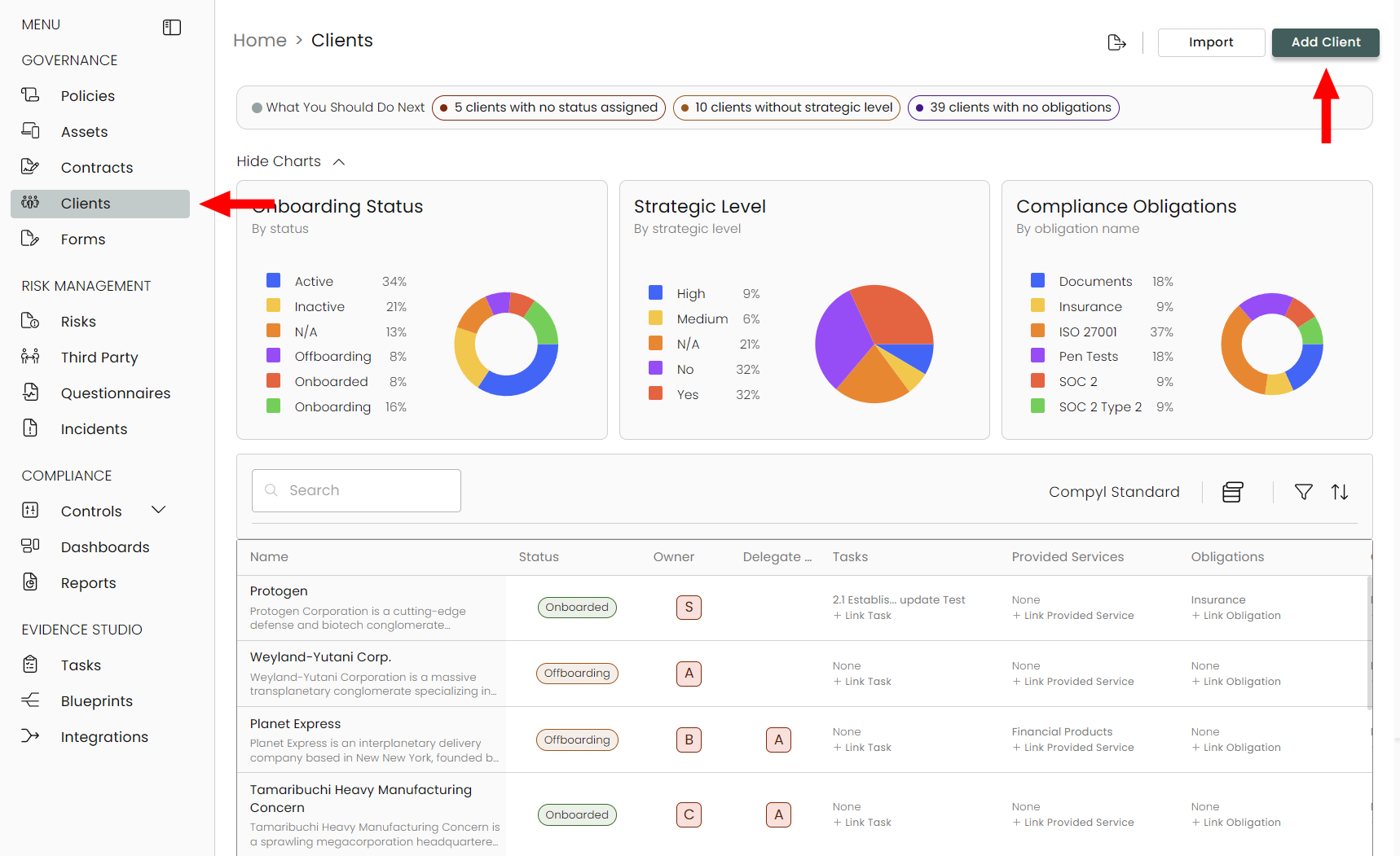
Select Clients from the sidebar on the left-hand side under Governance and then select Add Client.
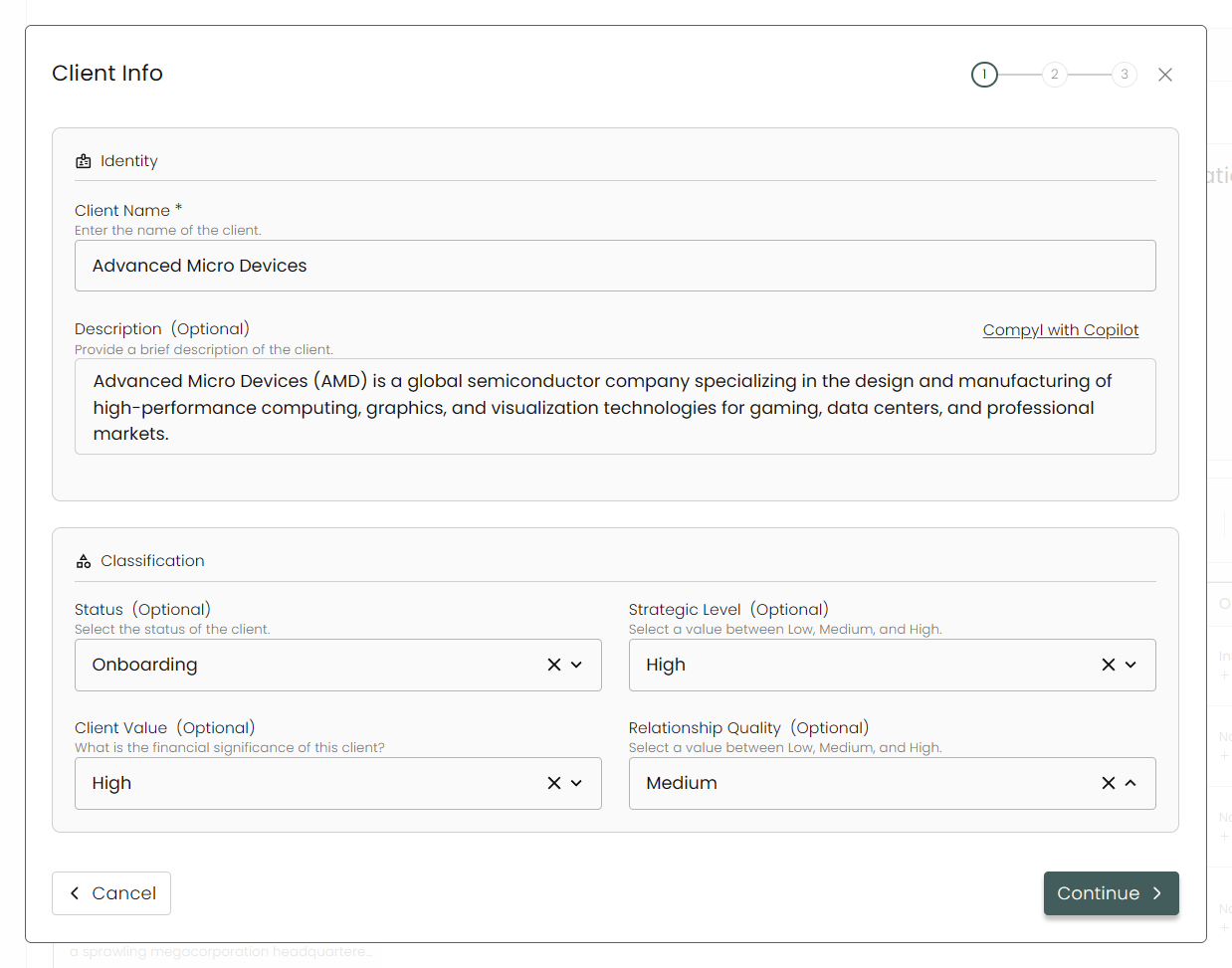
Client Info
This is where any information about the client will be put in as well as any Status, Client Value, and more.
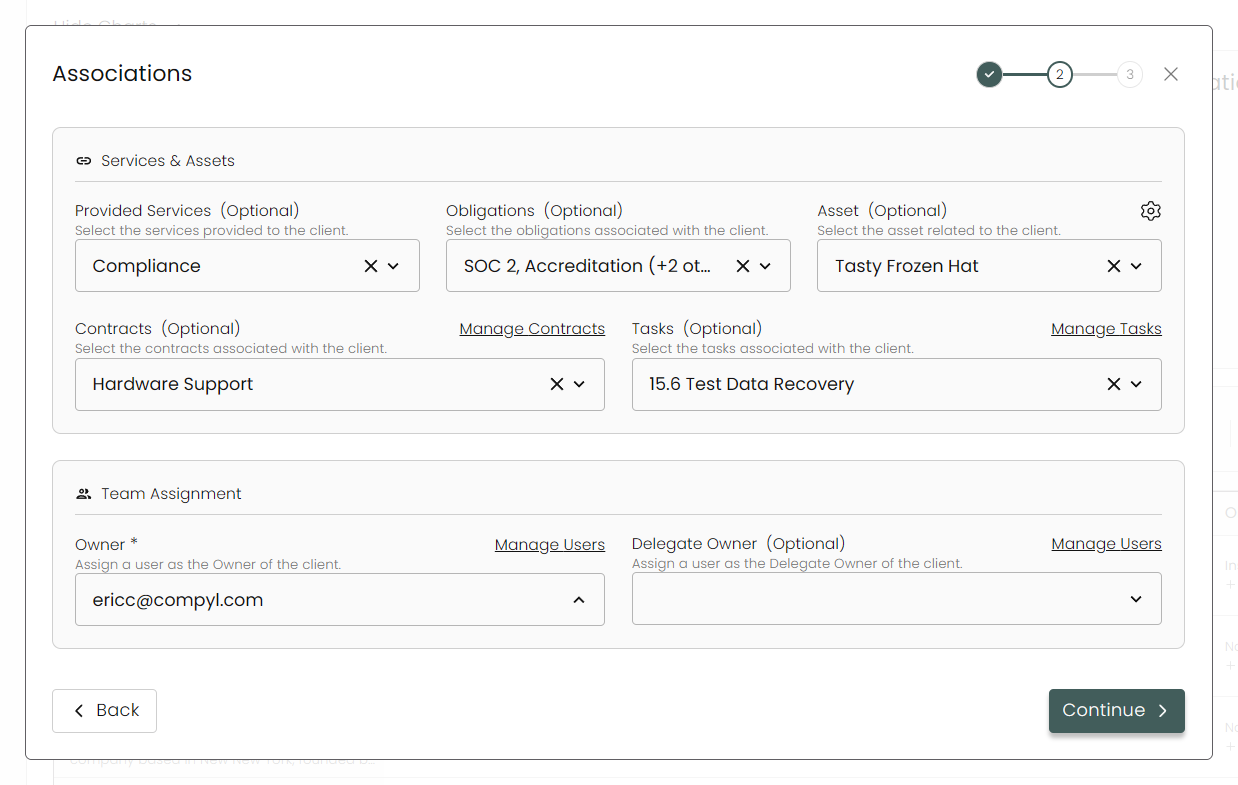
Associations
Provide information on services provided to the client, your obligations, assets, contracts and more. Additionally assign an Owner as well.
For additional information on how to create Assets and Contracts, please view the Assets and Contracts articles.
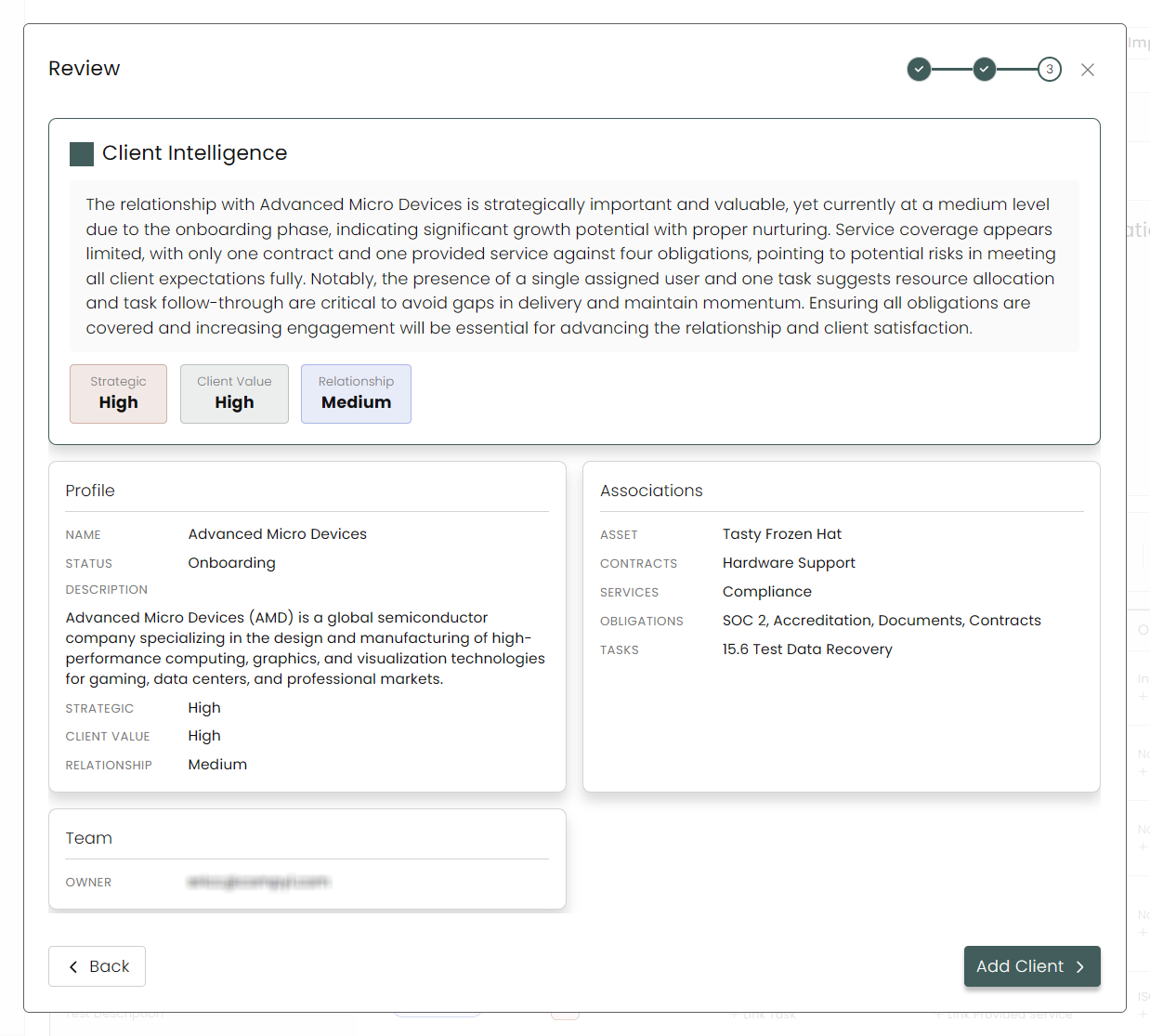
Review
Make sure all of your details are correct and then click Add Client when satisfied.
Your added client should now appear in the grid.
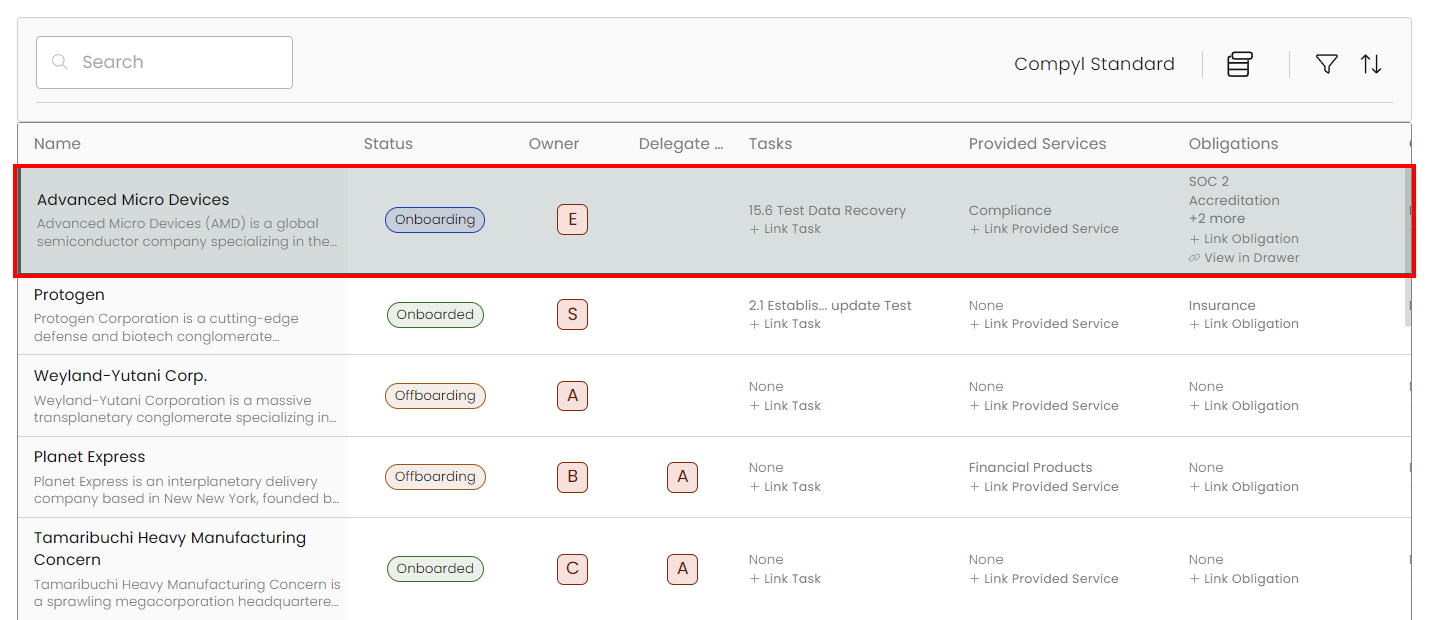
Importing Clients
To import a list of clients, click on Import and download the Sample Template. Follow the provided instructions and drag-and-drop the updated CSV to the window.
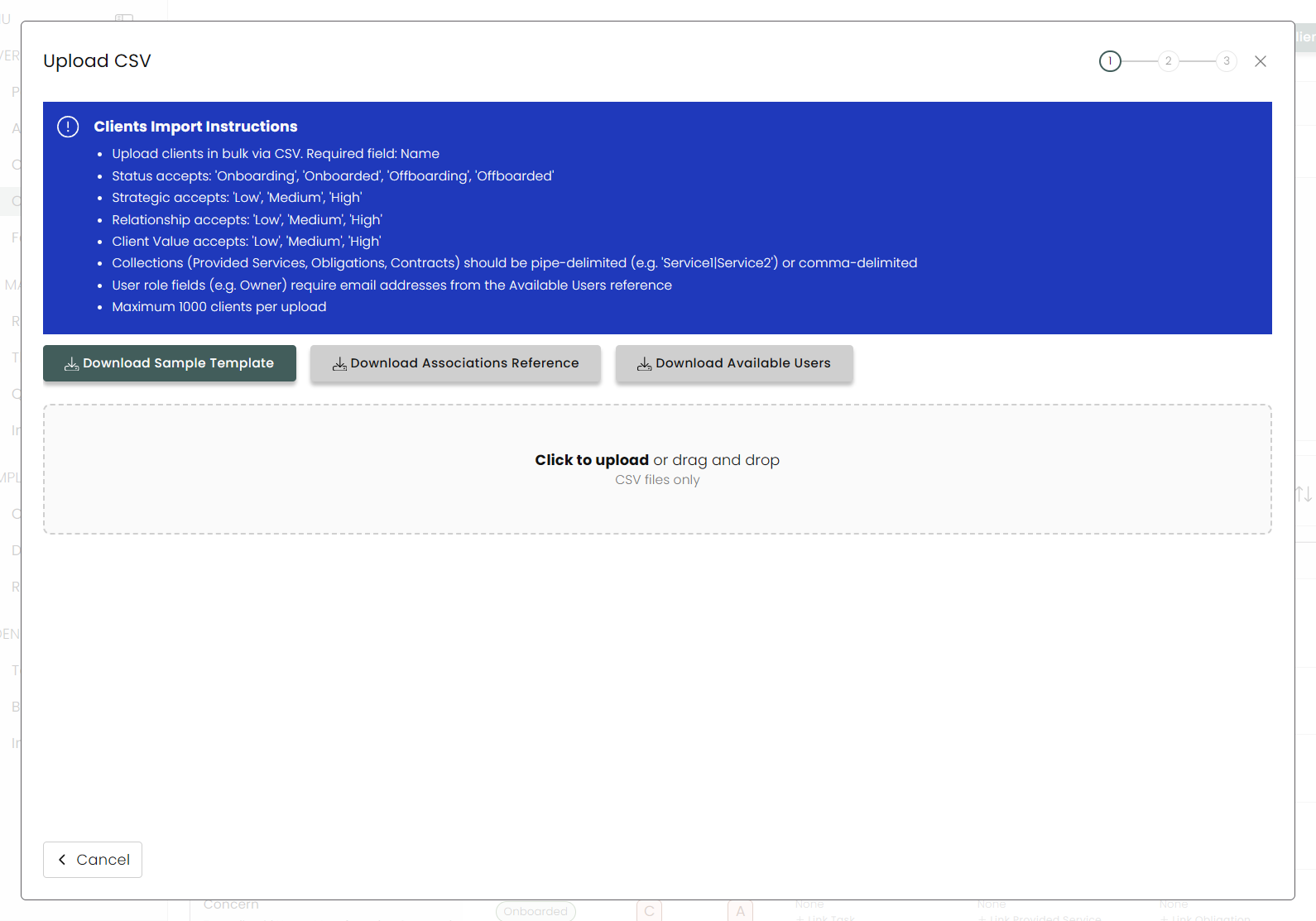
You can see our detailed instructions on importing via CSV for all modules in this article.
Viewing and Editing a Client
Click on any client to view its details, including all of the associated tasks, assets, obligations and more.
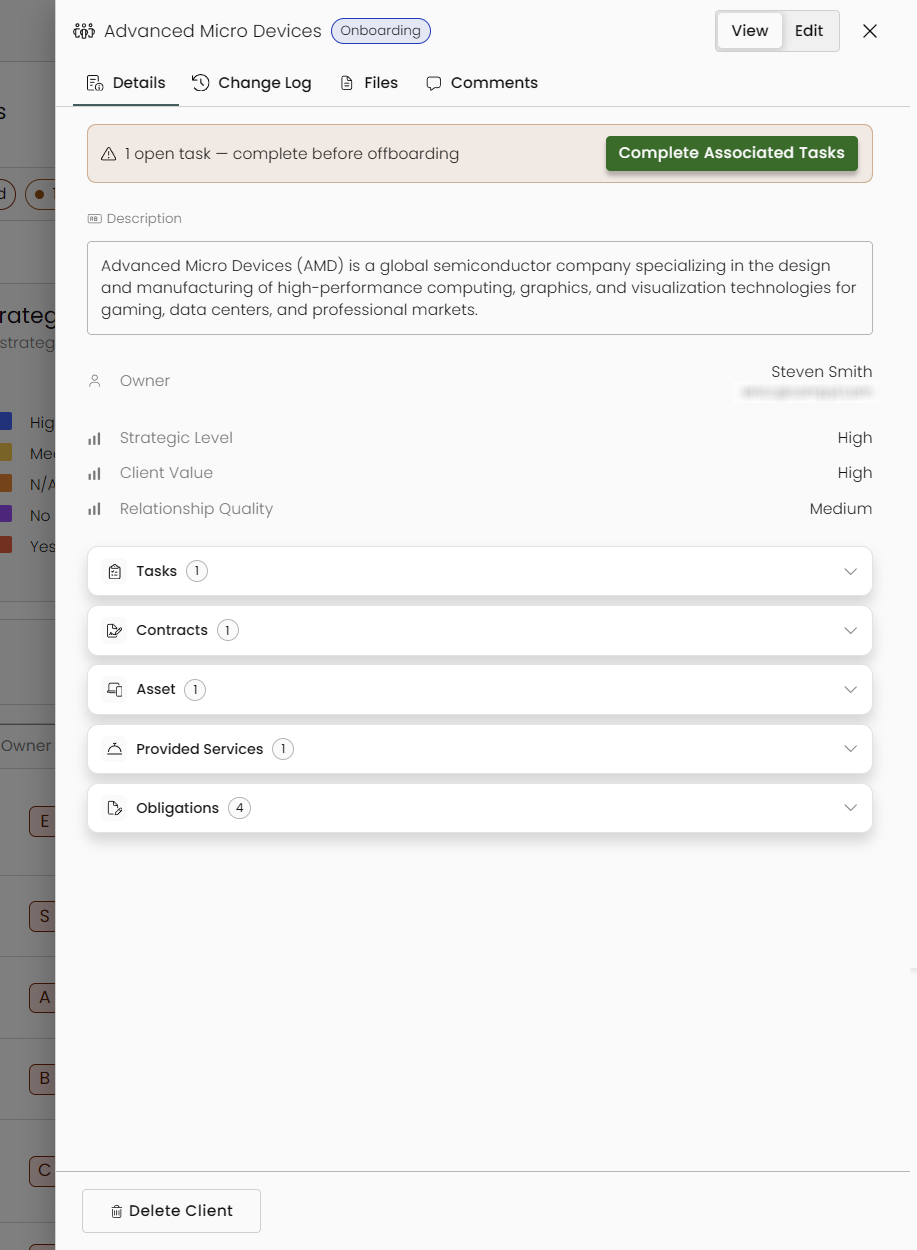
Any associated tasks that are still open will show here, including links to go directly to them for completion.
Additionally, you can view the client's Change Log, associated Files, and the Comments.
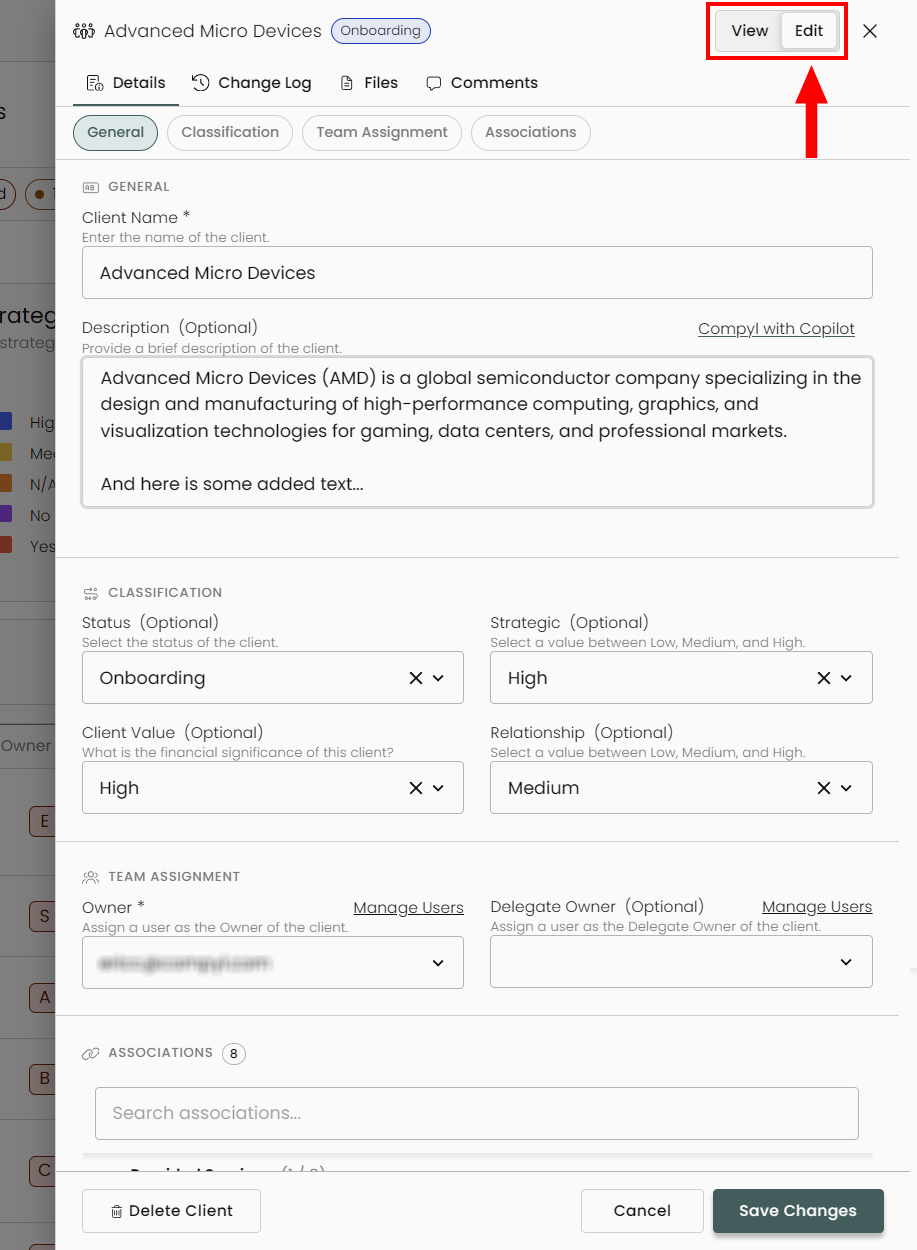
Clicking on Edit will allow you to modify those details in a similar fashion as when it was added.
Updated 8 days ago