
ClickUp Integration
The ClickUp Integration allows users to query their ClickUp data using SQL, helping teams manage tasks, lists, goals, and other resources efficiently.
Generating your API Token
-
Log in to your ClickUp account.
-
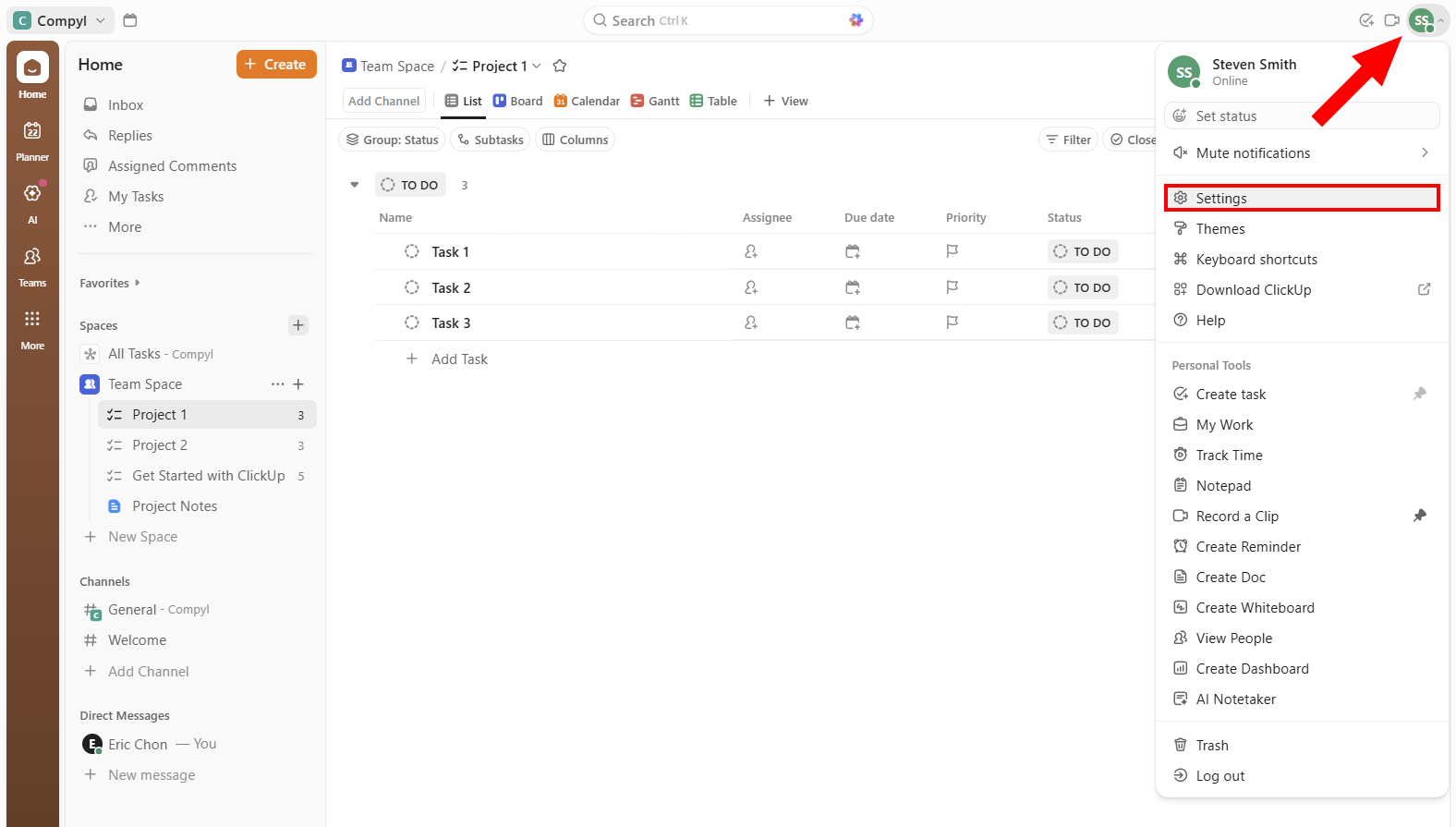
Open Your Account Settings by clicking on your profile picture in the top-right and selecting Settings.
-
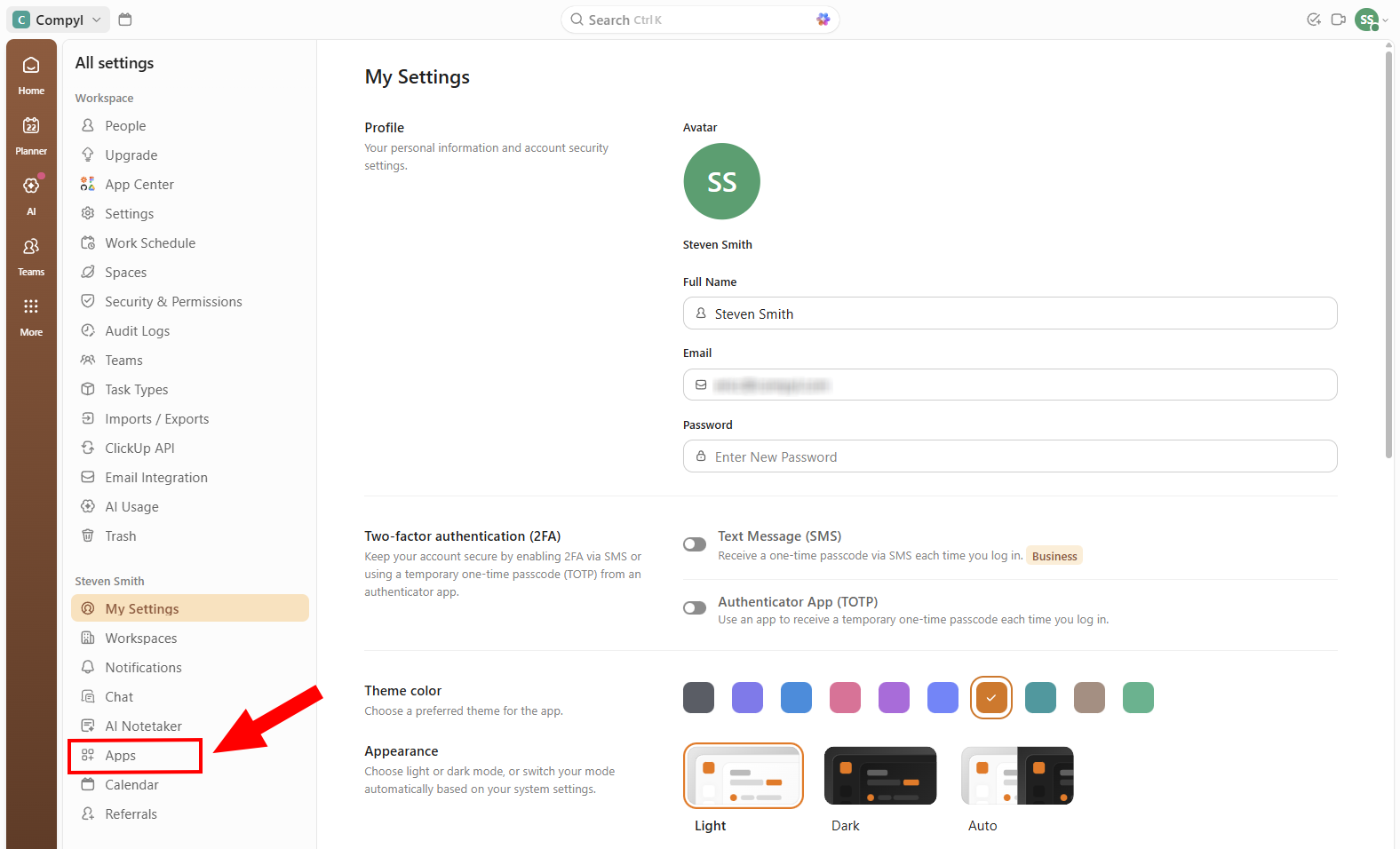
Next, click on Apps from the menu on the left.
-
Scroll until you see API Token and click on Generate. A token will appear on the screen. Copy the token and save it in a secure place.
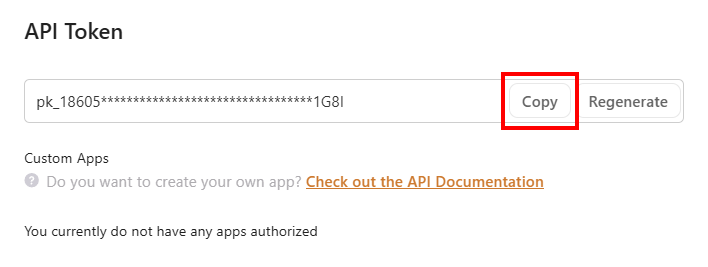
Important- If you navigate away from this screen, you will no longer be able to copy the API Token and must regenerate it.
- If you generate a new token, any old token will stop working.
Add Configuration
-
Navigate to the Integrations tab using the left-hand menu, and select ClickUp.

-
Click the Add Configuration button and fill in the details below:
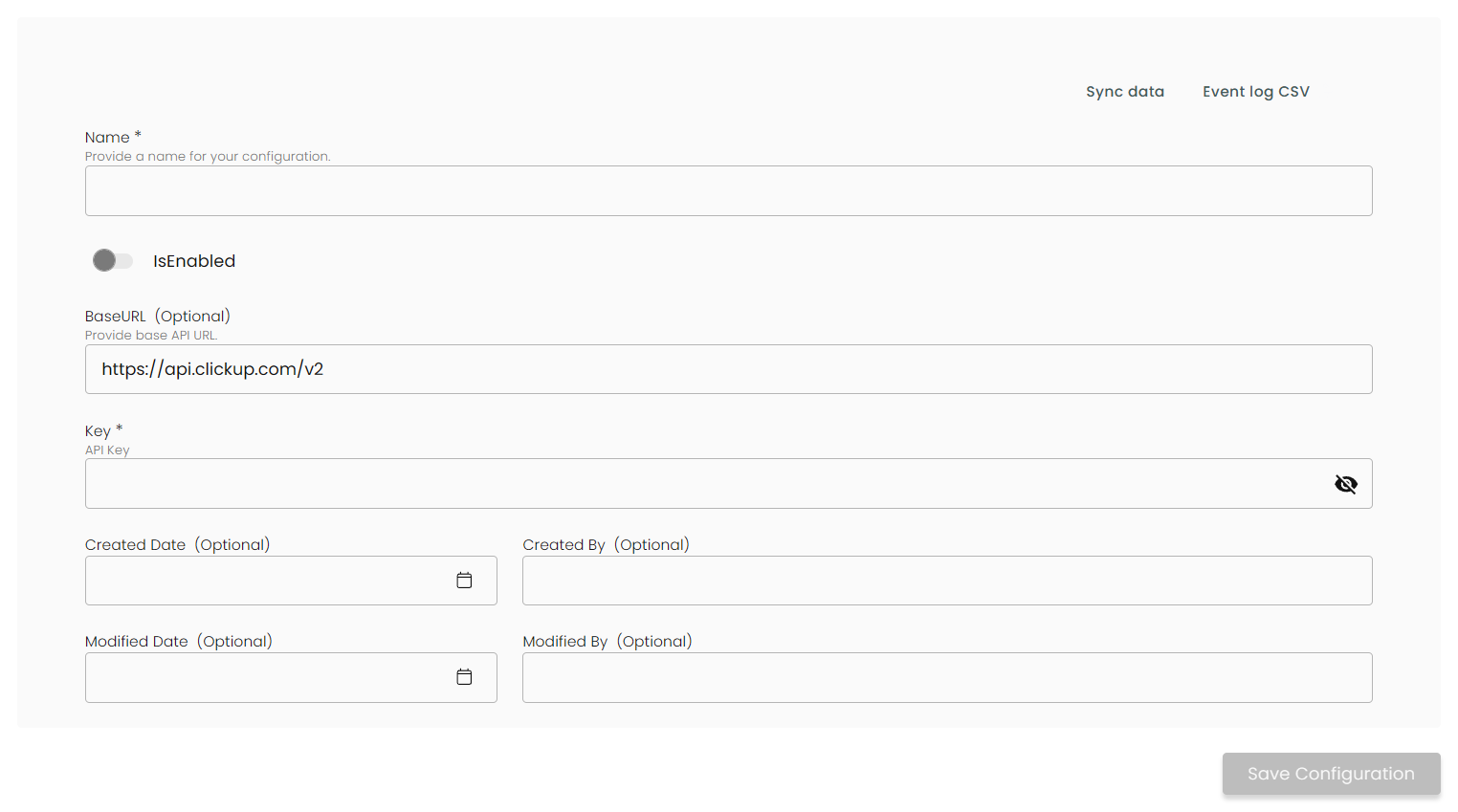
Name: Enter the name of the integration.
is Enabled: Toggle button to ensure data is populated into Compyl.
Base URL: This is automatically populated as https://api.clickup/com/v2.
Key: The API Token you generated above .
Once you have completed filling out the form click Save Configuration.
You'll know the integration is successful if the status updates to Complete.
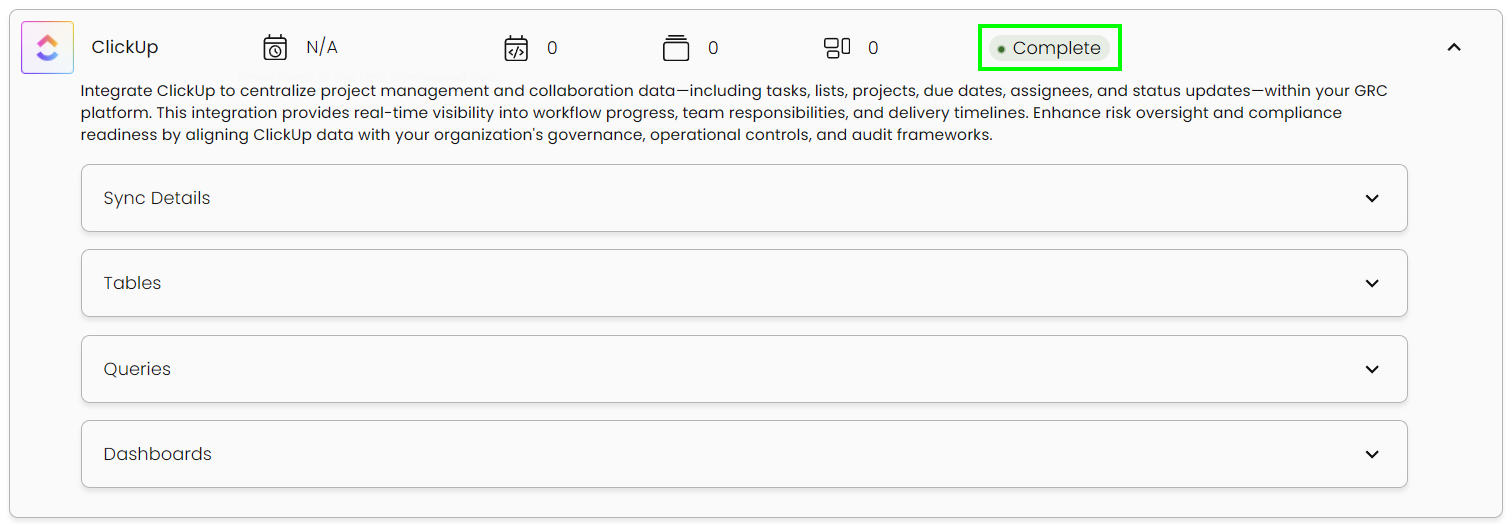
This integration syncs daily.
To query the data from the integration, refer to the Query Builder article.
Updated 2 months ago